Credential skills
Show the skills behind each credential
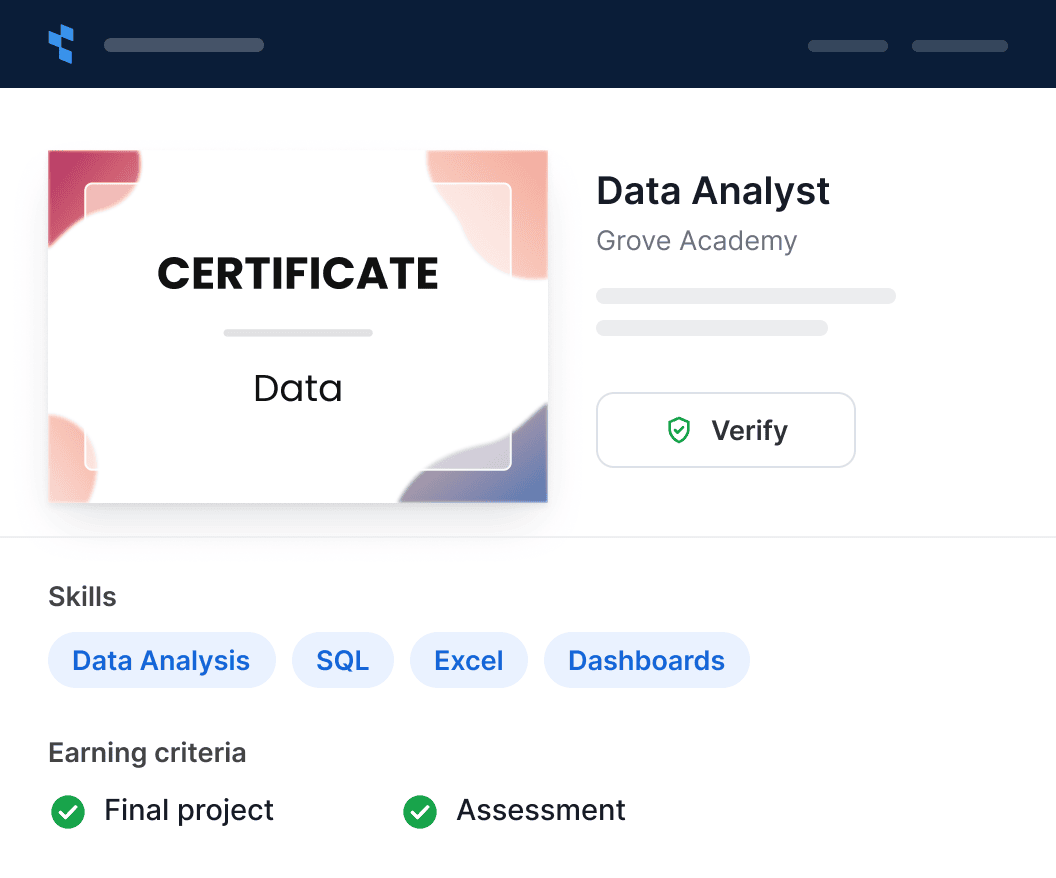
Add skills and earning criteria from your program details to each certificate, badge and document. Align skills to a recognized framework, and build learning pathways from skill badges.


2,000+ organizations and institutions use Certifier




ElevenLabs
ElevenLabs powers its conversational AI partner certification program with Certifier.
View credentials

The Economist
The Economist uses Certifier to award 2,000+ certificates for courses in AI and critical thinking.
View credentials

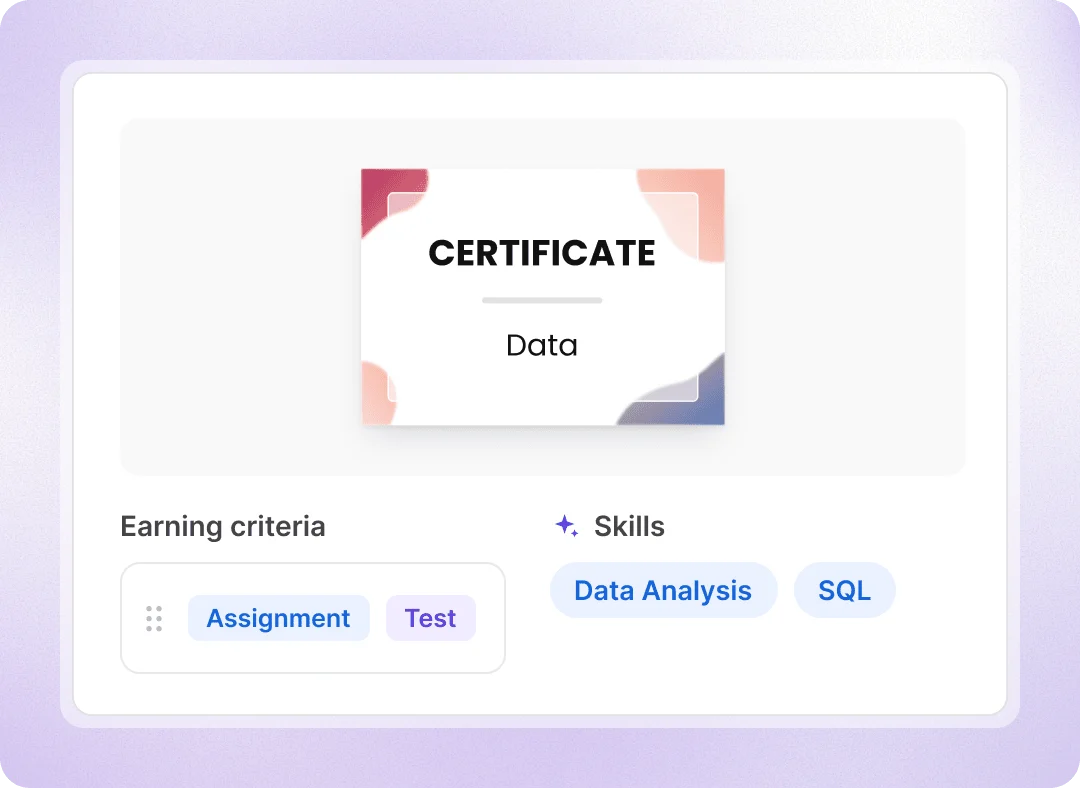
AI skills and earning criteria
Generate skills from your program details by AI
Turn the program content you already have into a skill list and earning criteria with AI. Each earning criterion has a type, such as an assignment, a test, watching course content, participation or an assessment, and a description of what recipients need to do to earn the credential.
Start with a program description or webpage URL
Review, edit or add skills and earning criteria
Skills pathways
Keep a different skill set for every certification program
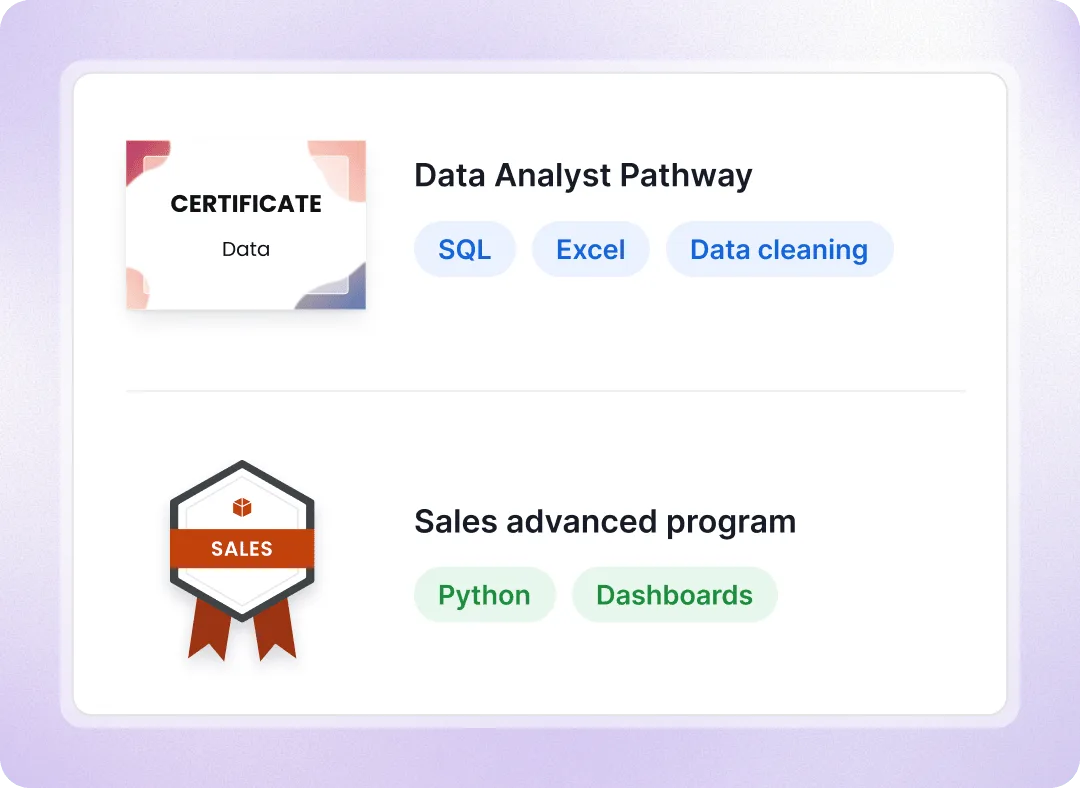
Set skills on the each course. Connect badges from different modules in a learning pathway. Once a recipient earns all the required badges, Certifier automatically issues the completion credential.
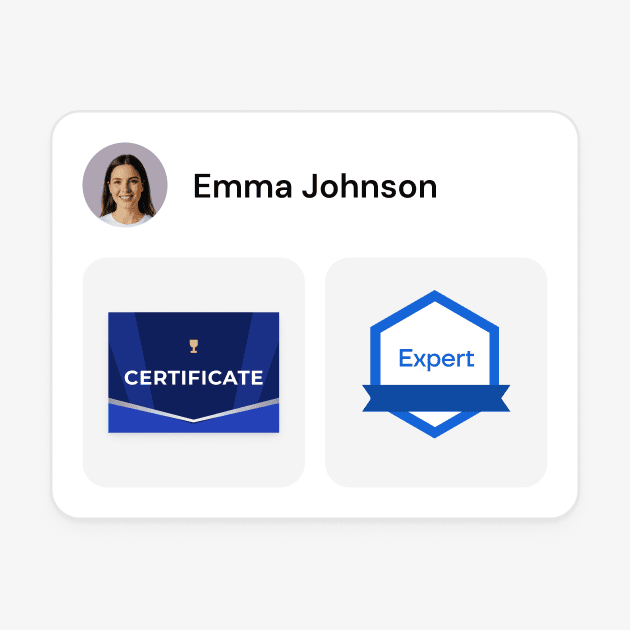
Show what recipients did to earn each credential
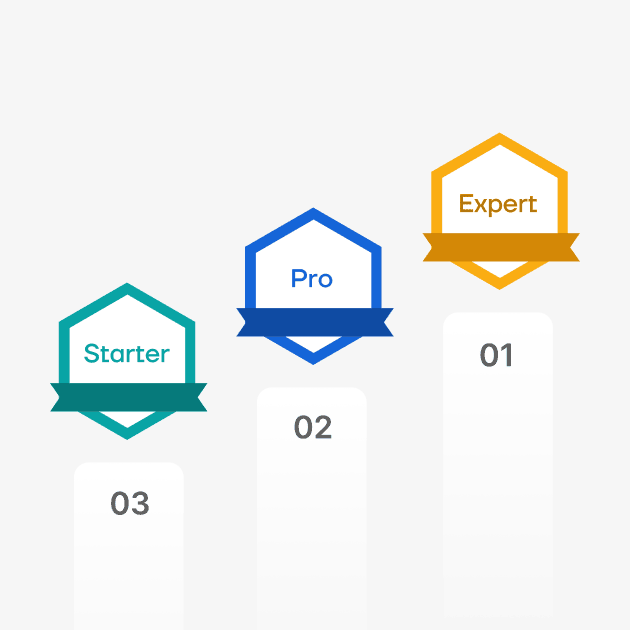
Set a level, from introductory to professional
Recipients see completed steps and what’s left in the pathway


Help employers understand the skills behind credentials
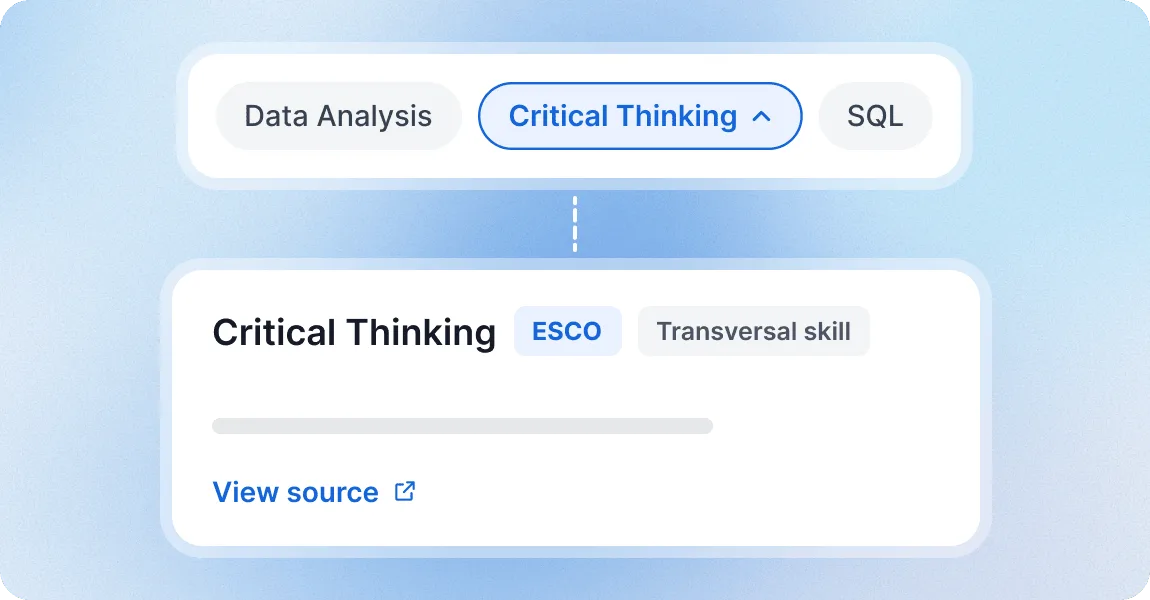
Align skills to O*NET, ESCO or NACE, or bring your own
Ask our team to align your credential skills with a recognized framework or upload your own. Each skill displays its definition and source on the credential page, helping employers worldwide understand it.
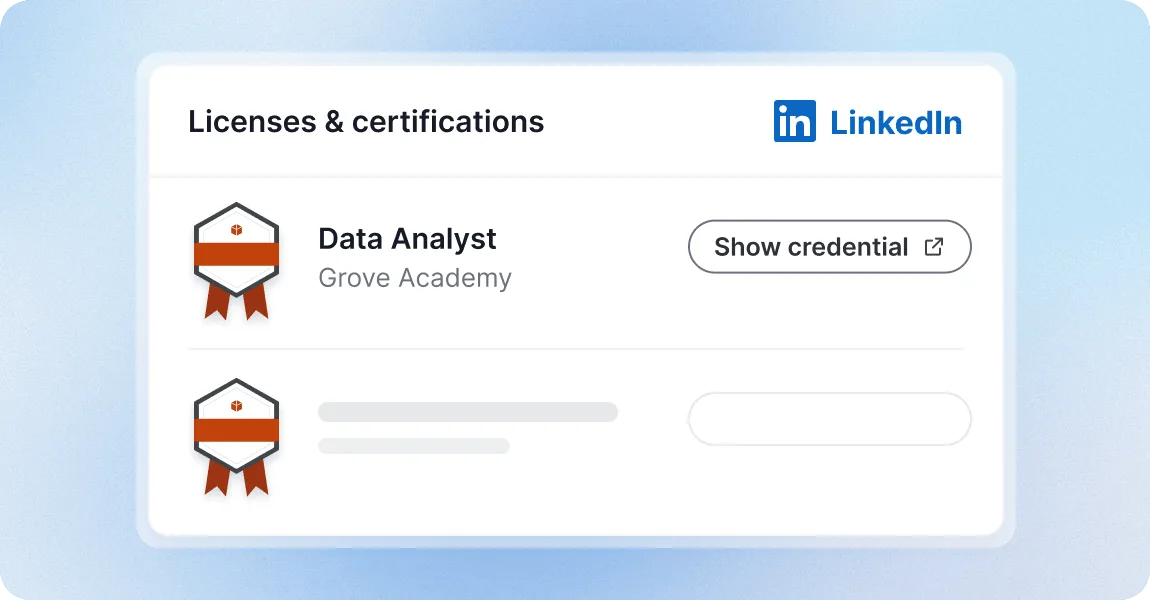
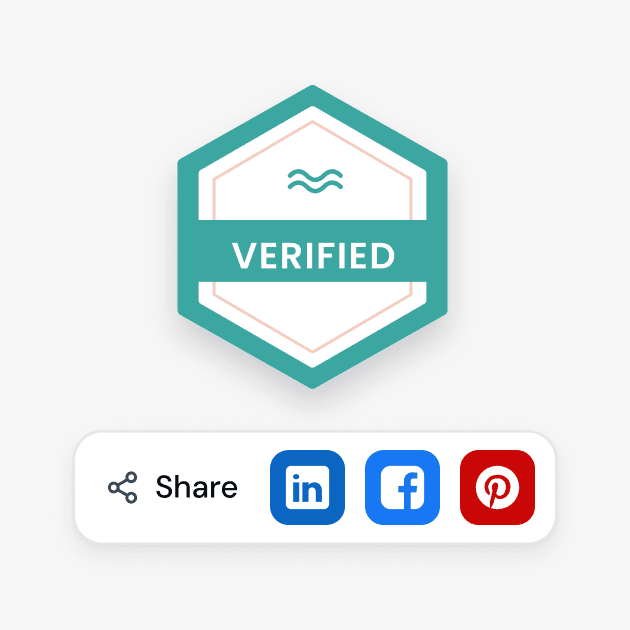
Let recipients share their credentials on LinkedIn and in job applications
Add to LinkedIn profile creates a Licenses and Certifications entry that links to the credential page, where the skills are listed and the credential can be verified. Recipients can add the same link to their resume.
Showcase skills with a credential platform teams trust
G2 recognized Certifier as 2026 Leader in digital certificate and badge management for all teams.
Best for Enterprise
Best for Mid-Market
Best for Small Businesses