

Trusted by:
University of Southern California
Warner Bros.
Volvo
Amazon
Stanford University
Updated: September 11, 2026
18 min read
Badges validate skills and open doors, but some digital platforms lag behind, buried in outdated steps. Want a smoother experience? This article provides an in-depth overview of top digital badge platforms, detailing their features, advantages, disadvantages and pricing.
Research with AI:
You decide to start issuing digital badges. Maybe it’s for an online course, a corporate training program or a certification initiative. You picture recipients proudly sharing their badges on LinkedIn and using them to prove their skills.
Then reality hits. The platform you picked feels like it was built for software engineers, not busy professionals.

Setting up a badge takes forever
Sharing options are clunky
Verifying a badge requires jumping through hoops
There's little to no personalization
Instead of celebrating achievements, you’re stuck troubleshooting.
A digital badge should be easy to issue, simple to verify and rewarding to share.
But that only happens when you choose the right digital badge platform. Some tools focus on automation, others on branding, or on enterprise badging, and some try to do everything but fall short where it matters.
If you’re looking for a platform that fits your needs – without the hassle – this guide breaks down the best options.

A digital badging platform is software used to issue, send and manage digital badges online. It allows organizations to award badges to learners or employees to recognize skills and achievements.
Top platforms connect directly to your existing tools, like learning management systems or customer success software.
With a reliable digital credential platform, you save time and give your badge recipients a smooth process from start to finish.
Digital badge platforms (like Certifier) typically include:

Quick badge verification
Automatic badge issuing
Detailed analytics to track learner progress
Easy badge sharing options for social media
Simple tools to quickly create and issue badges
Curious which digital badge platforms lead the market? Watch our short video and find the best fit for your organization:
Now, if you're ready to pick a platform that fits your needs, here are seven excellent digital badge implementation and management options.
Name | Category | Best Suited To | Open Badges | Earner Needs An Account | Price Published | Entry Price |
|---|---|---|---|---|---|---|
Certifier | Issuing platform | Teams wanting automation and branding without setup overhead | 3.0, vendor-stated | No account needed, delivered by email | Yes | Free for 250 credentials/year |
Accredible | Issuing platform | Universities and certification bodies with recipient-based volume | 3.0 and 2.0, 1EdTech certified as Issuer | Account auto-created at issuance | Entry tier only | From $45/month, 50 recipients |
Credly | Credential marketplace | Large programs prioritizing network reach over customization | 3.0 and 2.0, 1EdTech certified as Issuer | Yes — earners claim in a Credly account | No | Contact sales |
BadgeCert | Issuing platform | Associations and training providers focused on verification | 3.0, vendor-stated | Yes — earner portfolio | No — quote by volume | Contact sales |
Open Badges | Technical standard | Not applicable — this is the specification, not a product | 3.0 is the current version | Not applicable | Free and open | No cost |
Open Badge Passport | Earner wallet | Individuals collecting badges from multiple issuers | 3.0 and 2.0, 1EdTech certified as Displayer and Host | Yes — free account | Yes | Free |
Certif-ID / CredSure | Credential marketplace | Organizations pairing credentials with a talent pipeline | Standards compliant, not specified | Yes — recipient profile | Entry tier only | From €45/month, 1,000 credits |
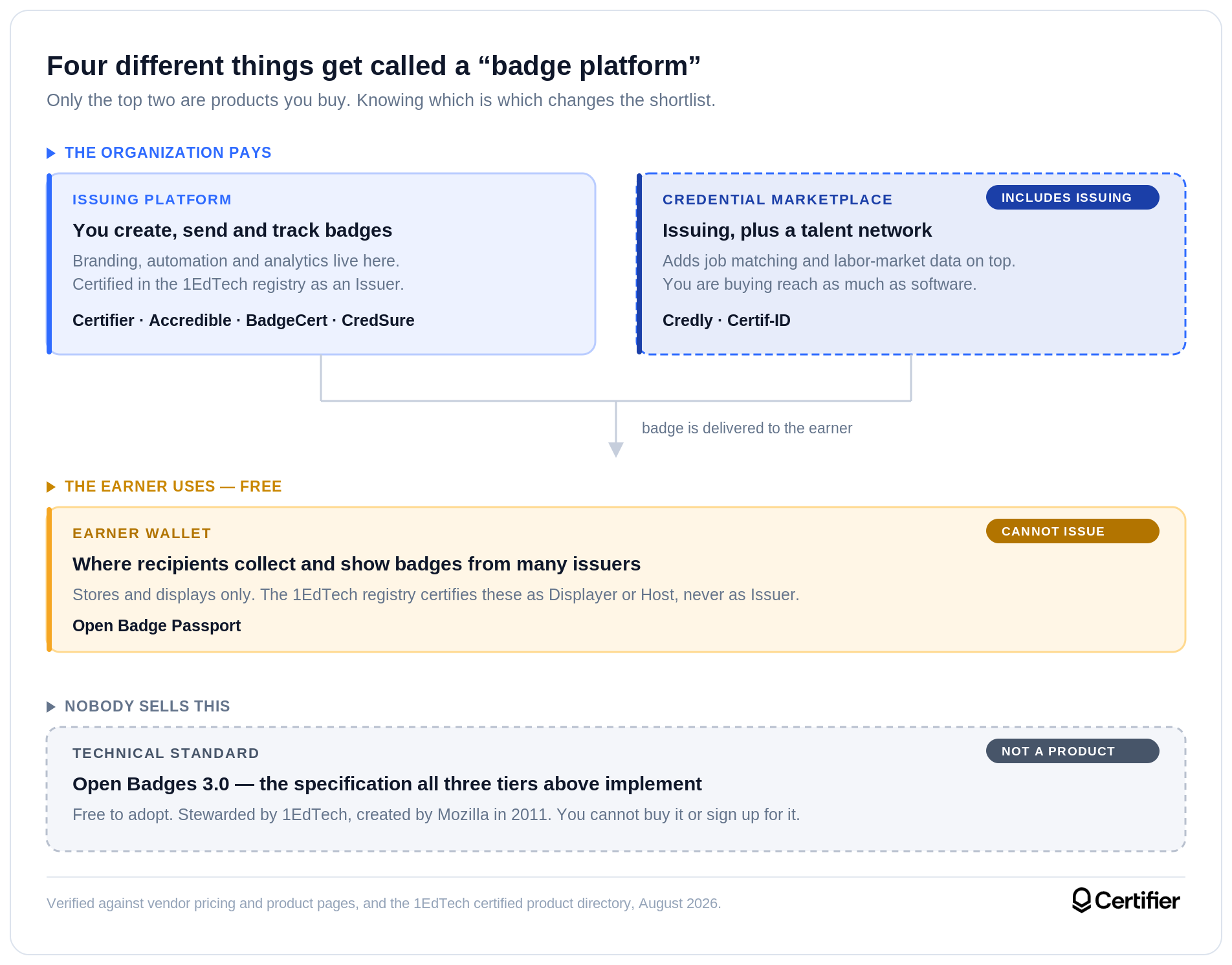
What qualified for inclusion. Tools that made this list are actively marketed for issuing, storing or standardizing digital badges, are available to organizations outside a single country or sector, and publish enough public information to be described accurately. We deliberately included one technical standard and one earner wallet alongside five commercial platforms as buyers routinely encounter all three types in the same search and the difference between them is rarely explained.
How we categorized each tool. We sort the seven into four categories — issuing platform, credential marketplace, earner wallet, and technical standard — and we apply those consistently in the diagram, the table and the write-ups. Each one is supported by how the organization describes itself: Credly calls itself a network rather than a platform, Open Badge Passport calls itself a service for receiving and storing badges, and 1EdTech calls Open Badges a specification.
What we checked and where. Pricing, plan limits and feature availability were taken from each vendor's own pricing and product pages, not from review-site summaries or our own previous articles.
What we could not verify. Credly and BadgeCert don’t publish prices and both route to a sales contact page instead. Certif-ID publishes an entry tier under its CredSure product website but quotes its higher tiers on request.
Our position. Certifier is one of the platforms on this list. We’ve tried to describe competitors from their own public materials and to be specific about what we cannot confirm. This isn’t an independent review and you should read it accordingly.
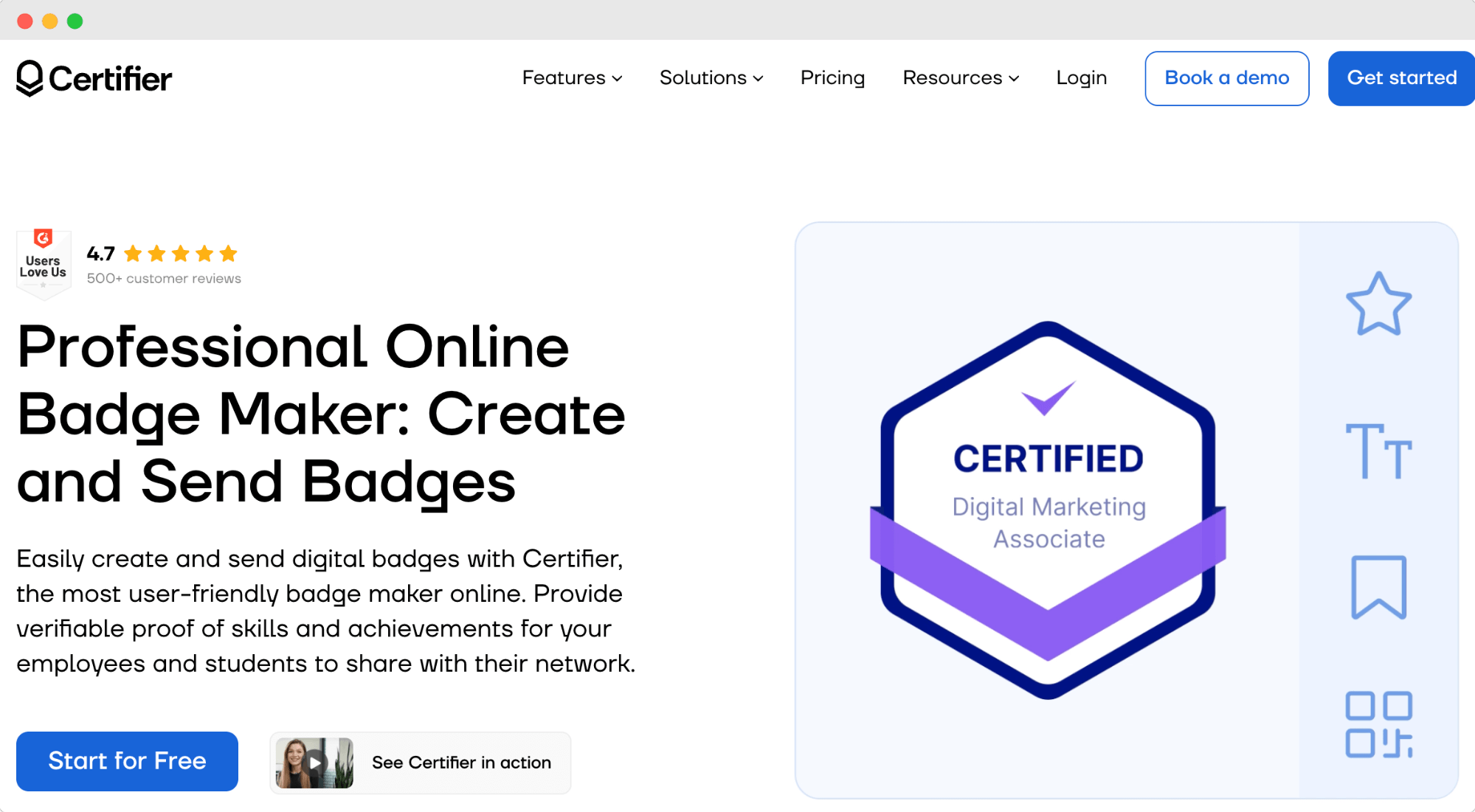
Certifier is a digital badging platform built for creating and managing badges online without extra hassle.
You can create digital badges quickly, send them directly to learners, then track results immediately. It’s handy if you're running training programs, online courses, handling employee certifications or simply need to issue digital certificates and badges.
Certifier also makes it easy for learners to share badges on professional profiles or social media.
Decent digital badge platforms focus mostly on management and automation — and Certifier is strong in both areas. It helps you keep track of badges you've already sent out or easily respond if someone has questions.
For internal programs, see how to issue digital badges for employees with the right platform setup, badge rules, verification flow, and sharing options.
Below are the most critical features of Certifier for badge management.
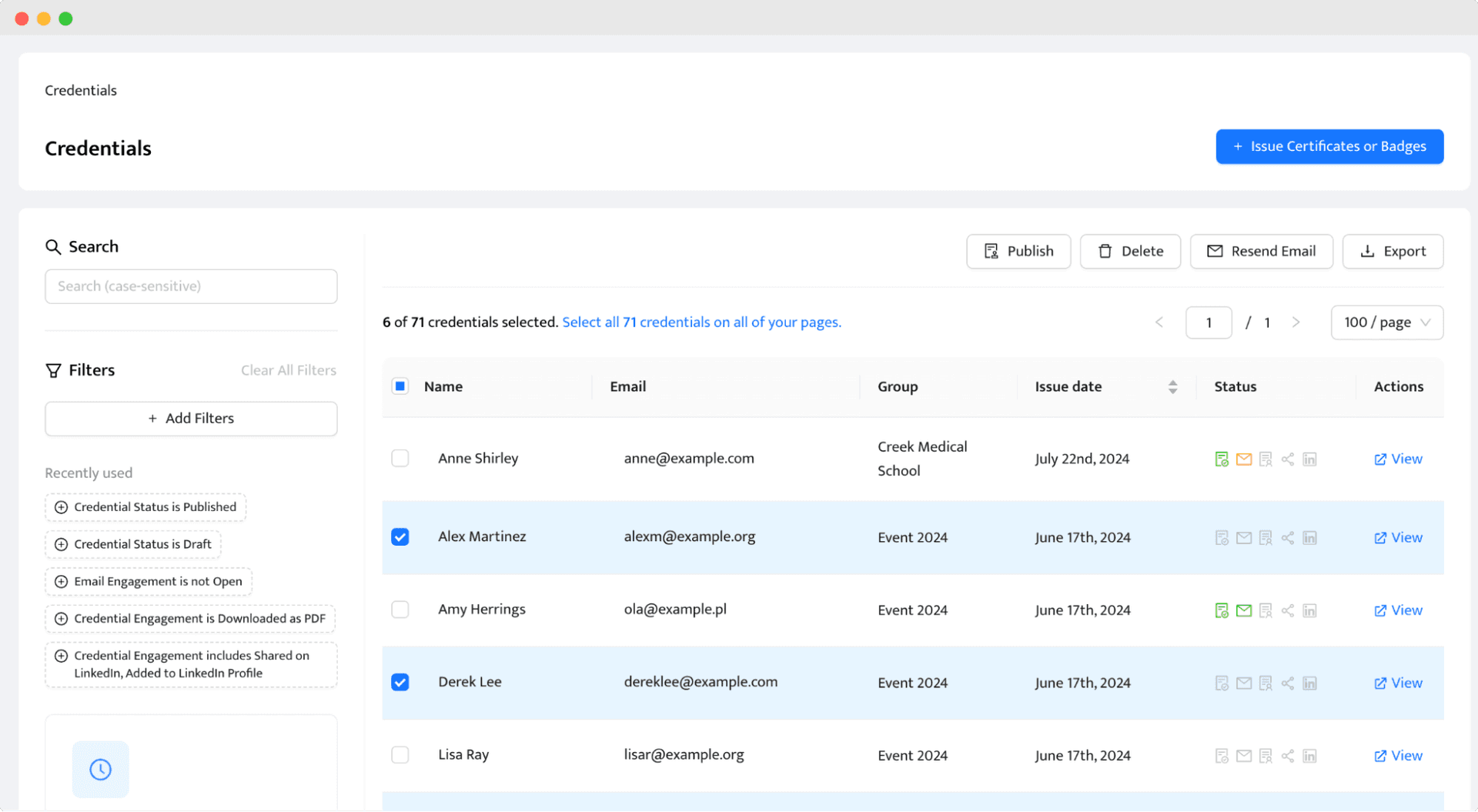

You can issue badges automatically to save time and avoid mistakes. Just import your recipient list from the spreadsheet, and Certifier does the rest.
Badge verification takes one click, letting badge beneficiaries quickly prove their skills to employers or other training providers.
Certifier supports the Open Badge Standard 3.0, which allows recipients to operate within the Open Badges ecosystem.
Also includes clear analytics so that you can track badge status, results, learner progress or overall program growth. You can see who's engaged or who might need extra help.
Badge sharing is easy. Certifier prepares default captions for badge receivers to post their achievements to social media or professional networks quickly.
Certifier has a built-in digital wallet, which allows recipients to store and access all their earned badges in one place. Perfect for managing credentials and sharing them when needed.
Certifier connects to 46 tools, including native integrations with Canvas, Moodle, Salesforce, HubSpot, Airtable, Zoom and Eventbrite.
It also has easy-to-use badge templates and a simple badge creator, so anyone on your team can create badges fast.
Certifier makes it easier to handle badge programs, so you can focus on growing your audience and recognizing achievements.
Certifier also works through AI assistants. The Certifier MCP lets you create, correct, resend and verify credentials by prompting Claude or ChatGPT directly, without opening the dashboard.
Users have shared positive feedback regarding Certifier's badge management capabilities.

One user highlighted the platform's intuitive interface and quick onboarding process "[...] creating and delivering badges for my training could not have been easier. I didn't need to read any instructions or watch any videos - it just worked exactly like you would think. Thank you!" G2
Customers also appreciate Certifier's ease of use and time-saving features. One reviewer noted, "The Design tool is easy to use and the step-by-step guide makes the whole process of issuing digital badges seamless." G2
Another user shared, "Creating the badge is really quick and easy to do. It works similar to Canva, so it's super intuitive." – G2
Certifier holds a 4.7 rating across 500+ G2 reviews and is listed as a G2 Leader in Digital Credential Management.
The Issuer’s Portal is Certifier’s strongest tool for managing digital badges. It gives you full control over issued badges, making it easy to track activity and handle recipient requests.
Badge earners see their credentials in one place — and you can monitor how they engage with them.
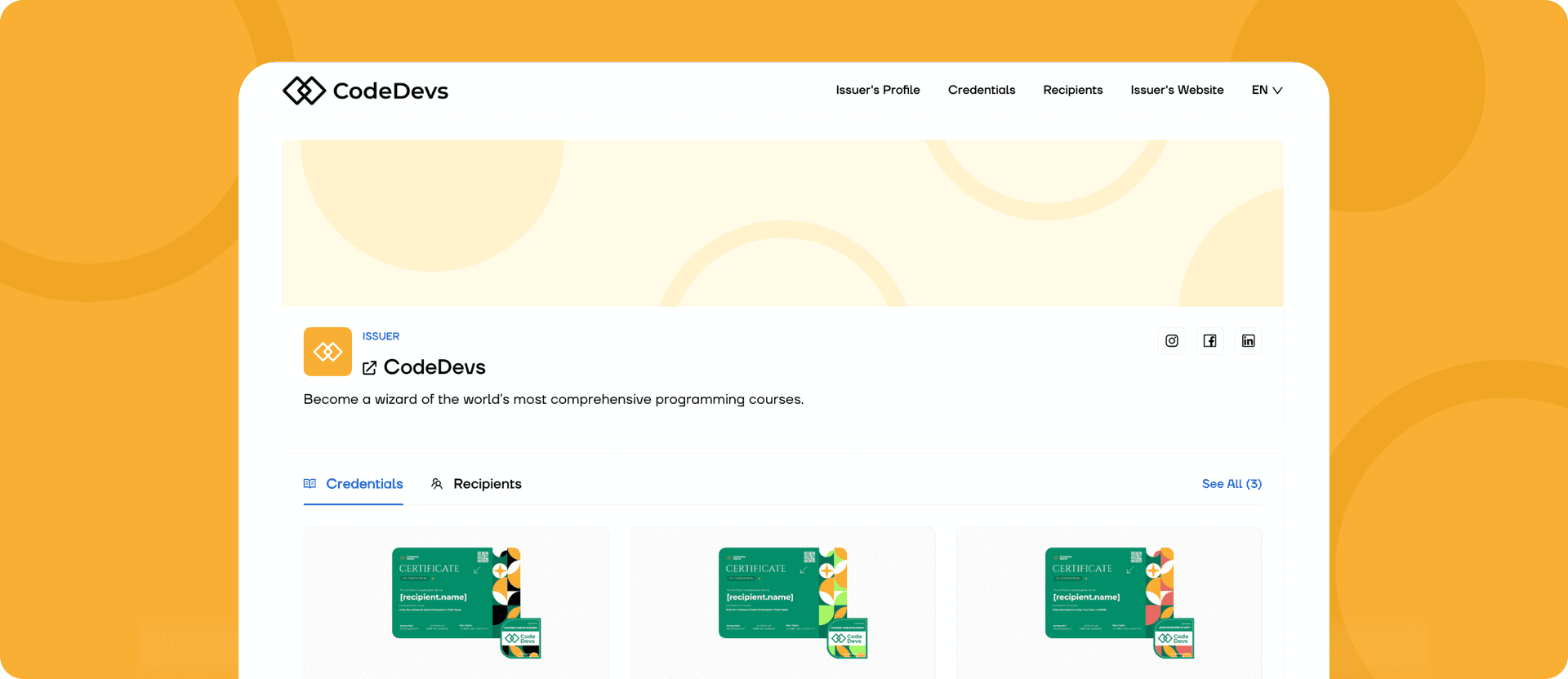
Some key advantages of the Issuer’s Portal:
Credentials directory lists every badge or certificate you issue, with quick access to individual credential details.
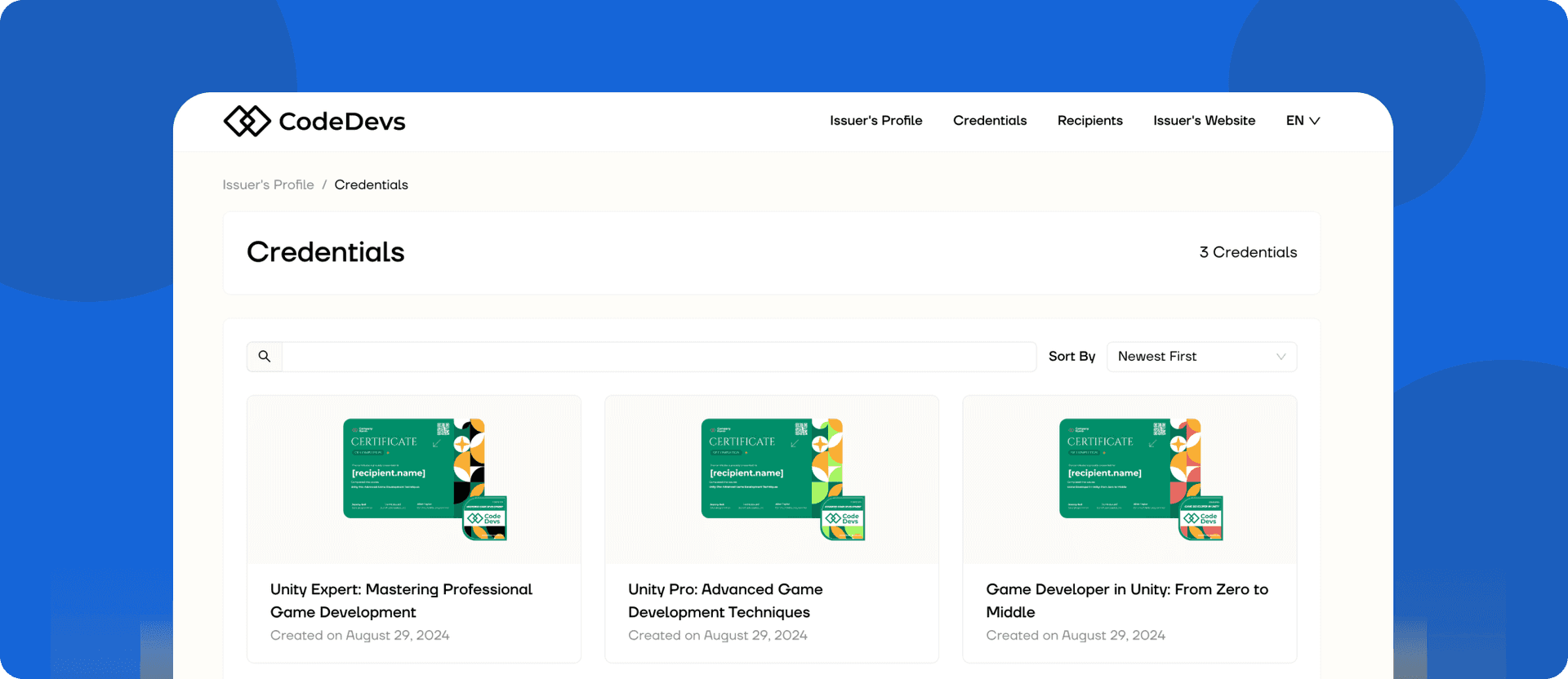
Credentials Portal creates a structured space where badge earners can manage their profiles, view earned credentials and control their visibility.
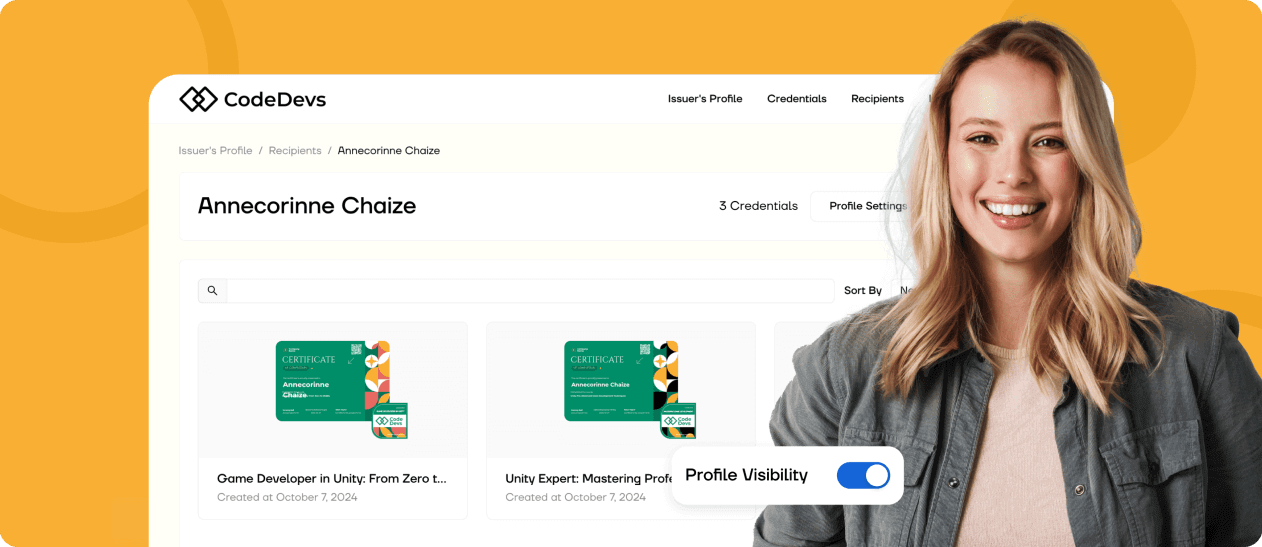
Credential verification page guarantees authenticity by allowing third parties to verify badges instantly with blockchain technology.
Credential retrieval page helps recipients find all their badges and certificates in one place without searching through emails.
Pro tip: Use the Issuer’s Portal to create a public directory of certified recipients. When badges are searchable and verifiable in one place, it builds issuer’s credibility. Customize your portal branding and share the directory link in your communications to make the most of it.
Pathways are structured learning paths that show up in the Issuer’s Portal. You can set them up and manage to guide learners through the required steps to achieve their final qualifications (increasing engagement and completion rates).
Handling large badge projects gets more manageable with a system that keeps everything organized. Certifier helps you focus on growing your program instead of getting stuck in admin tasks.
Certifier has flexible pricing, so you can pick what works best for your needs. If you’re issuing a few badges or managing a large credentialing program, there’s a plan that fits.
Starter Plan (Free) – Issue up to 250 badges per year at no cost. A great choice for small programs or testing digital badges.
Professional Plan – Starts at $76/month billed annually. Issue up to 1,000 badges per year and get branded emails, scheduled issuing, expirable credentials, QR-code verification, advanced analytics and custom sender details.
Advanced Plan – Issue up to 3,000 badges per year for $339/month billed annually. Get multiple workspaces, custom fonts, custom domain, premium branding, verified issuer status, and dedicated account management.
Enterprise — Pricing available on request. Scale digital credentialing with custom limits, SSO, audit logs, unlimited custom roles, full whitelabeling and tailored integrations.
Certifier also gives nonprofits a 15% discount on all plans.
Create and Send Digital Credentials
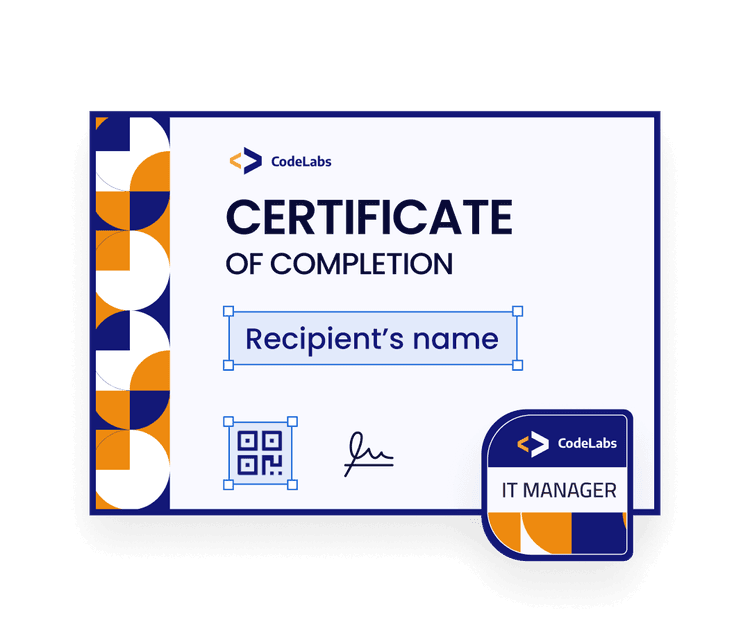
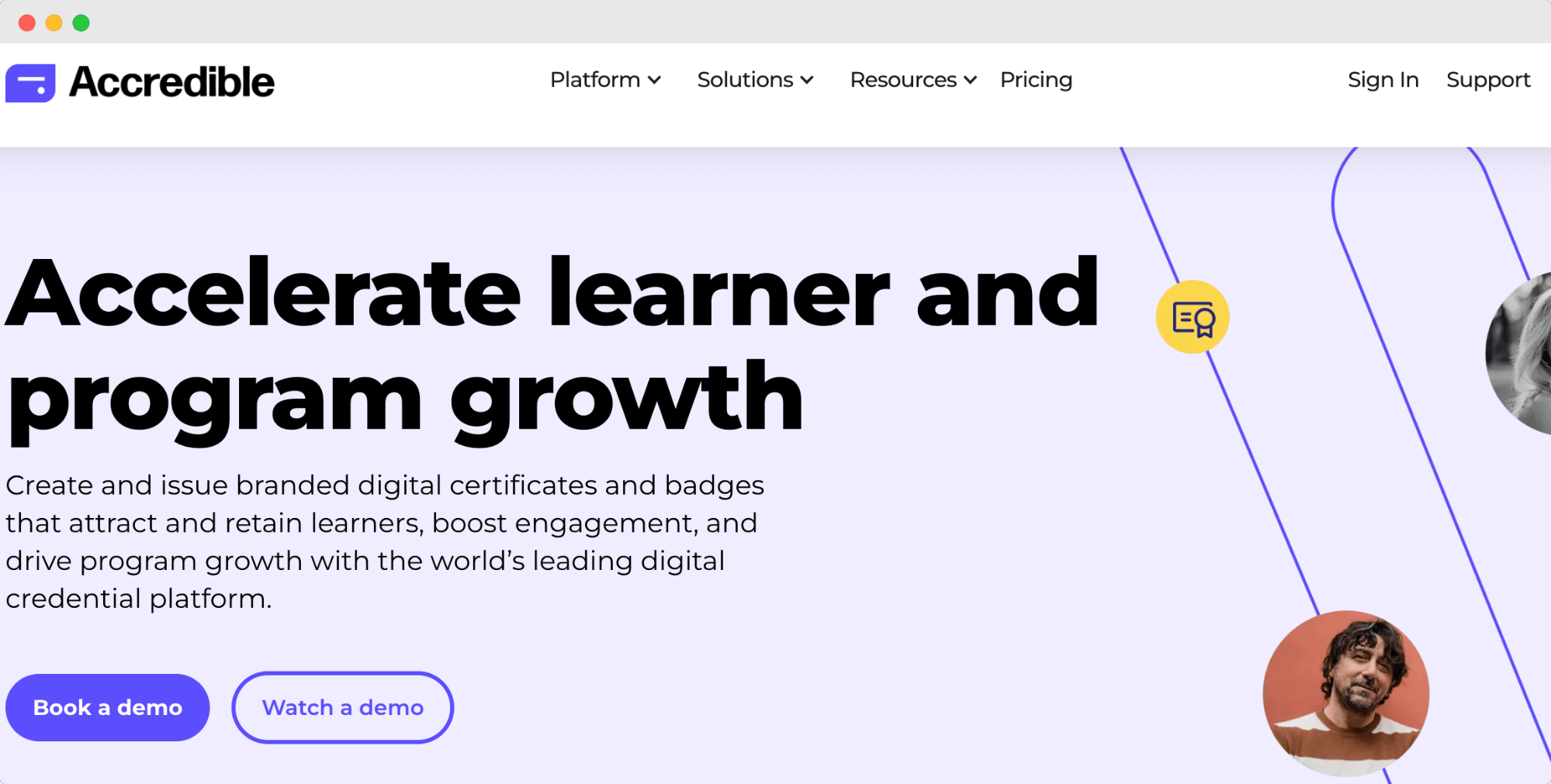
Accredible is a digital credentialing platform built for businesses, universities and certification providers. It helps organizations issue, track and verify badges and certificates. The platform focuses on customization and automation, making it a strong option for managing online badges.
Accredible provides tools for issuing and managing credentials efficiently.
Bulk credential issuance lets you send badges and certificates by uploading a spreadsheet.
Analytics dashboard tracks how often credentials are viewed and shared.
Digital Wallet Cards give recipients a mobile-friendly way to store and display badges.
Spotlight Directory allows employers or peers to verify issued credentials.
Social sharing tools make it easy for recipients to post their achievements online.
Accredible is 1EdTech certified for Open Badges 3.0 and 2.0 as an Issuer, with active conformance records in the certified product directory.
Accredible supports detailed customization but requires manual setup. Some features are only available on higher-tier plans, limiting access for smaller organizations.
Customization settings require adjustments to match branding needs.
Advanced analytics and branding tools are locked behind premium plans.
No free plan – all users must subscribe before issuing credentials.
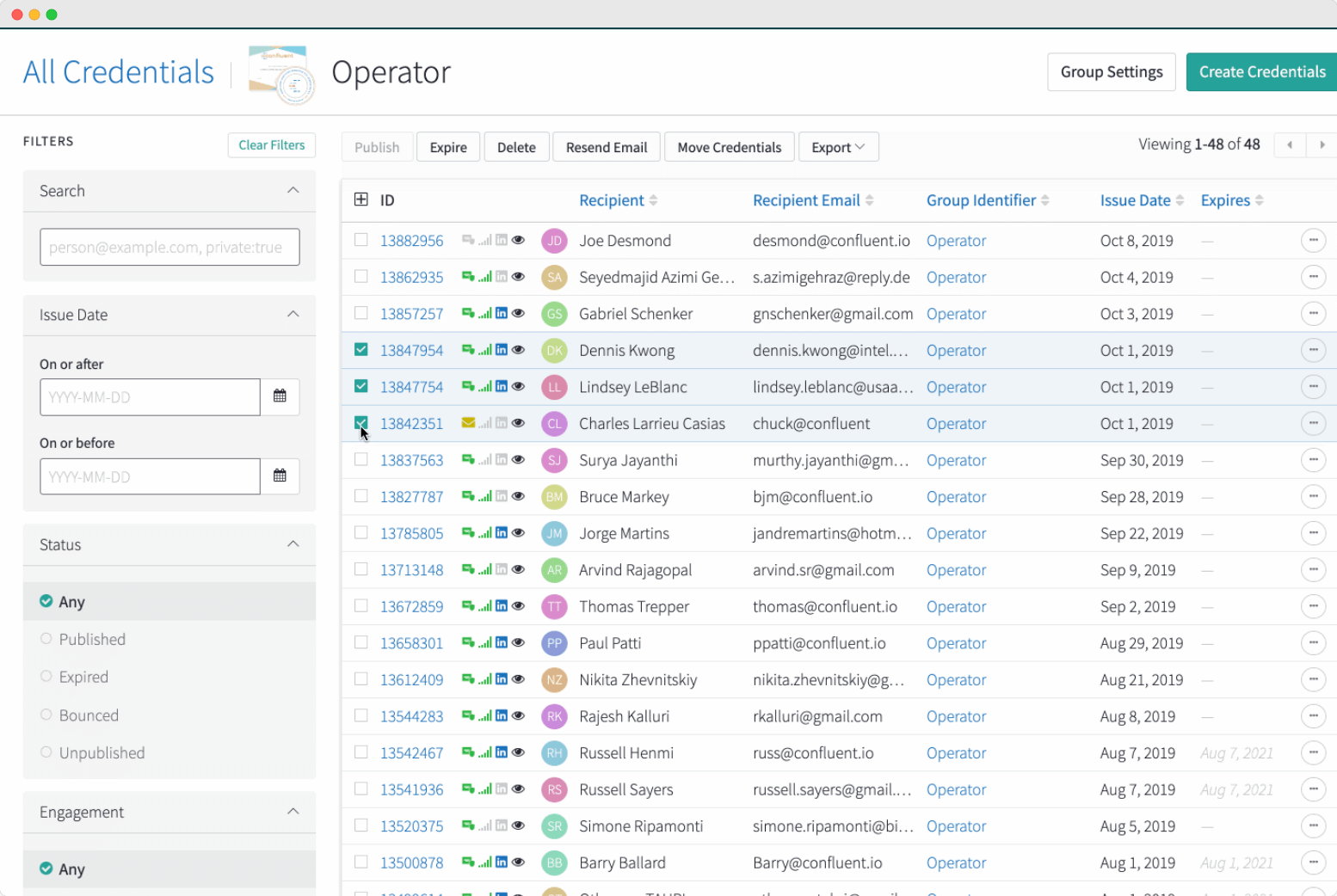
Accredible prices per unique recipient per year rather than per credential, so you can issue unlimited badges and certificates to the same person within your allowance.
Launch — from $45/month, billed monthly on a 12-month term, starting at 50 recipients. Includes badge and certificate design, blockchain credentials, digital credential transcripts, standard integrations (Moodle, Canvas, Zapier, Thinkific, WordPress, Kajabi) and email support. API access and primary branding are add-ons.
Connect — custom pricing. Adds API access, primary branding, insights reporting, up to 3 pathways, Apple and Google Wallet cards, job market insights and a dedicated customer success manager.
Growth — custom pricing. Adds unlimited pathways, custom whitelabeling, marketing reach analytics, SSO and MFA, custom SLAs and priority support.
If per-recipient pricing doesn't suit your program, see our roundup of Accredible alternatives.
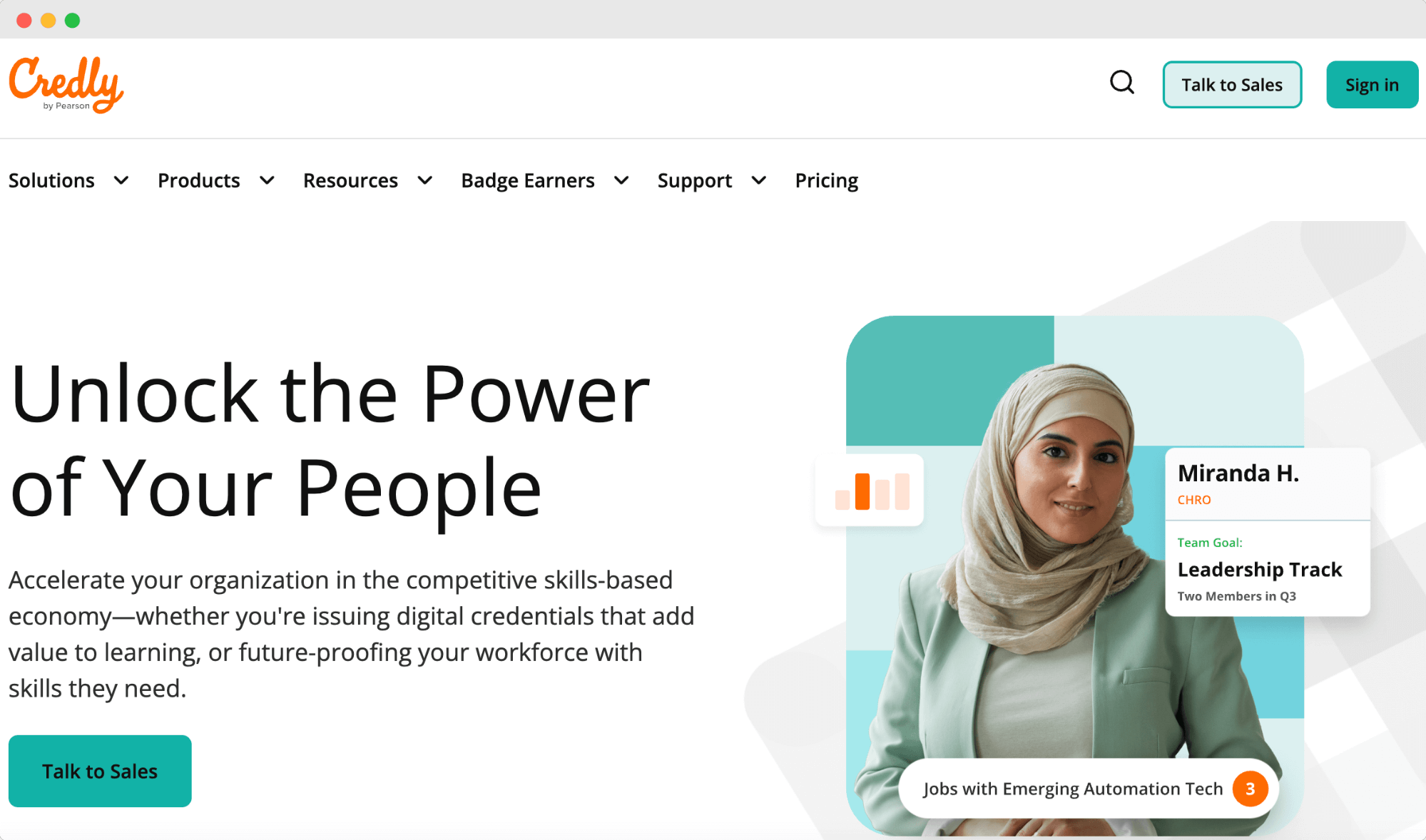
Credly is a well-known digital credentialing platform used by businesses, universities and certification providers. It focuses on issuing and managing digital badges but leans heavily into building a credential network rather than offering in-depth badge customization.
Credly helps organizations recognize and track professional achievements with a structured digital badging system.
Credential issuance lets you create and distribute badges to recipients through an automated process.
Labor market insights connect badge earners with potential job opportunities based on their credentials.
User profiles give recipients a space to manage their badges and display their achievements in one place.
Social media sharing through the Open Badges Standard allows badge earners to post credentials on LinkedIn, Facebook and X.
Metadata mapping adds skill tags and extra context to badges to help define their purpose.
Credly is 1EdTech certified for Open Badges 3.0 and 2.0 as an Issuer.
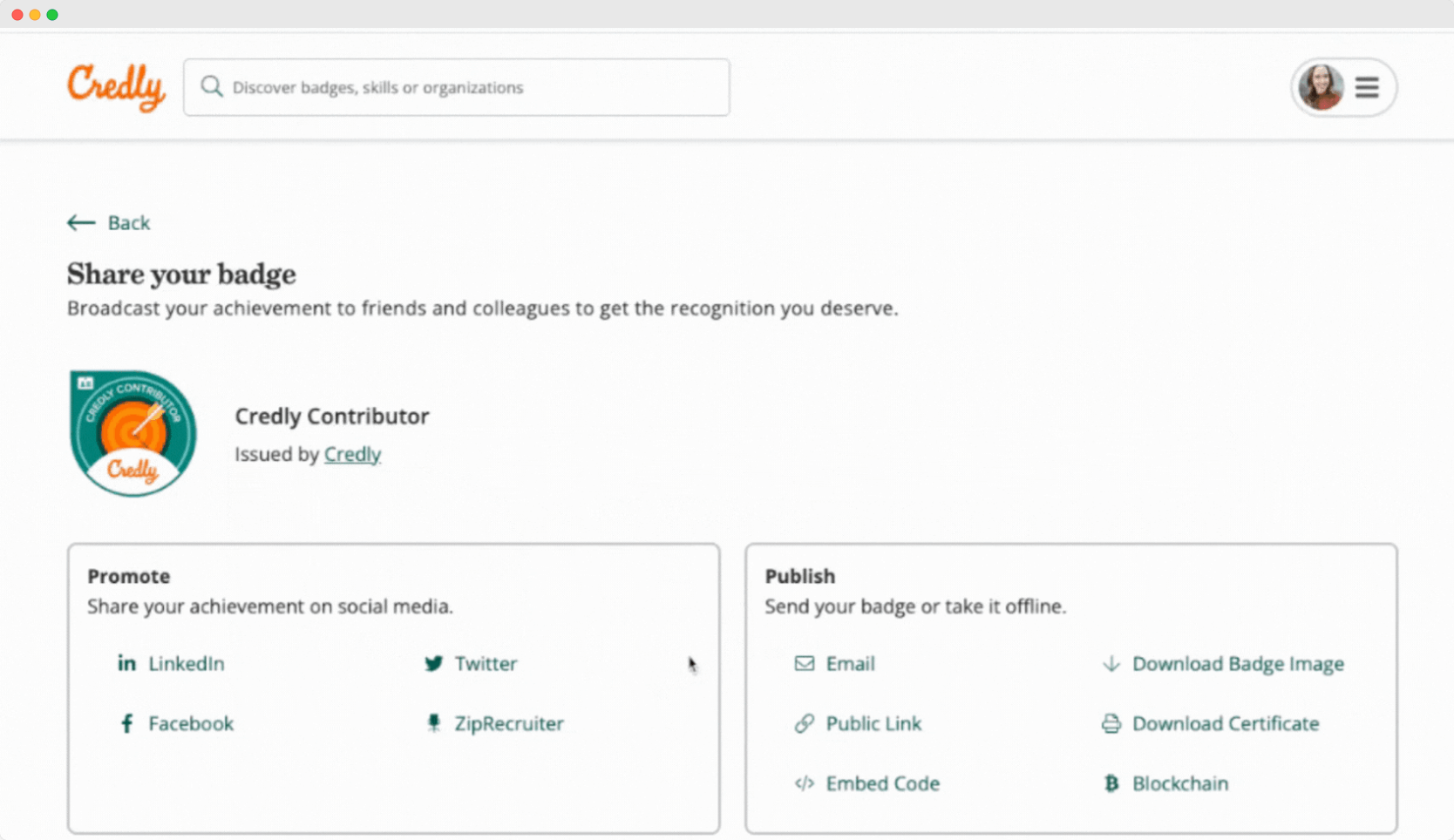
Credly’s platform is structured around credential networks rather than badge creation and issuance. Many users find the platform useful for visibility but mention customization and data import limitations.
Badge design tools are limited compared to other platforms, offering only basic customization.
Metadata mapping often struggles with accuracy, making skills tagging inconsistent.
Credential issuance can be complex due to multiple steps in the platform.
No free trial or demo access means you don’t get to test the platform before purchasing.
Credly does not publish its pricing, requiring businesses to contact sales for a quote. Reports suggest that its cheapest enterprise plan costs more than twice as much as Accredible.
Our Credly pricing article revealed that Credly is one of the most expensive digital badging platforms, with pricing that scales based on the number of badges issued.
Here’s what businesses can expect to pay:
500 badges per year – $3,000 (includes a $500 onboarding fee)
1,000 badges per year – $5,000 (includes a $1,000 onboarding fee)
2,500 badges per year – $8,500 (includes a $1,000 onboarding fee)
5,000 badges per year – $11,000 (includes a $1,000 onboarding fee)
10,000 badges per year – $20,000 (includes a $5,000 onboarding fee)
Credly also charges onboarding fees separately, which can make the total cost even higher.
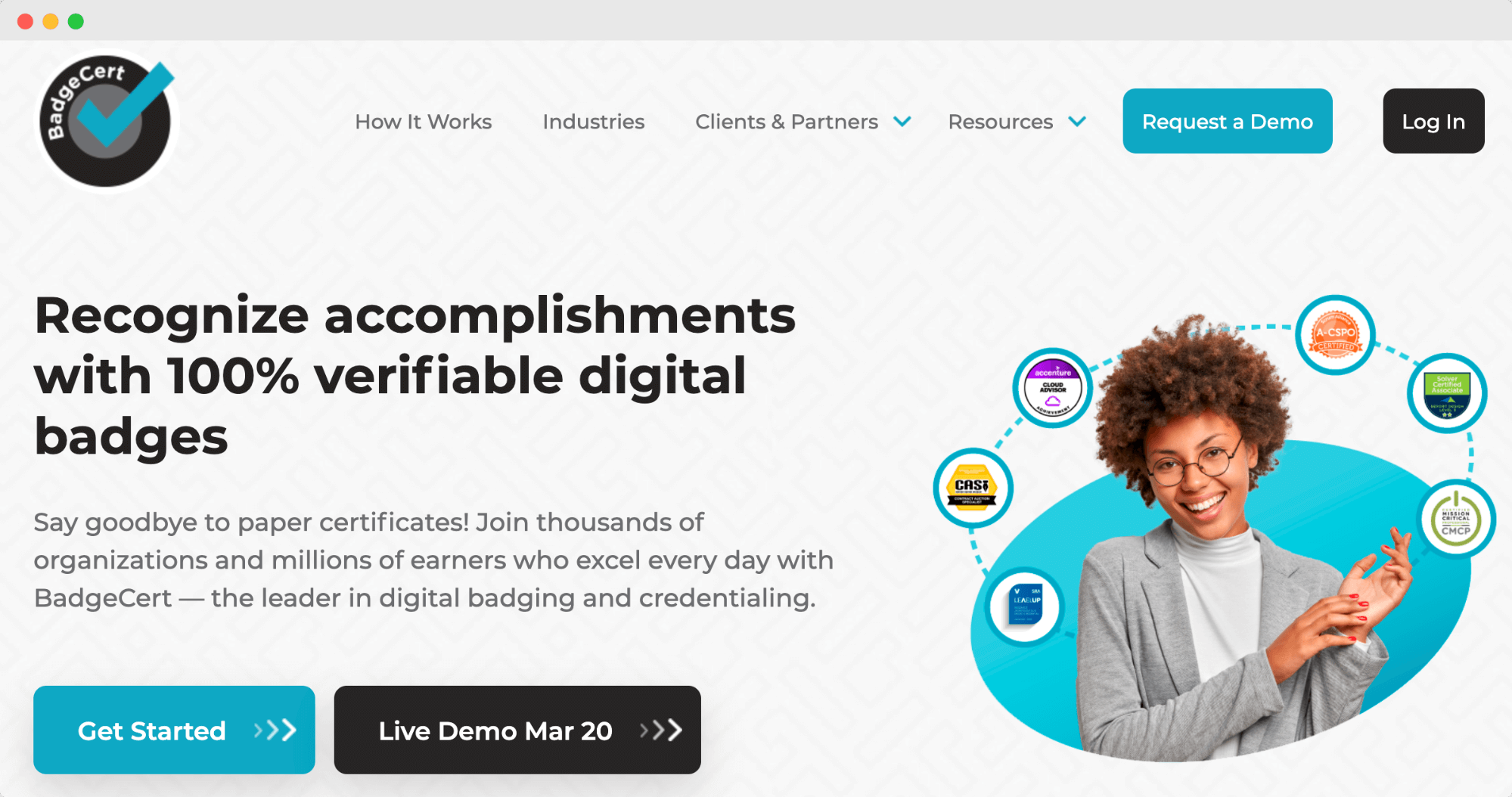
BadgeCert is a digital credentialing platform built for organizations that need a secure way to issue and verify digital badges. It supports training providers, universities, businesses and associations seeking a structured badge management system.
Organizations can create customized digital badges that match their branding and achievement levels.
The platform allows bulk badge issuance for easy distribution of credentials to large groups at once.
Badge verification happens with a single click, which lets third parties confirm credentials instantly.
Analytics and reporting help track badge engagement, giving issuers insight into how recipients interact with their credentials.
API integration connects BadgeCert with learning management systems (LMS) and customer relationship management (CRM) tools.
BadgeCert offers Open Badges 3.0 compliance and blockchain-anchored credentials across all tiers, with blockchain verification from the Growth plan upward.
Before deciding, you might want to see how these features compare to a more automation-focused platform. Take a look at this page that compares Certifier and BadgeCert for a detailed breakdown of the differences.
BadgeCert is designed for security and verification, but there are a few things to keep in mind.
There is no free plan or self-serve trial. BadgeCert offers a guided demo and a sandbox environment for Enterprise prospects, but smaller organizations cannot test it without a sales conversation.
Some users have reported delays in badge visibility, especially when assigning them manually.
Unlike other platforms that focus on social sharing and engagement, BadgeCert prioritizes verification, which may not suit those looking to build a public badge network.
The platform presents its pricing as transparent and shows a recipient-volume calculator, but every tier still routes to a sales conversation rather than a checkout.
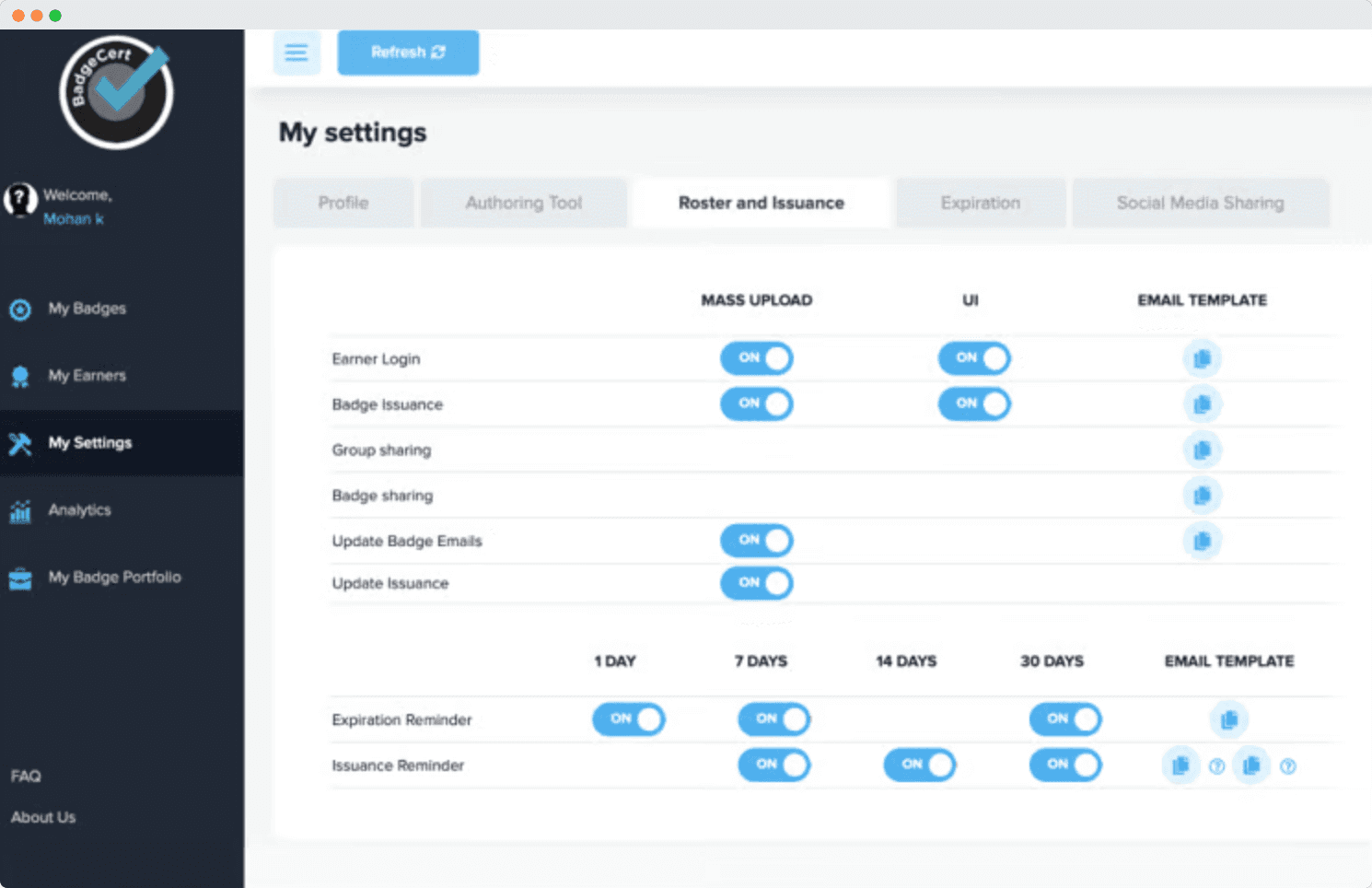
BadgeCert now prices per unique recipient per year rather than per badge issued, with re-issuing to an existing recipient costing nothing extra. Rates are quoted by volume through a calculator on their pricing page rather than published as flat monthly figures, so all three tiers send to a sales contact page.
Basic — badge and certificate issuance, public verification pages, Open Badge 3.0, blockchain-anchored credentials, Google SSO and MFA, 2 admins and 5 templates.
Growth — adds custom branding and white-labelling, engagement analytics, API and LTI 1.3 integration, custom email templates and sender domain, free Apple and Google Wallet cards for every earner, and 5 admins.
Enterprise — adds enterprise SSO/SAML, custom workflows, dedicated infrastructure, a 99.99% SLA with 24/7 support, unlimited admins and templates, and audit logging. Built for programs above 50,000 recipients or with specific compliance requirements.
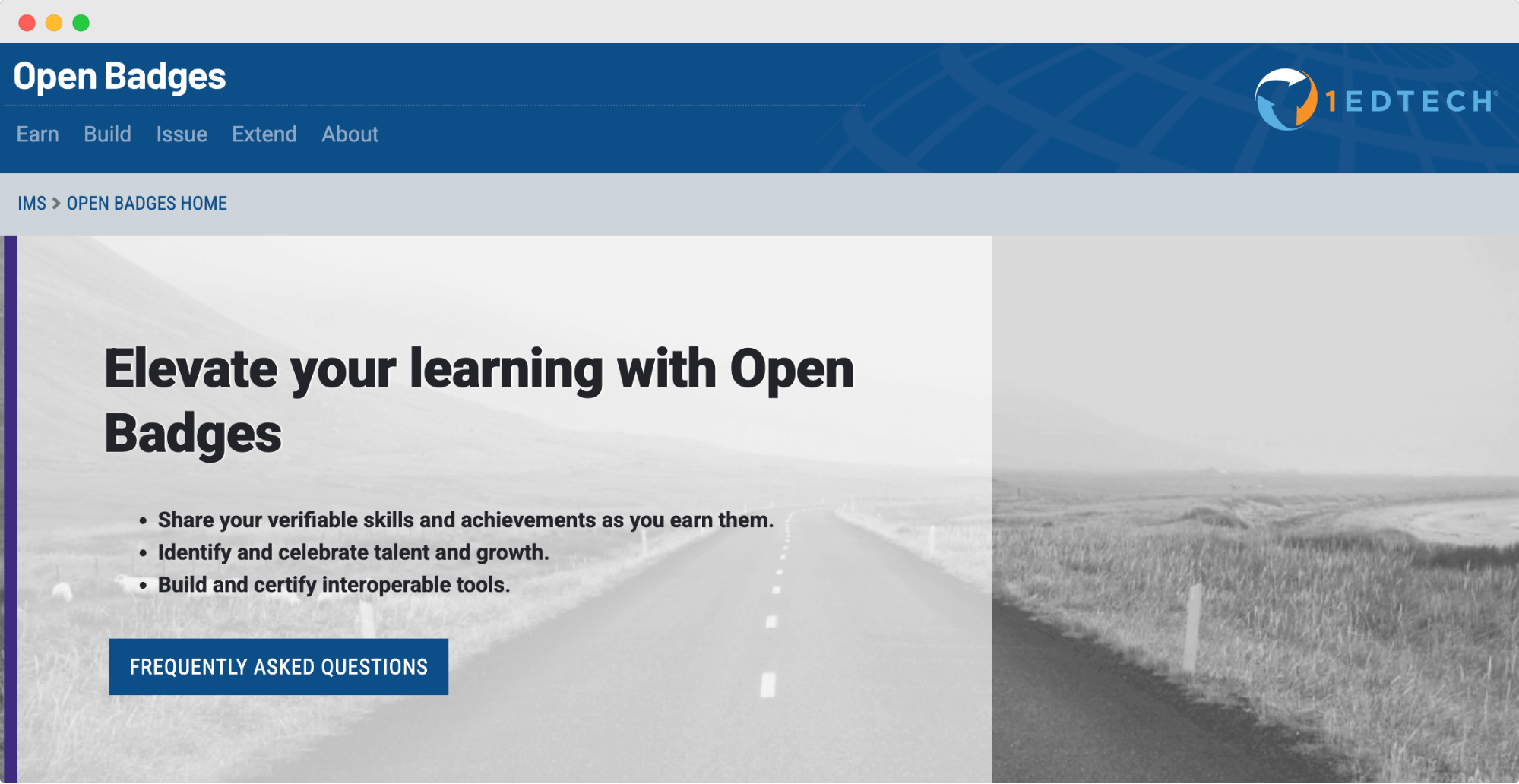
Open Badges is a widely recognized standard for digital credentials. It helps organizations issue verifiable badges that recognize skills, achievements and contributions.
The framework was first introduced by the Mozilla Foundation in 2011 and is now managed by 1EdTech (formerly IMS Global Learning Consortium). Since Open Badges is not tied to any single platform, issuers and recipients can use and share badges across different systems.
Badges include metadata that verifies the achievement, the issuer and the recipient to confirm authenticity.
Badge earners can display their credentials on social media, personal websites and professional networks.
Third-party organizations can endorse badges to add credibility and industry recognition.
Open Badges integrates with various learning and professional development platforms to improve badge accessibility.
Each badge contains details such as earning criteria, evidence of achievement and expiration dates to clarify its value. 1EdTech maintains a public certified app directory showing which platforms have been independently tested, in which version, and in which role.
Some organizations may struggle to integrate Open Badges with existing systems without technical support.
Recognition varies across industries, and some employers may not value Open Badges as highly as traditional credentials.
The credibility of badges depends on the issuing organization, and inconsistent standards can affect trust.
Open Badges is an open standard, so using the specification itself is free. However, organizations may need to cover costs related to platform development, integration and maintenance depending on their chosen tools and requirements.
🎨 Need a proper badge creator? Check out our list of the best badge makers plus a comparison table.
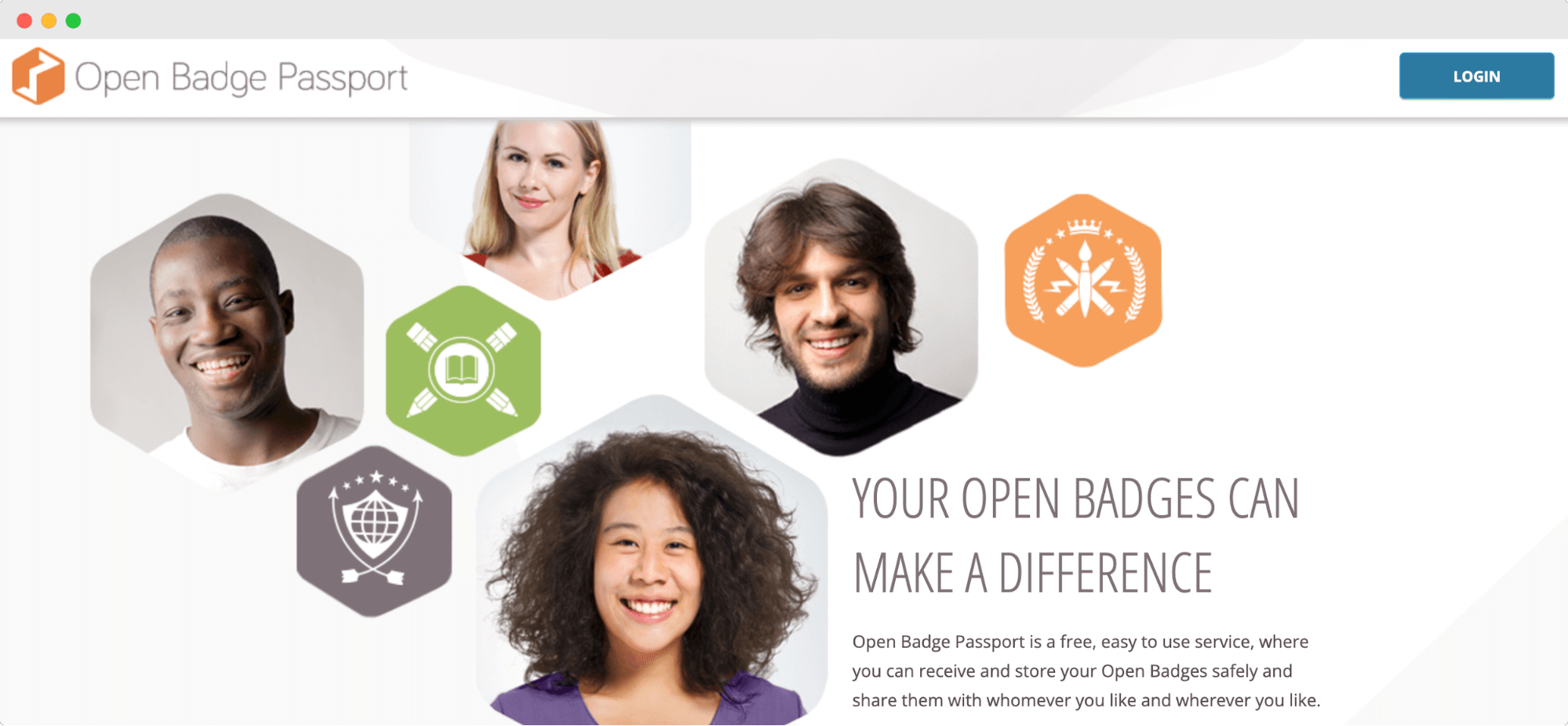
Open Badge Passport is a free platform to collect, share and manage Open Badges. It gives users a place to store their badges from different issuers and showcase them across social media, professional networks or personal websites.
Open Badge Passport is run by Open Badge Factory Ltd and is 1EdTech certified as a Displayer and Host for Open Badges 3.0 and 2.0, but not as an Issuer.
Anyone from students to professionals can use it to track and highlight their learning achievements.
Badge owners can store all badges in one secure location for easy access.
Earners get to share achievements on LinkedIn, X and other platforms to increase visibility.
You can discover new learning opportunities with a global badge gallery.
The mobile app allows users to access and display badges anywhere.
Natively integrates with Open Badge Factory, making it easier for issuers to send and recipients to receive badges.
Open Badge Passport makes it easy to store and share digital badges, but there are some downsides to keep in mind:
Organizations don’t get much flexibility in managing issued badges beyond storing them in the platform. Advanced tracking and analytics are missing, making it harder to measure impact.
Unlike some paid platforms, Open Badge Passport doesn’t let issuers personalize badge presentations or emails with company branding.
Everything from badge issuing to management requires manual work, which can be a challenge for organizations handling large volumes of credentials.
Open Badge Passport is completely free to use, with no hidden costs.
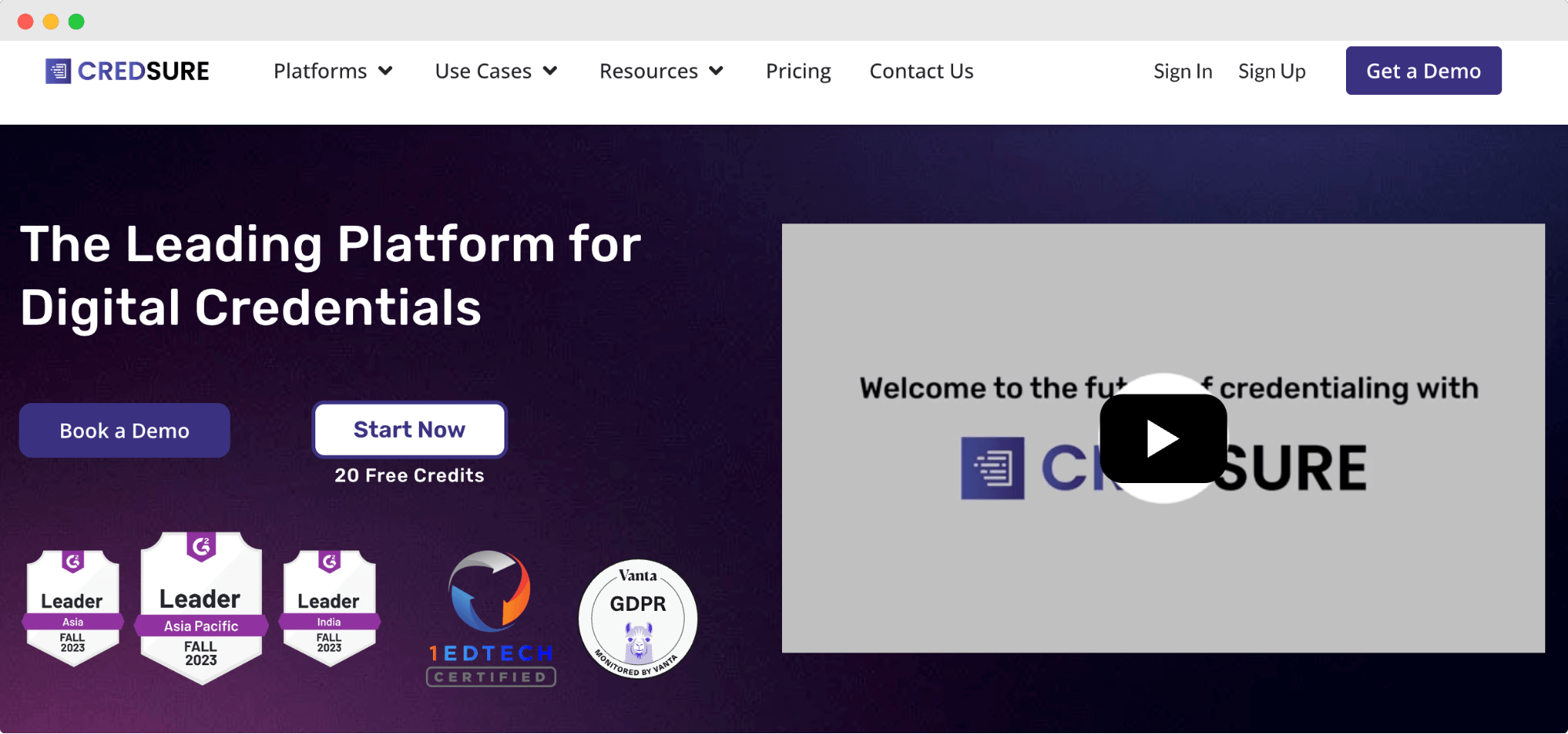
Certif-ID is a digital credentialing platform that focuses on verifiable badges and certificates. It combines blockchain technology with talent solutions, making it a mix of a badge issuer and a recruitment tool.
The platform is split into two main services: CredSure for issuing digital badges and TalentSure for talent verification and hiring. While the concept is promising, the platform has a few roadblocks that may not suit everyone.
Blockchain-backed verification keeps badges tamper-proof and easy to validate.
Customizable digital credentials let issuers create branded badges and certificates.
TalentSure integration connects badge earners with job opportunities based on their skills.
Skill-matching tools help recruiters identify potential candidates using verified credentials.
Real-time analytics track badge engagement, giving issuers insights into credential performance.
While Certif-ID offers strong security features, it comes with a few challenges that may not suit every organization:
Takes too long to issue badges, causing delays for both issuers and recipients.
Overly complex interface makes it difficult for new users to navigate and manage credentials.
No free trial means businesses have to commit before testing how it fits their needs.
Integration difficulties make it hard to connect with other systems without technical support.
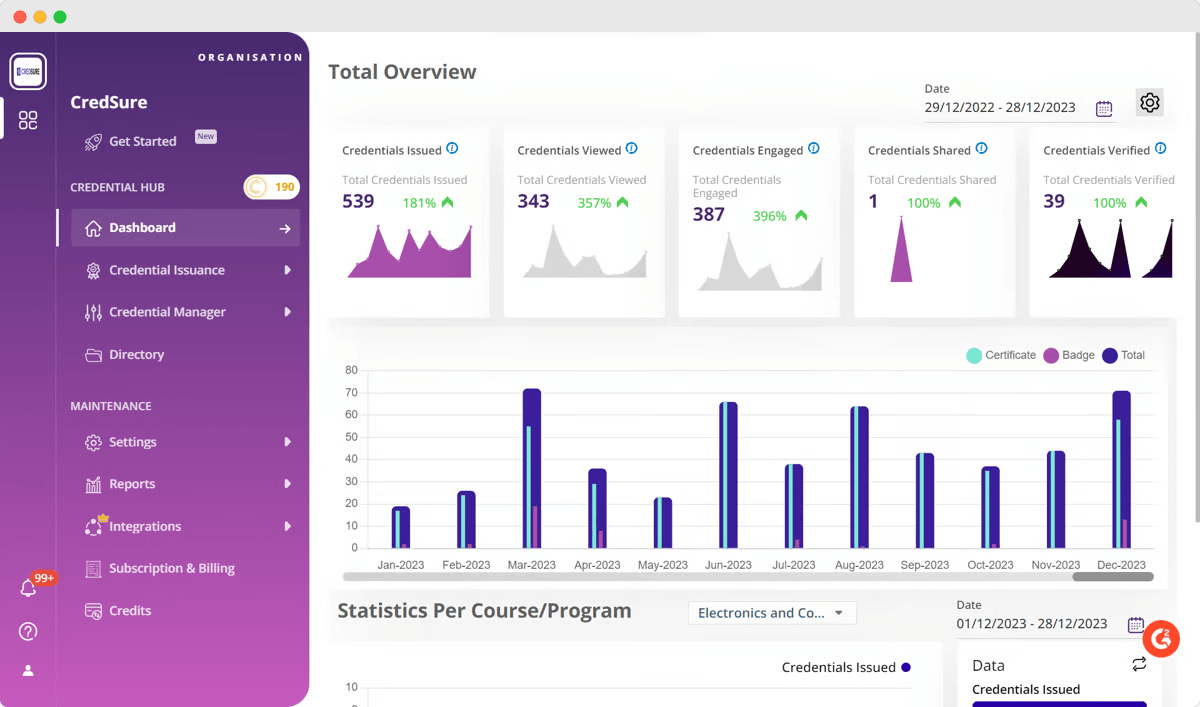
Start — €45/month, billed annually, for 1,000 credits, where one credit is one credential issued. Includes blockchain credentials, the badge and certificate designer, one-click verification, certificate analytics, email support and one bespoke template.
Grow — custom pricing. Adds a customized verifier URL, corporate branding, API integrations, a dedicated account manager, recipient directory, multilanguage certificates, transcript letters, and activity and engagement reporting.
Boost — custom pricing. Adds premium integrations, custom SLAs, a custom wallet, an assessment module, multi-issuer management, custom whitelabeling and professional consulting services.
There is no free plan, so the entry point is a paid annual commitment.
Don't let a clunky digital badge platform sabotage your program's potential.
You’ve seen how different tools handle badge issuing and managing — each with its strengths and trade-offs.
Now it’s time to make a choice.
If you’re looking for something that’s easy to use and built for automation, Certifier should be your #1 option. Cut through the complexity, streamline your workflow and see real results. Manage badges with Certifier for free.
Listed below are the most common questions people ask when choosing a digital badge platform.
Yes! With Certifier’s badge creator, you can design and issue digital badges in minutes.
Choose from ready-made digital badge templates or upload a custom design.
Add recipient details, issue criteria and dynamic attributes.
Send badges automatically or with one click.
Let recipients store, share and verify badges with Certifier’s digital wallet.
Everything happens in one place — no design or coding skills needed.
A digital badge system is software that helps organizations issue, track and manage digital badges. Certifier’s badging system software automates the entire process:
01 Bulk-issue badges to hundreds of recipients at once.
02 Keep track of badge recipients and engagement with real-time analytics.
03 Set expiration dates, renew credentials and manage badge visibility.
04 Connect Certifier to LMS platforms, CRM tools and Zapier integrations.
Certifier turns badge management into a seamless process, from creation to verification.
Any organization that wants to recognize skills or achievements can issue digital badges. Certifier is used by:
Online course providers rewarding course completion.
Businesses certifying employees for internal training.
Universities verifying academic achievements.
Event organizers recognizing workshop participation.
Certifier’s automated system makes it easy to send digital badges at scale, no matter the use case.
Digital badges from Certifier can be shared and displayed anywhere online:
LinkedIn, X and Facebook — Badges integrate directly with social media.
Resumes and portfolios — Show proof of skills with clickable, verifiable badges.
Company websites and learning portals — Display badges in profiles or dashboards.
Email signatures — Highlight achievements in everyday communication.
Every badge issued through Certifier comes with a one-click verification page, so anyone can confirm its authenticity.

Content designer. At Certifier, Ola crafts user-friendly content that makes complex information easy to grasp.


