
Trusted by:
University of Southern California
Warner Bros.
Volvo
Amazon
Stanford University
Search
Updated: July 31, 2026
11 min read
Need to design and issue digital badges for employee training? Let us guide you on how to do it automatically. Outcome: fully branded, personalized badges for all participants with a few clicks.
Research with AI:
When an employee finishes important training, that achievement deserves more than a checkbox in your LMS.
Digital badges for professional development give you a way to make recognition visible and verifiable. Employees can show their credentials on a LinkedIn profile, add them to email signatures, digital resumes or share them on social media platforms.
How to issue such badges?
With Certifier. It’s a credential management platform that handles the full badge issuance process in one place. Badge design is covered. Bulk issuance is automated. Engagement analytics are built in.
TL;DR
You can create and issue your first badge in Certifier in under 30 minutes, with no design experience needed.
Certifier supports bulk issuance via CSV upload, so one upload handles your entire employee cohort.
Every badge follows the Open Badge Standard 3.0 and is independently verifiable by anyone.
Strong criteria and complete verifiable metadata are what turn a digital credential into something employees value and share.

Before you open Certifier, two things need to be settled: what badge will be recognized and what employees need to do to earn it.
Getting these right up front makes the setup faster and produces a more credible credential.
Each badge should represent a specific achievement. The most common use cases for digital badges for employee training are:

Onboarding completion–awarded when a new hire finishes their first-week or first-month program
Compliance training–GDPR, health and safety, data security and other mandatory programs that require annual renewal
Skills development–product knowledge, tool proficiency and role-specific competencies
Leadership programs–management training, mentorship tracks and people lead certifications
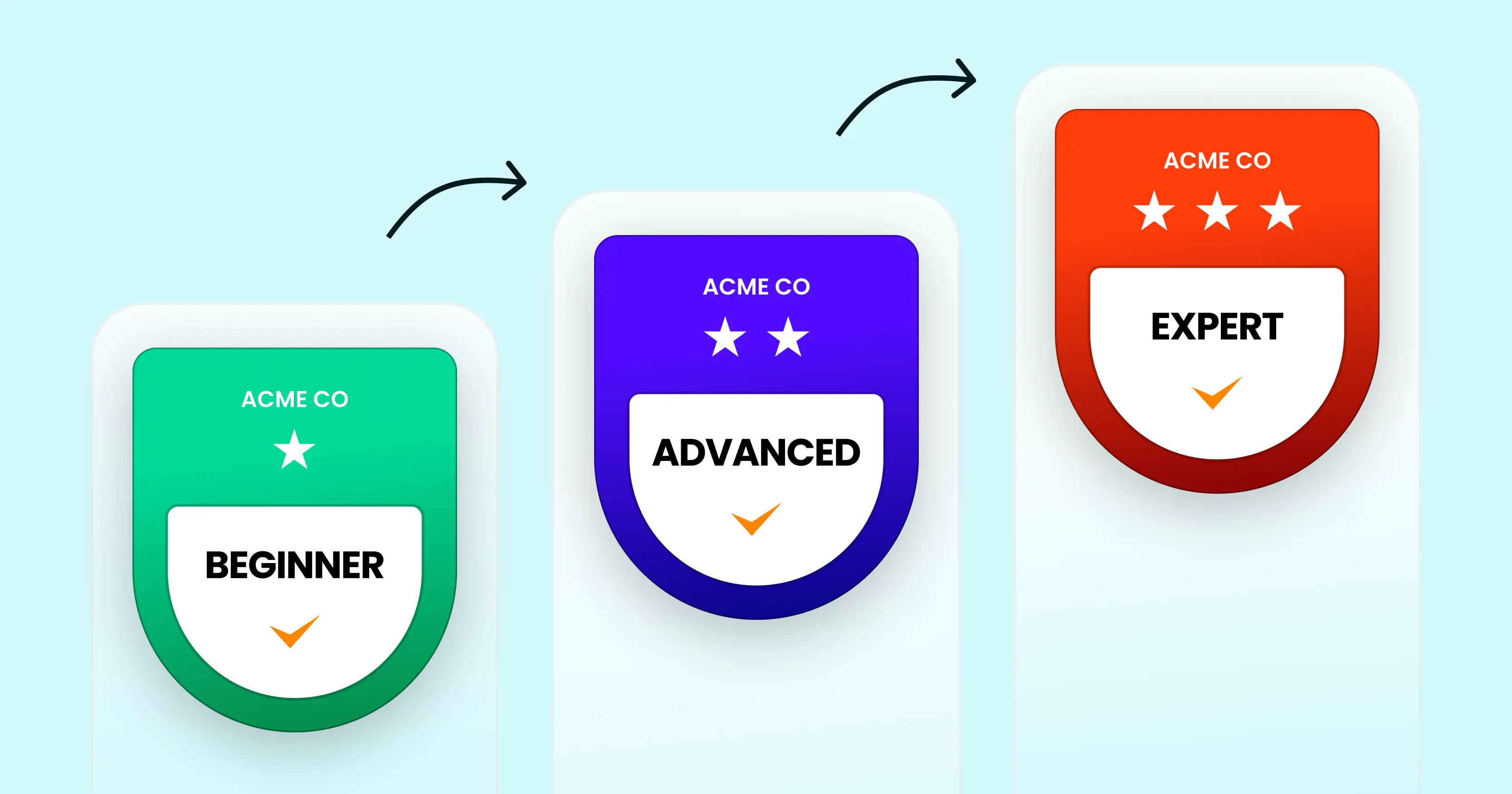
Role-based learning paths–tiered stackable credentials tied to job-level progression (e.g. Junior → Senior → Lead)
Recommended to read
If you’re starting from scratch, pick one or two high-volume programs first. Onboarding and compliance are a natural entry point because completion events are clearly defined and the audience is predictable.
Do you want to know how other organizations use digital badges for employee training across different program types? Check out real-world digital badge examples from top organizations.
Once you know which achievements to recognize, decide on the structure. Internal training programs typically use one of two approaches:
Single completion badges–one badge for one training event. Simple, clear and easy to manage

Stackable badge paths–a sequence of credentials that build toward a higher-level qualification, also used in continuous learning
Recommended to read
For compliance programs, a single badge is usually the right call. For leadership or skills tracks, a tiered path tends to drive more sustained engagement because employees can see where they’re headed and what comes next.
Not sure whether a badge or a certificate fits a particular program? See the difference between a digital badge and a certificate for a side-by-side breakdown.
You’ll need these before you start designing in Certifier:
Your organization logo (PNG with transparent background)
Brand colors (hex codes)
The exact name of the training program
Criteria statement: what the employee completed to earn the badge
Whether the badge should expire–and if so, the renewal interval
Here’s the full process inside Certifier, from account setup to badge delivery. Each step corresponds to what you’ll actually see in the platform.
And if you prefer watching rather than reading, here’s a video tutorial:
Go to Certifier and create a free account.
Create and Send Digital BadgesTake your digital badging to the next level with Certifier.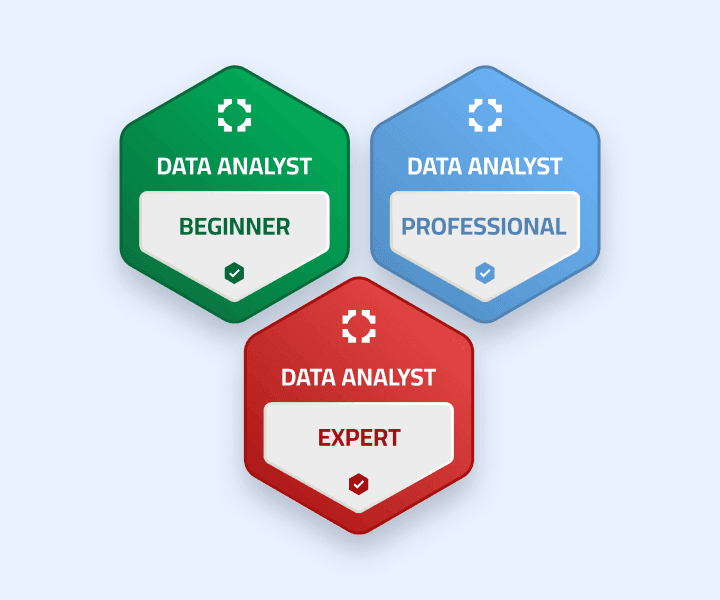
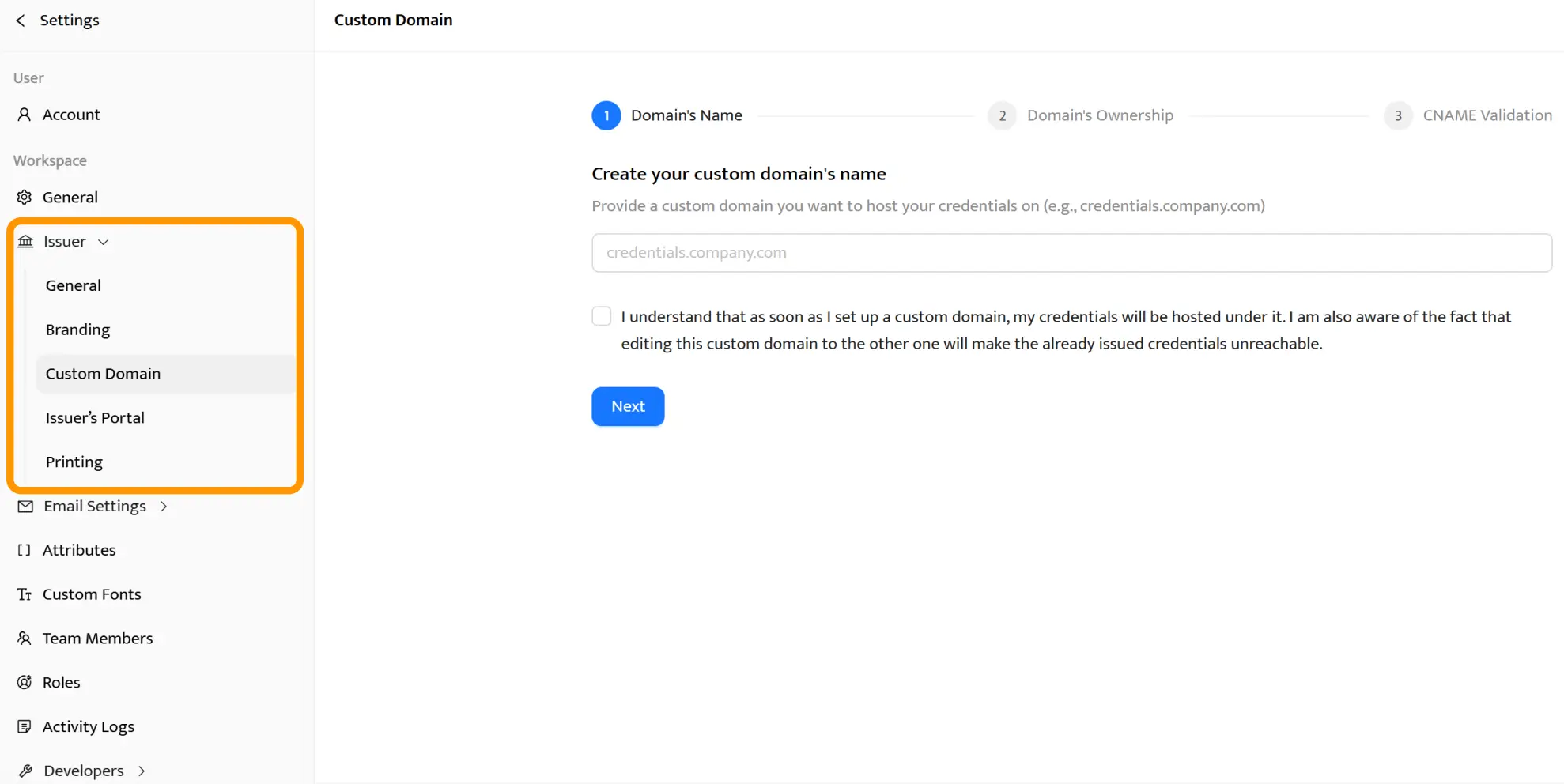
Once you’re in, head to your organization settings in the Issuer tab and upload your logo, then set your organization name and configure your sender domain. Explore the Issuer’s Profile demo portal.
This is the issuer profile your recipients will see upon receiving their credential.
Pro tip: Set your delivery email to your organization’s domain rather than a generic address. Recipients are more likely to open and accept credentials from a sender they recognize.
In Certifier’s design editor, you can start from one of the ready-made digital badge templates or build from scratch. The editor is drag-and-drop. No design skills required. Swap colors to match your brand and add the training program name.
Good digital badge design at this stage doesn’t mean complex. The goal is a credential that reads clearly at thumbnail size and reflects your organization’s visual identity.
Check out employee recognition badge ideas for some benchmarks.
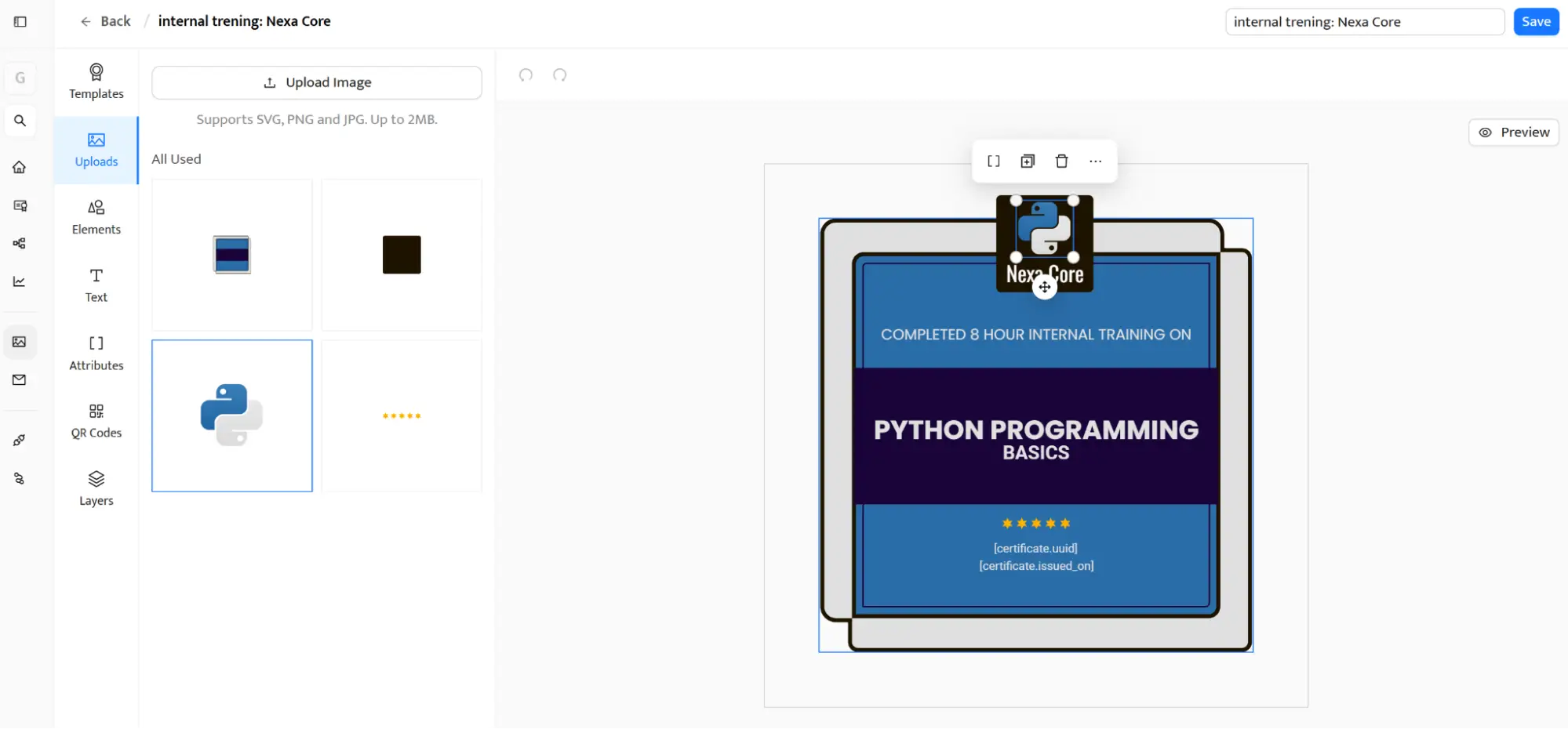
Make sure the training name and your logo are immediately visible even when the badge is displayed at a small size on a LinkedIn profile or in an email signature.
This step determines whether the badge carries any real credibility. In Certifier, you’ll fill in the badge name, description and issuing organization details.
You’ll also set the issue date and, where relevant, an expiry date. The criteria statement is the most important field–it’s a clear description of what the recipient did to earn the credential.
Digital badges for internal training created with Certifier follow the Open Badge Standard 3.0, which means all of this verifiable metadata is embedded directly in the badge. Any recipient, potential employer or third party can verify the credential independently with a single click.
Write criteria in plain language. State what the employee completed and to what standard. Vague metadata like “Completed training” reduces the badge’s value.
Specific completion details–like “Completed an 8-hour GDPR compliance module and passed an assessment with a minimum score of 80%”–make the credential tamper-proof in the sense that anyone can verify exactly what it represents.
For a full training-focused setup, see how to create a digital badge for training with clear criteria, metadata, verification, and sharing options.
Metadata fields to fill in Certifier:
Badge name
Issuing organization
Issue date
Expiry date (if applicable)
Criteria statement
Skill tags
Description
Certifier gives you three issuance methods depending on how your training program is structured.
Manual issuance–good for small cohorts. Add recipients one by one directly in the platform.
Bulk CSV upload–the most practical approach for digital badging for training providers running large cohorts. Prepare a spreadsheet with recipient names and email addresses, upload it to Certifier and the platform generates a personalized badge for each person and delivers them all simultaneously. See how sending certificates in bulk via dynamic attributes works in Certifier.
Automation via integrations–the best option for ongoing programs. Connect Certifier to your LMS or HR system so badges are triggered automatically when an employee meets the completion criteria. Certifier integrates with Coassemble, Kajabi, Learndash, and more.
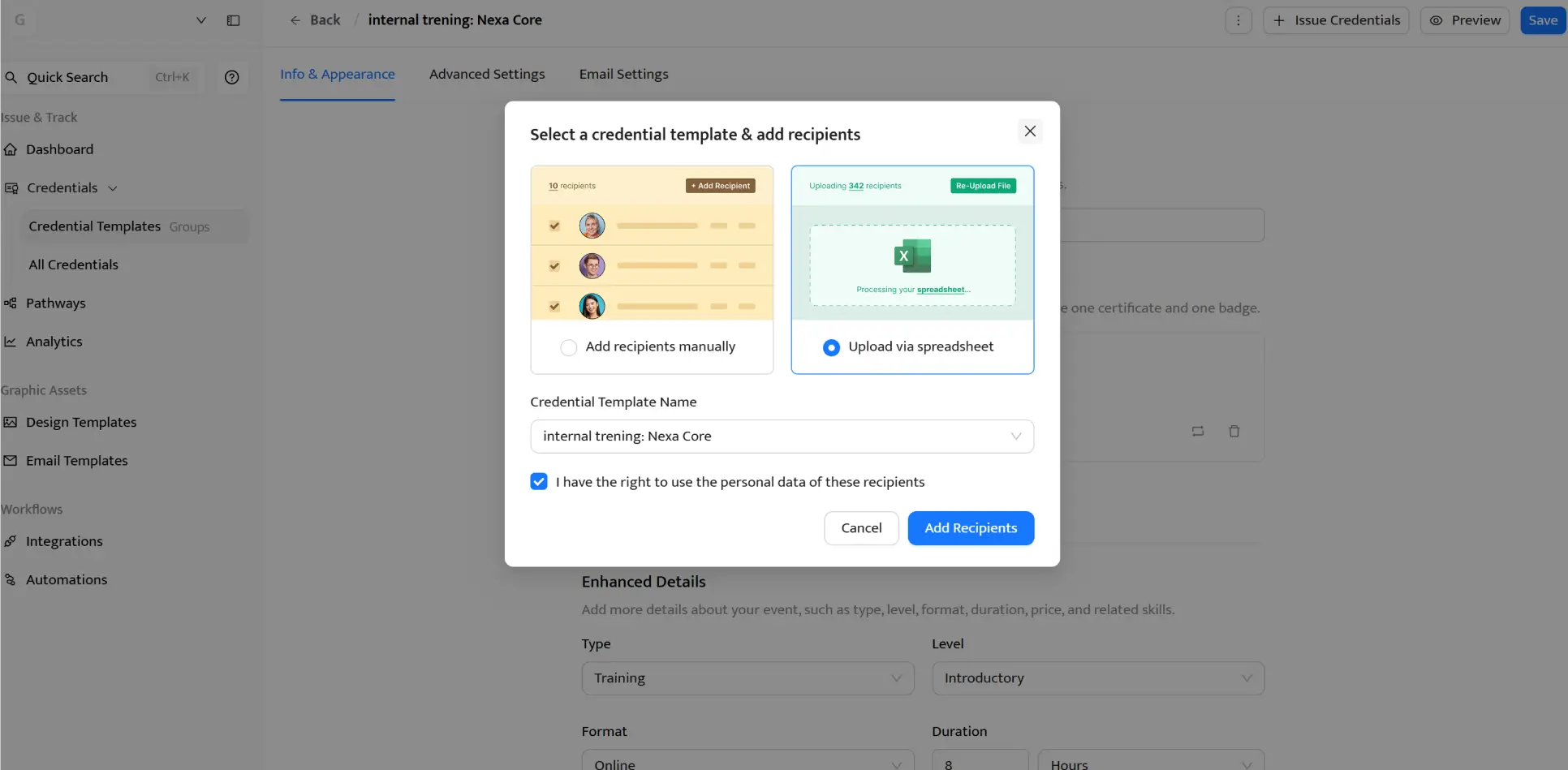
With some tools, Certifier integrates natively; with others, via Zapier. Check out the list of Certifier integrations.
Once your recipient list is uploaded, Certifier handles delivery. Every employee gets a branded email sent from your organization’s domain. You can customize the subject line and body text to match your internal communications style.
Recipients click a link to access their Certifier digital wallet, view a credential and share it directly to their LinkedIn profile. For details on how the delivery flow works, see how to send a certificate via email.
Pro tip: Write the delivery email in the same voice you use for other internal communications. A message that says “Congratulations, your [Training Name] badge is ready to share” gets better open and acceptance rates than a generic system notification.
Certifier’s analytics dashboard shows how employees engage with their badges after delivery. You can track views, LinkedIn shares and verification clicks at both the individual badge and program level.
This is useful data when reporting professional development outcomes to leadership or other stakeholders.
For compliance badges with expiry dates, Certifier sends automated renewal reminders before credentials lapse. No one on your team needs to track individual expiration dates manually.
Pro tip: Track the LinkedIn share rate as a proxy for perceived badge value. Low sharing usually signals the criteria weren’t specific enough or the design doesn’t feel worth posting publicly.
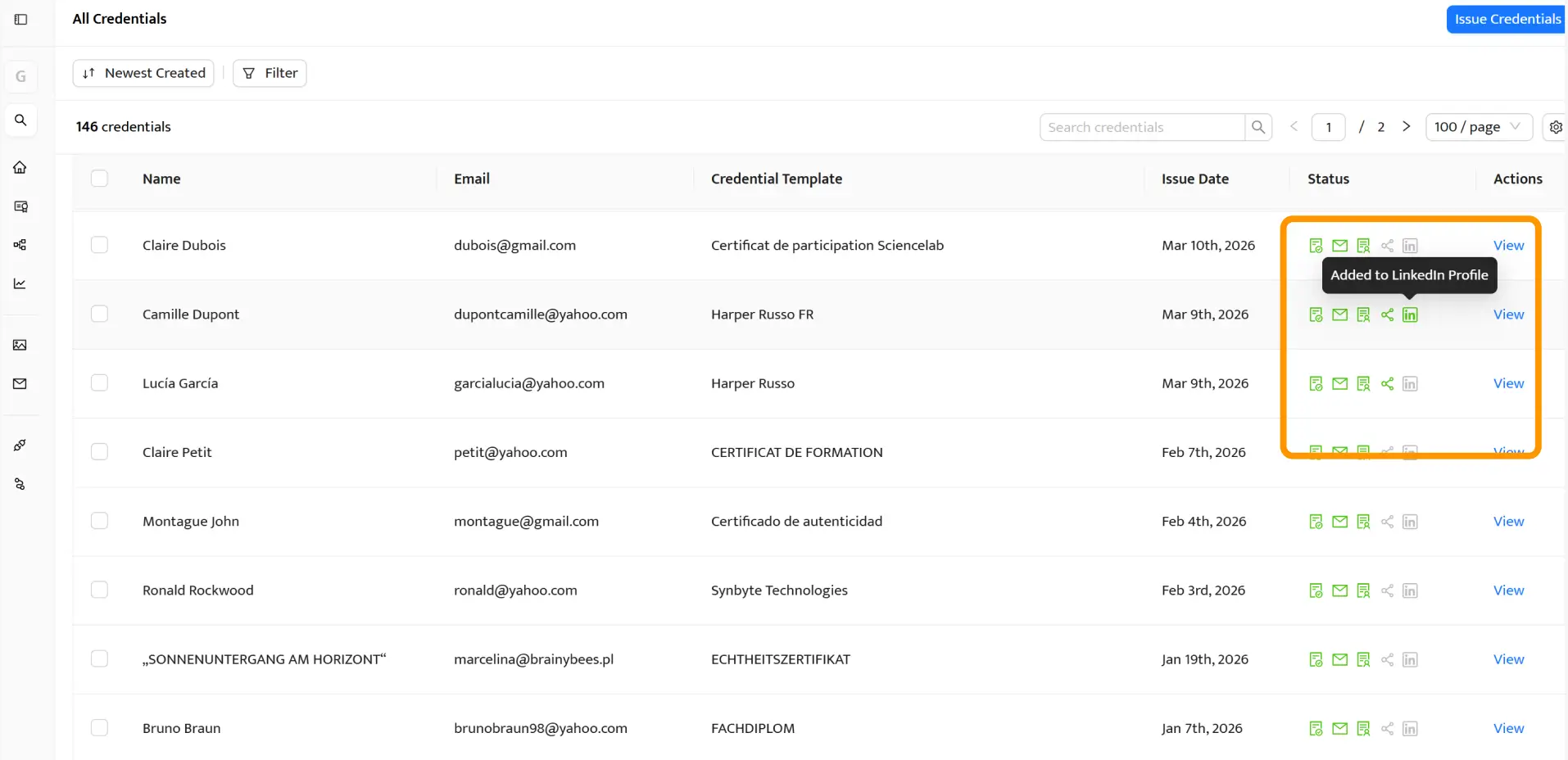
Beyond badge design, here’s what Certifier specifically offers L&D, HR and compliance teams running internal programs.
The manual approach to badge issuance–designing each credential and emailing it individually–doesn’t hold up at scale. Certifier’s bulk issuance handles an entire cohort in one upload. Every badge is personalized to the recipient and delivery is fully automated.
For teams running multiple programs at the same time, you can manage separate badge designs for onboarding, compliance and specific skills training. Each program has its own recipient list and issuance schedule.
Certifier’s white-label setup means employees receive credentials from your organization, not from a third-party digital badging platform. Delivery emails come from your domain.
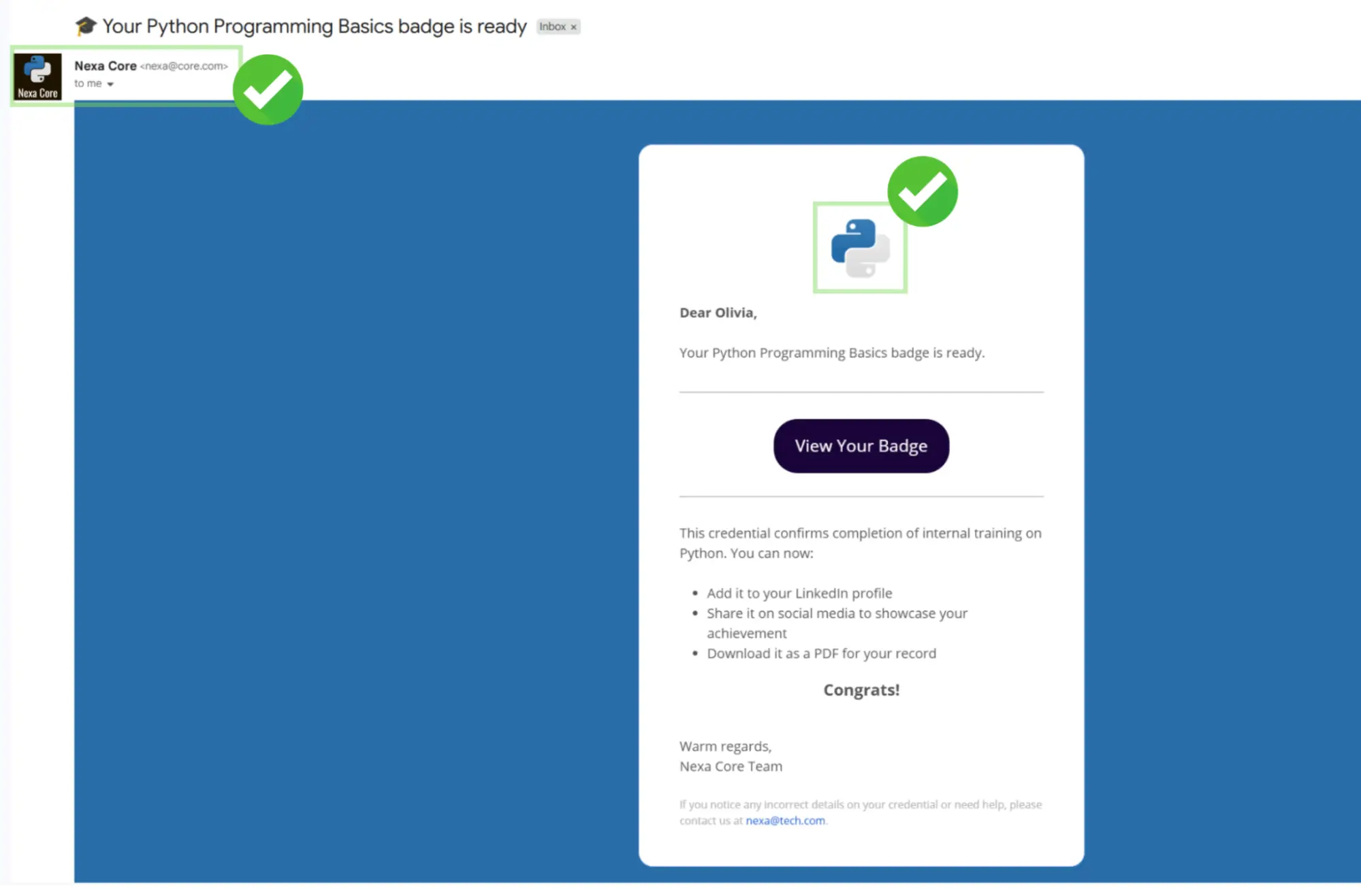
The badge carries your logo and colors. The digital wallet page recipients land on reflects your branding. This keeps the experience consistent with everything else your L&D team produces.
If you’re running training through an LMS, you can automate badge issuance so it triggers the moment a learner meets the completion criteria–without anyone on your team manually reviewing a list.
Certifier connects to major LMS platforms and HR tools via native integrations and Zapier. For a comparison of how LMS-native credentials stack up against a dedicated platform, see LMS badges vs dedicated digital credentialing platforms.
Every badge issued through Certifier is Open Badge Standard 3.0 compliant. This technical framework ensures digital badges work across various platforms, allowing any recipient, hiring manager or professional community to verify credentials independently without contacting your organization.
That’s possible because the verifiable metadata–issuer details, criteria and skills–is embedded in the badge itself.
Employees store their badges in a Certifier digital wallet and can share them on social media. For the full guide on the LinkedIn sharing process, see how to add badges to LinkedIn and other social media.
Compliance-sensitive credentials have a shelf life. A GDPR badge issued three years ago shouldn’t still appear valid today.
Certifier lets you set credential expiration dates on any digital badge for professional development and sends automated renewal reminders to recipients before the credential lapses.
If your training program gets updated–new content or a rebrand–you can update the badge design or criteria without reissuing from scratch.
Certifier’s credential analytics go beyond issuance numbers. You can see which employees accepted their badges, who shared them and how many times a badge was verified.
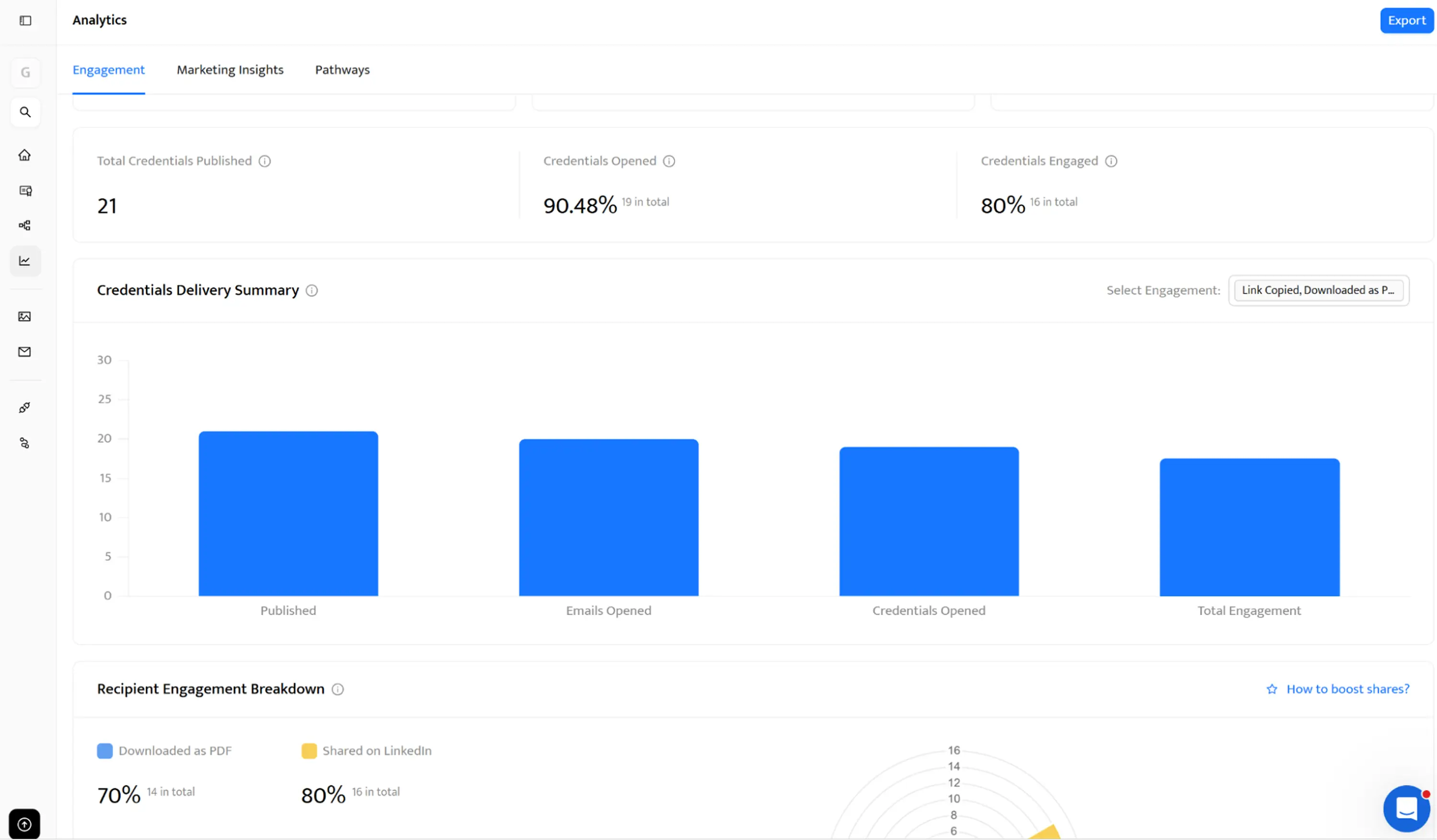
This data supports the case for continuous investment in digital badges for professional development by showing real engagement rather than just completion counts.
For a broader look at the value digital credentials create for training teams, the key benefits of digital badges for training programs article covers the evidence in detail.
Setting up a program of digital badges for professional development doesn’t require a large technical investment. With Certifier, you can go from zero to your first badge issued in under 30 minutes.
Full branding is included. Verifiable metadata is built in. Automated delivery to your entire employee cohort is one upload away. The first 250 credentials are free.
Ready to issue your first digital badges for professional development? Sign up for Certifier and get started today.
These are the questions L&D and HR teams most commonly ask when setting up digital badges for professional development in their organizations.

- Product Management
- Customer Research
- Digital Credentials
- Product Strategy
- Design Systems
Product Manager
Uliana leads product management at Certifier, using her UI/UX background to explain platform features and help organizations maximize their credentialing capabilities.