
Trusted by:
University of Southern California
Warner Bros.
Volvo
Amazon
Stanford University
Search
Updated: June 08, 2026
12 min read
Gamification is revolutionizing employee engagement. Explore the top gamification badges examples from global leaders to see how to turn daily tasks into rewards.
Research with AI:
Employee engagement gets stronger when progress is easy to see. That is why gamification works and badges are one of its most practical tools. Let’s analyze gamification badges examples from leading platforms.
To help you move from inspiration to action, we’ve also included editable badge templates after each section. You can edit them with Certifier, a credential management tool. They’re all ready for workplace use.

Gamification badges are digital icons that represent an achievement or new skills. These badges can be collected and displayed in a digital environment. They act as visual game elements that transform a standard task into a rewarding challenge.
Gamification badges work because they make progress easier to notice. They act as a form of social proof, allowing employees to display their expertise and gain recognition from their peers
According to a 2025 study by Zhang et al., gamification elements satisfy our psychological need for relatedness, the feeling of being valued and connected to a team.
They also support different engagement levels. Some people want to collect more badges over time. Some want a quick win, which provides an immediate hit of dopamine and satisfies the need for competence. It’s addictive and people want to earn more rewards.
Looking at how the world’s most successful platforms use gamification badges is the best way to understand how to build your own.
These badges gamification examples are carefully designed systems that drive daily engagement. It’s time to take some inspo!
After each section, you’ll find editable badge templates you can customize and use at your workplace.
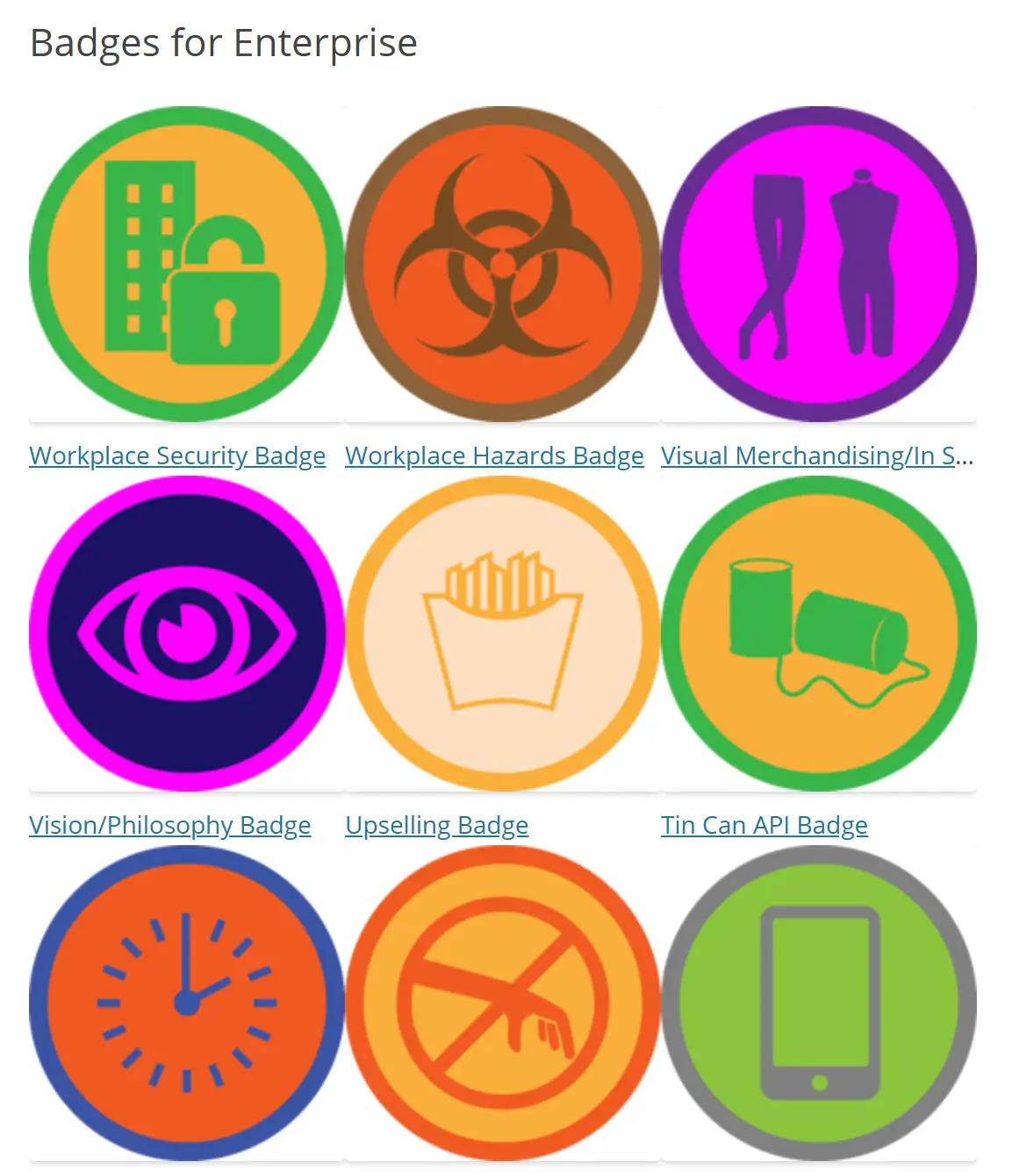
Moodle is a learning platform with built-in badges that organizations can use to reward course progress, completed activities and skill development.
How it works:
Admins or instructors create course badges to improve engagement among students and employees. For course badges, Moodle supports criteria such as course completion, activity completion, previously awarded badges, competencies, or manual issue by role.
Key takeaway for your badge program:
Moodle’s gamification badges examples prove that an award does not need to wait for a grand finale.
Achievement badges are great as mid-journey signals about reaching a goal. That is often what keeps people moving through training instead of quietly abandoning it halfway.
Would you like to enrich your employee learning process with something extra? Certifier connects with Moodle through Zapier. You can send reward badges, but also certificates if you feel that the milestone deserves something big.
Editable badges gamification example:
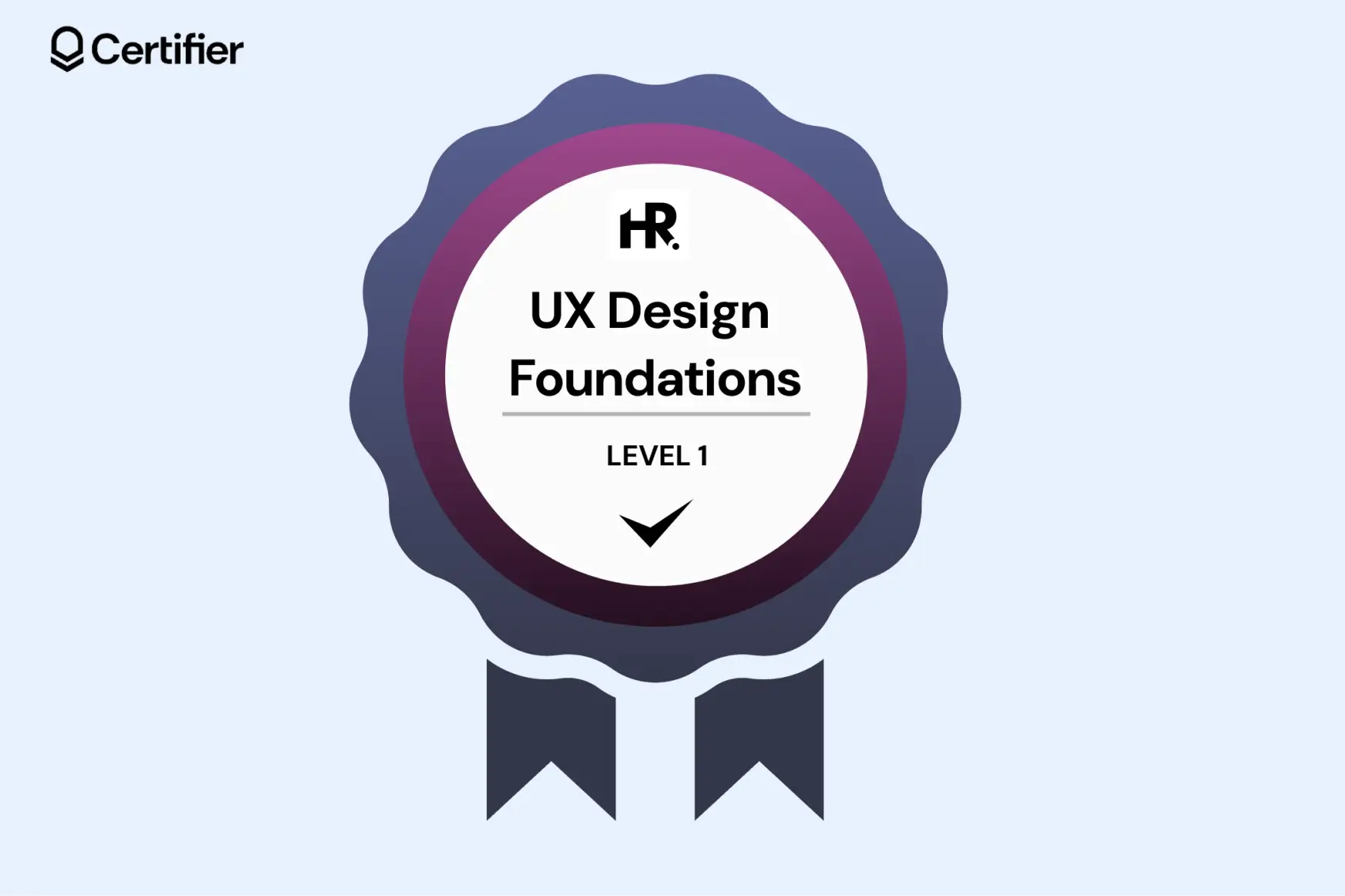

Rewards completion of a foundational training stage
Uses Level 1 to show this badge is part of a wider learning path
Works well for onboarding, upskilling and role-based training programs
Colors are adjustable–you can paste the HEX code
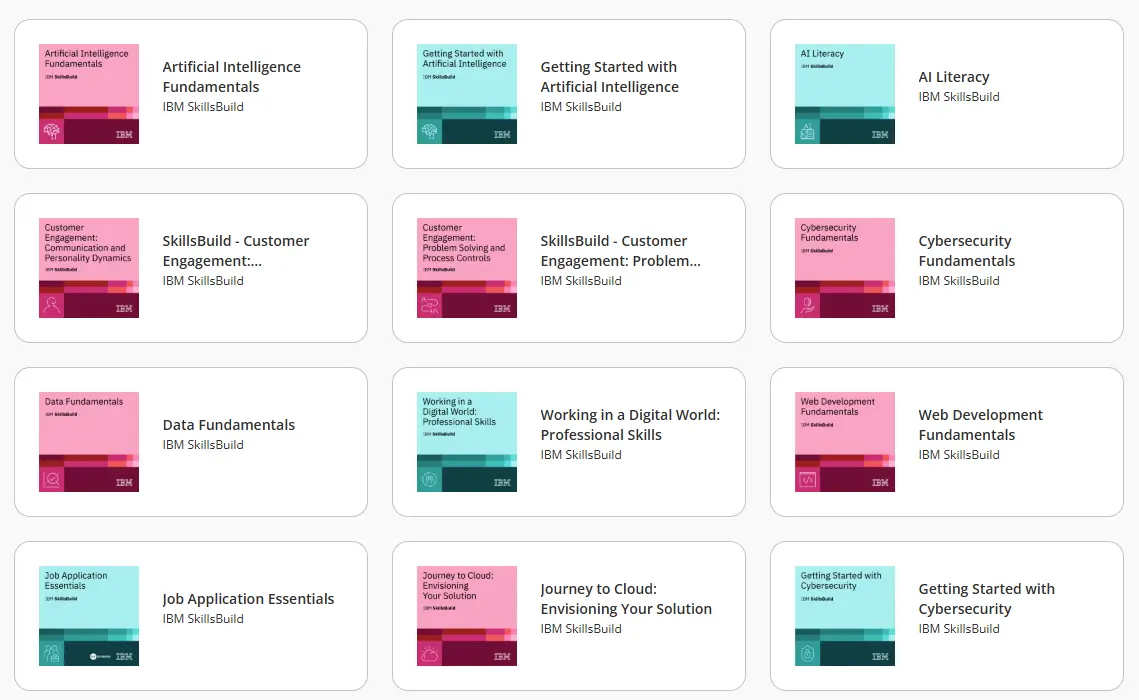
IBM SkillsBuild is an online learning platform that awards badges after users finish eligible courses and learning activities.
How it works:
Users sign up, complete a course or learning activity that offers a credential, accept the badge through Credly and then can share it online.
IBM SkillsBuild has many badge options, from short topics like AI Literacy and Data Literacy to broader credentials like Cybersecurity Fundamentals and Cloud Computing Fundamentals.
Learn more about Credly alternatives. Explore more advanced ways to create badges.
Key takeaway for your badge program:
IBM SkillsBuild proves that the best gamification badges examples do two things: motivate and validate.
To make your badges gamification strategy stick, ensure they are easy to share on platforms like LinkedIn, simple to verify and useful for the learner’s career.
Recommended to read
Editable badges gamification example:

Fits professional upskilling programs
“Certified expert” signals a high skill level and strong subject knowledge
Includes a placeholder for your logo
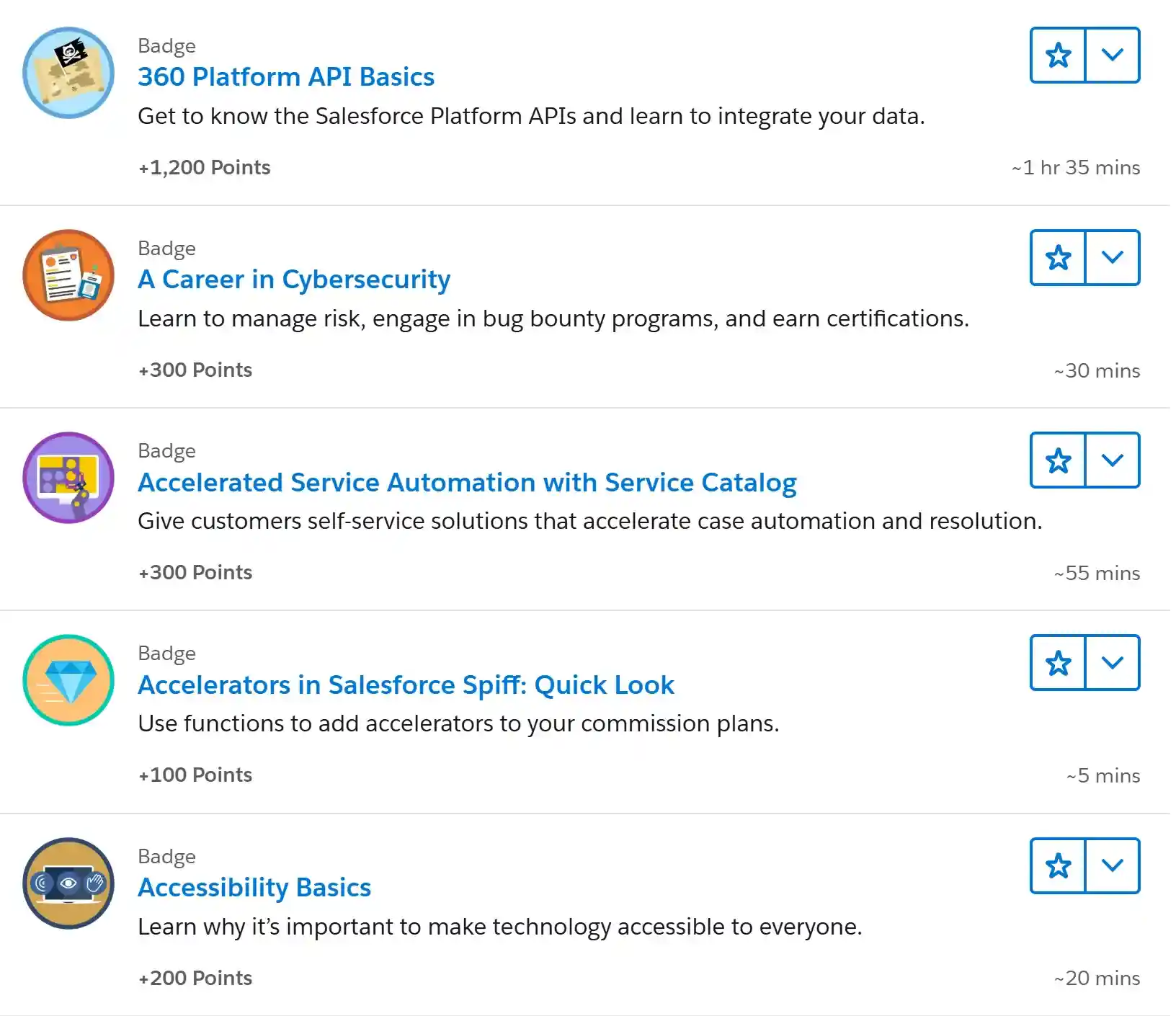
Learners tackle bite-sized modules and hands-on projects. Completing a task earns immediate points and a digital badge. As the points stack up, users unlock higher ranks. The badges work like progress bars.
How it works:
Users complete short virtual learning modules and projects on Trailhead. Each one gives them points and often a badge.
As those points add up, they unlock higher Trailblazer Ranks, so progress feels cumulative instead of one-and-done. It’s a great example of stackable credentials.
Key takeaway for your badge program:
Trailhead is one of the best gamification badges examples because it proves badges are stronger when they live within a visible ecosystem. A single badge is a nice thank you, but a sequence of levels creates a sense of identity and status.
Editable badges gamification example:
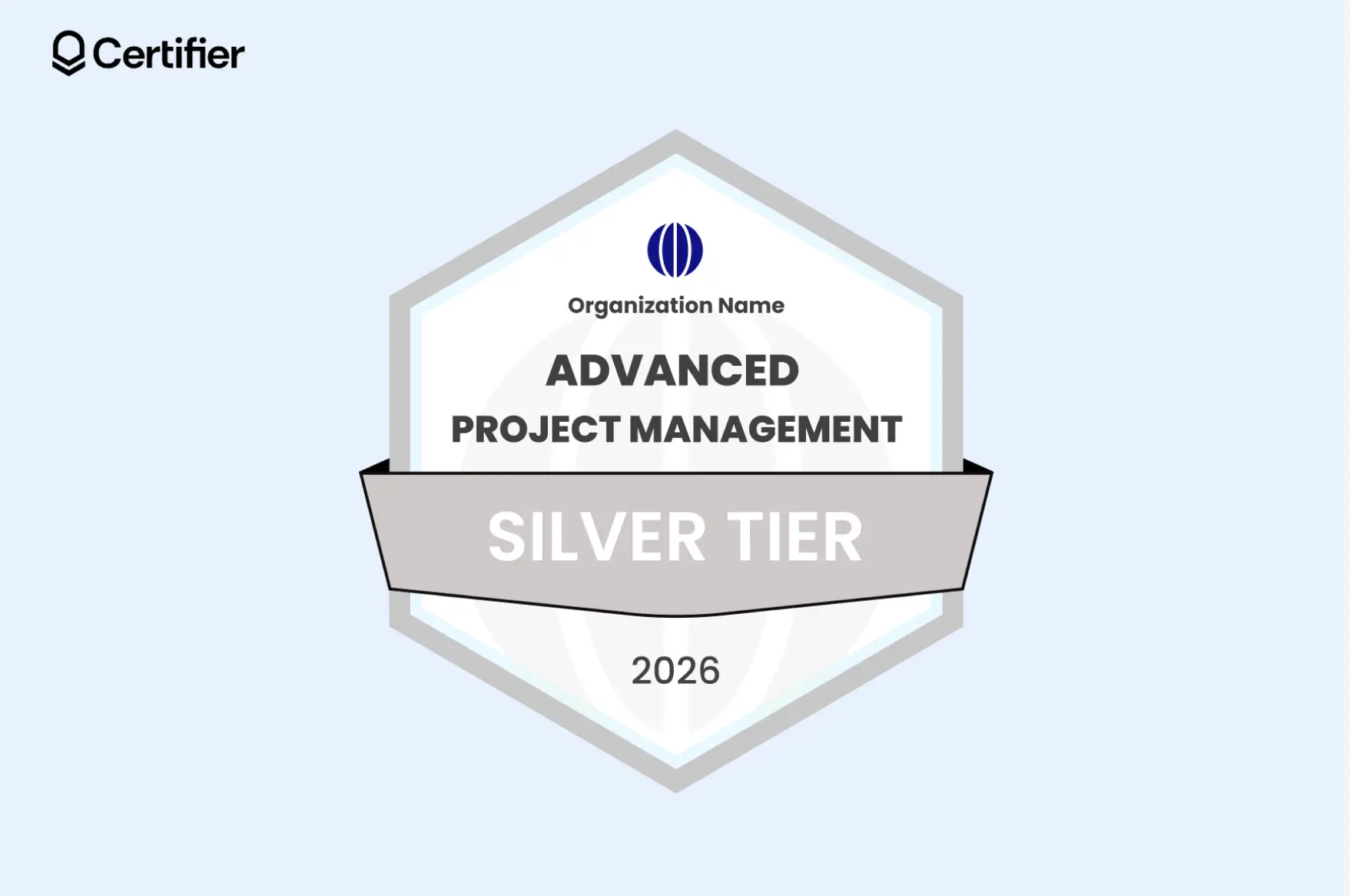
Shows the stackable badge path with a clear tier system
Makes progress visible and easy to compare across levels
Works well for badge families built around growth, mastery and long-term development
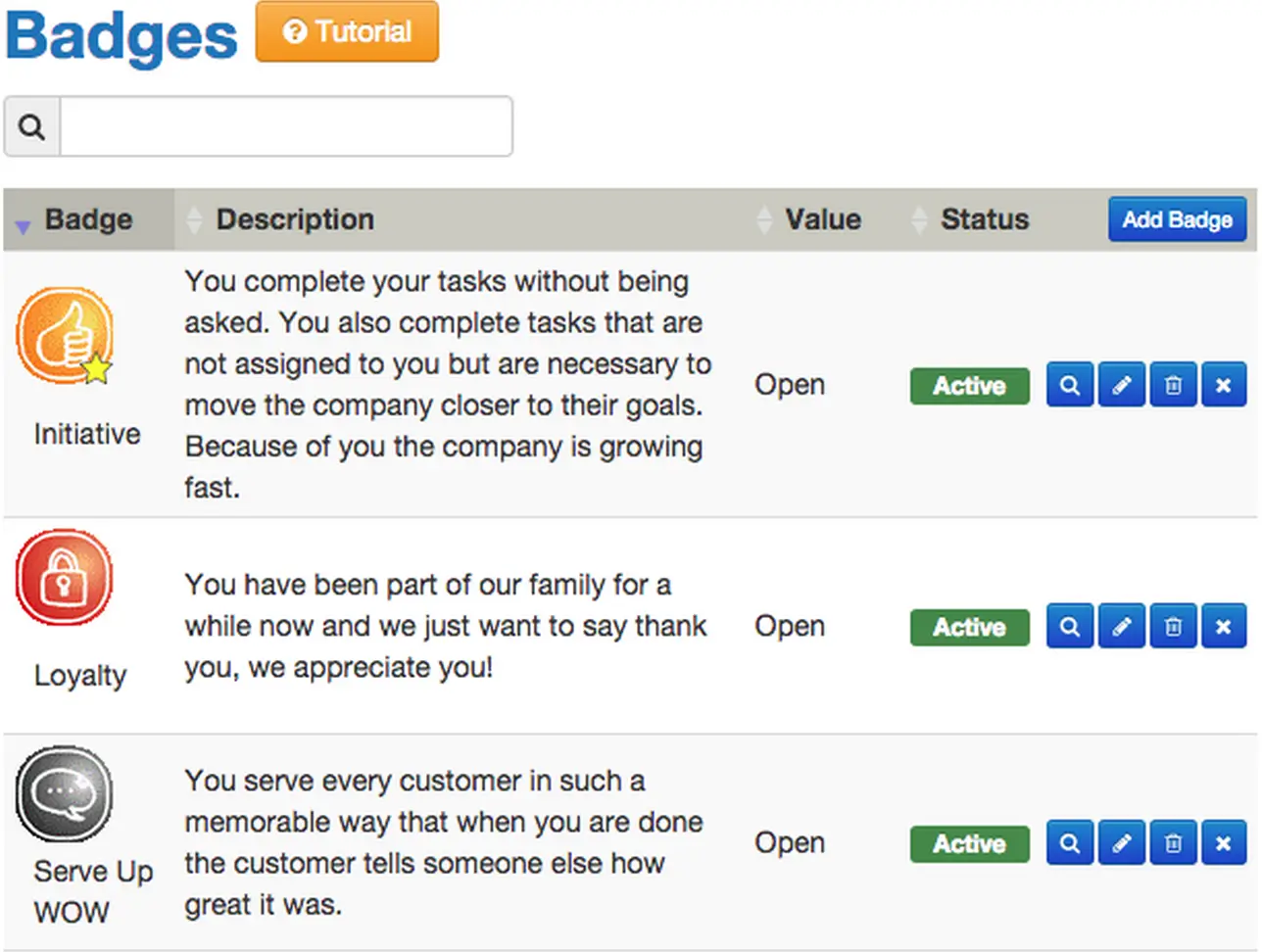
CrewHu is a recognition platform that lets teams give badges to celebrate daily wins, great work and behaviors that reflect company values.
How it works:
CrewHu lets admins create badge types and set names, descriptions, images and rules for how they are given. Some badges are awarded manually by peers or managers.
Badge issuance can be triggered automatically for events like birthdays and work anniversaries.
Key takeaway for your badge program:
CrewHu shows that gamification badges can also shape culture. A strong recognition badge system gives people simple ways to celebrate behaviors like:

Teamwork
Positivity
Ownership
Service
Editable badges gamification example:
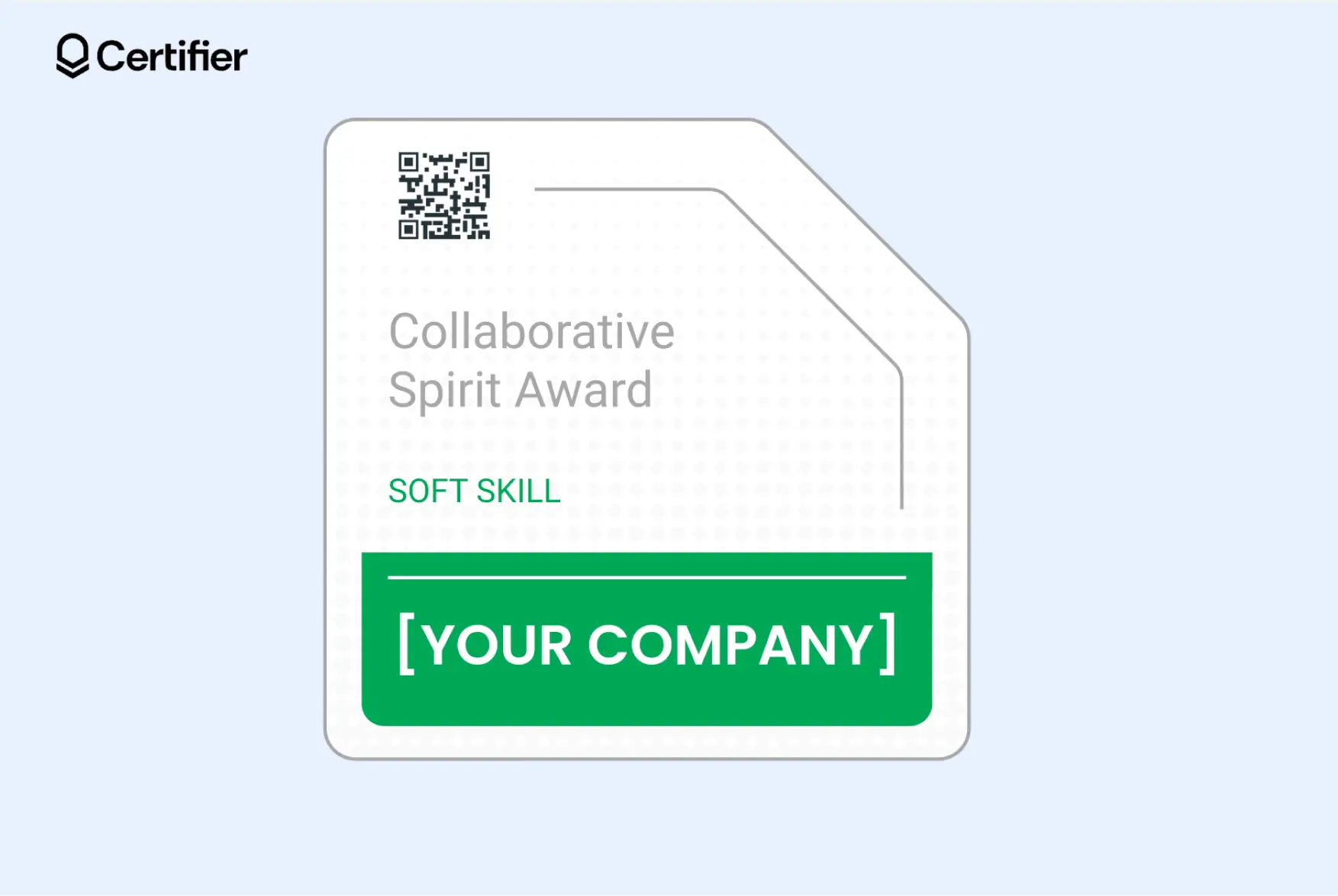
Includes a QR code that leads to a verification page
Uses a clean, branded layout with a space for a short, recognition note
Serves for gamification purposes, but it can also be a LinkedIn badge–recipients can add to LinkedIn with a click
Recommended to read
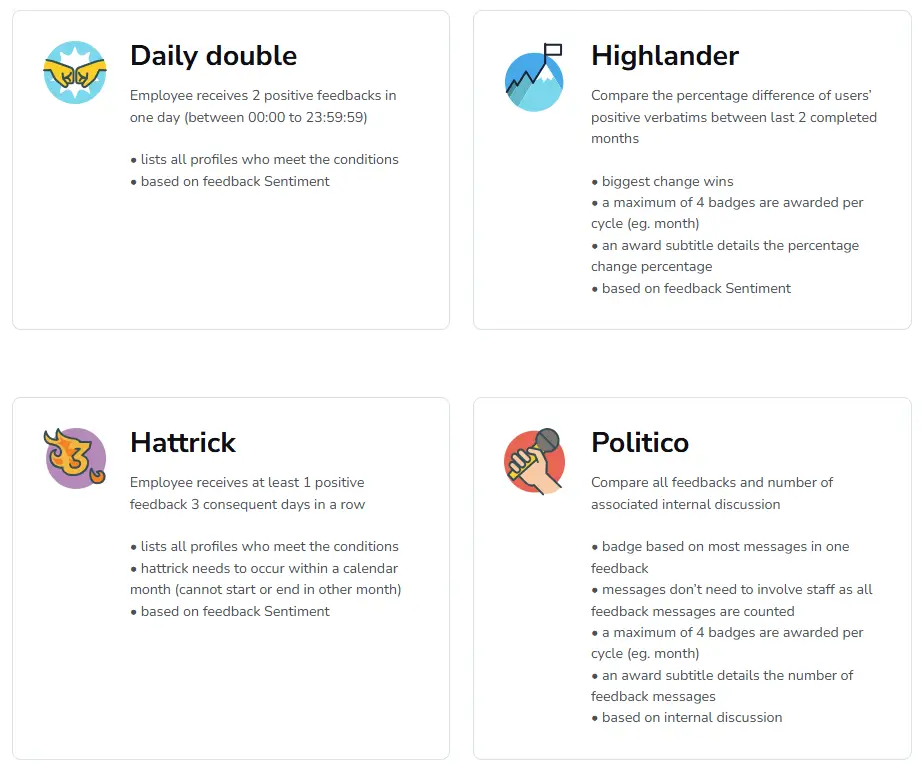
Staffino is an employee gamification platform that turns customer feedback and service performance into visible badges.
How it works:
Staffino lets teams earn badges based on customer-related metrics such as satisfaction scores and feedback. As employees hit those targets or receive strong feedback, they unlock virtual badges and can track progress inside the platform.
Key takeaway for your badge program:
Staffino demonstrates that the best gamification badges link rewards to real-time performance data. By turning abstract metrics like customer satisfaction into visible milestones, you provide employees with immediate, objective proof of their impact.
Editable badges gamification example:
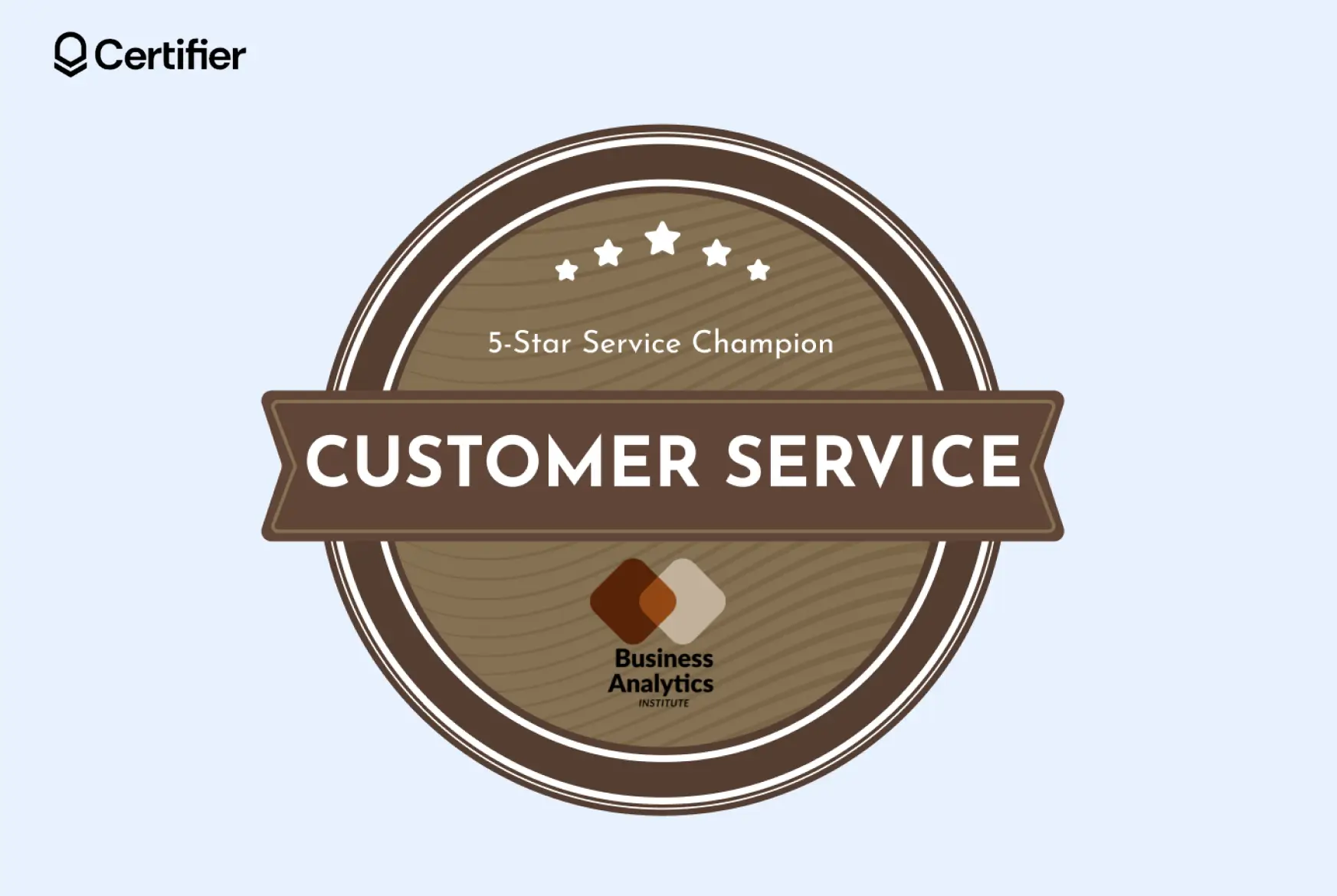
Rewards strong service quality and positive customer feedback
Includes editable elements like the title, rating stars, badge text, colors, logo, background pattern and more
You can remove or add elements, upload custom fonts and adjust the layout to match your brand or feedback program
A good practice is to inspire your employees to engage in activities outside the workplace.
Work-life balance is now more important than ever, so implementing a sports contest on Strava or a language challenge on Duolingo with some prizes might be a great idea to bond with your team.
Duolingo is a language-learning app built around short daily lessons and progress-based rewards.
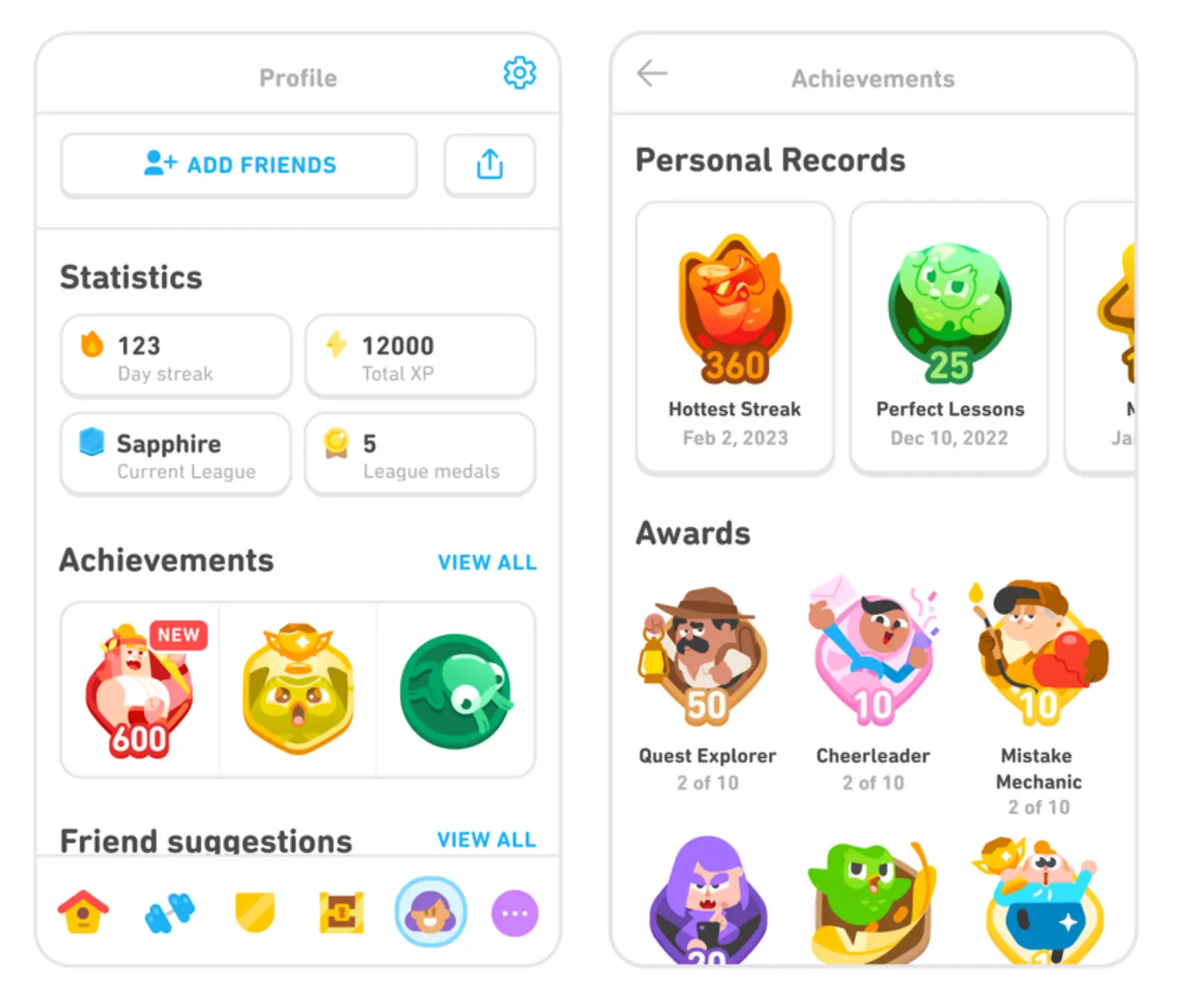
How it works:
Duolingo awards badges for specific actions and milestones. Users can get them for simple tasks, strong results, or for keeping a daily learning streak.
In other words, coming back to the app and finishing a lesson every day for a set number of days in a row. Some badges also come in levels, so the challenge grows over time.
Key takeaway for your badge program:
Build badge families around one behavior, then scale them from easy to advanced. That keeps recognition fair, gives new employees a quick win and gives experienced employees a harder target to chase.
Editable badges gamification example:
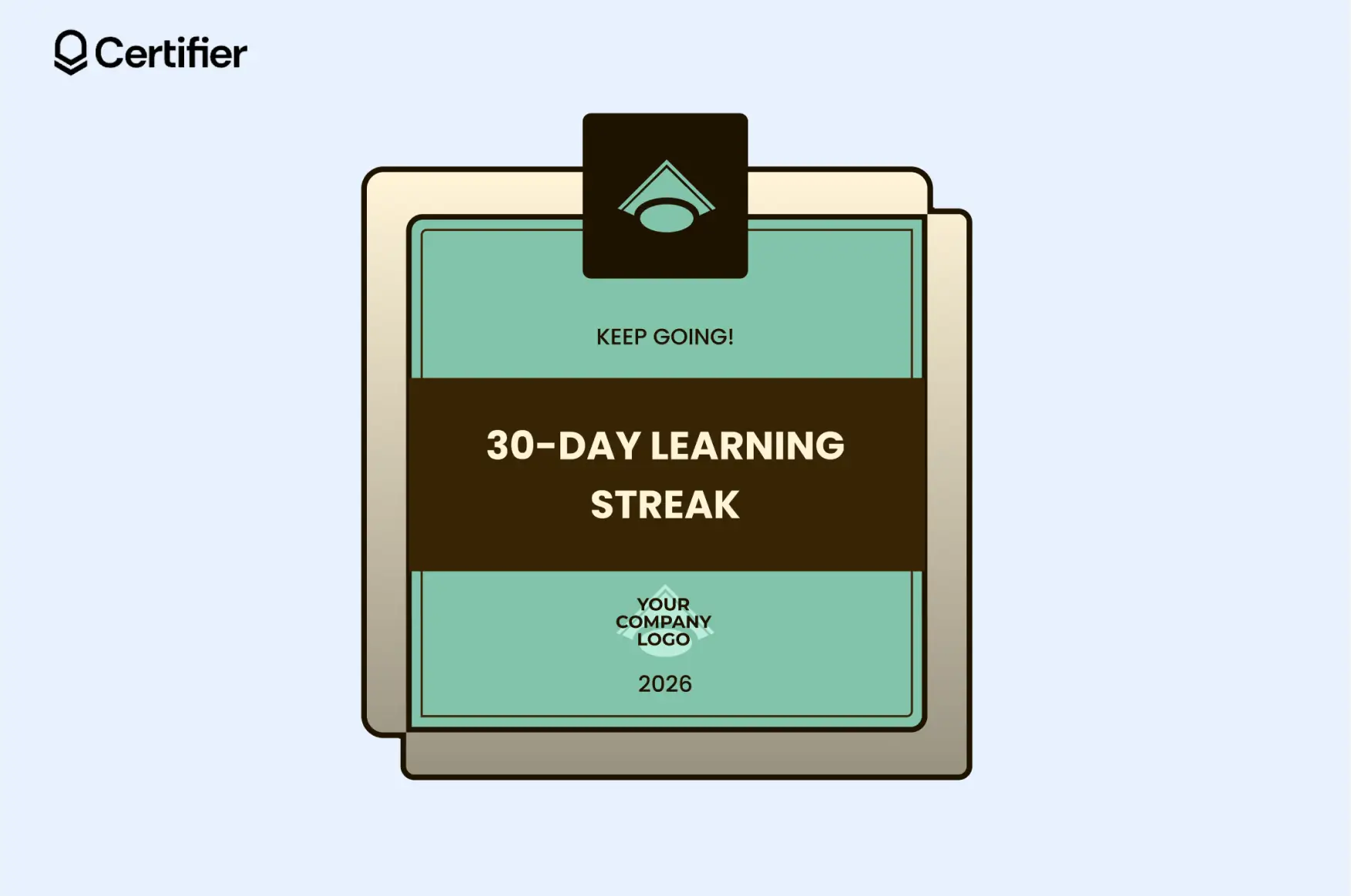
Focuses on the frequency of action rather than just a one-time result
Encourages regular interaction with training materials
Can be sent via a personalized email from a custom domain, ensuring the recognition feels connected to your brand.
Strava is a fitness tracking app where users join time-based activity challenges and earn digital badges when they complete the goal.
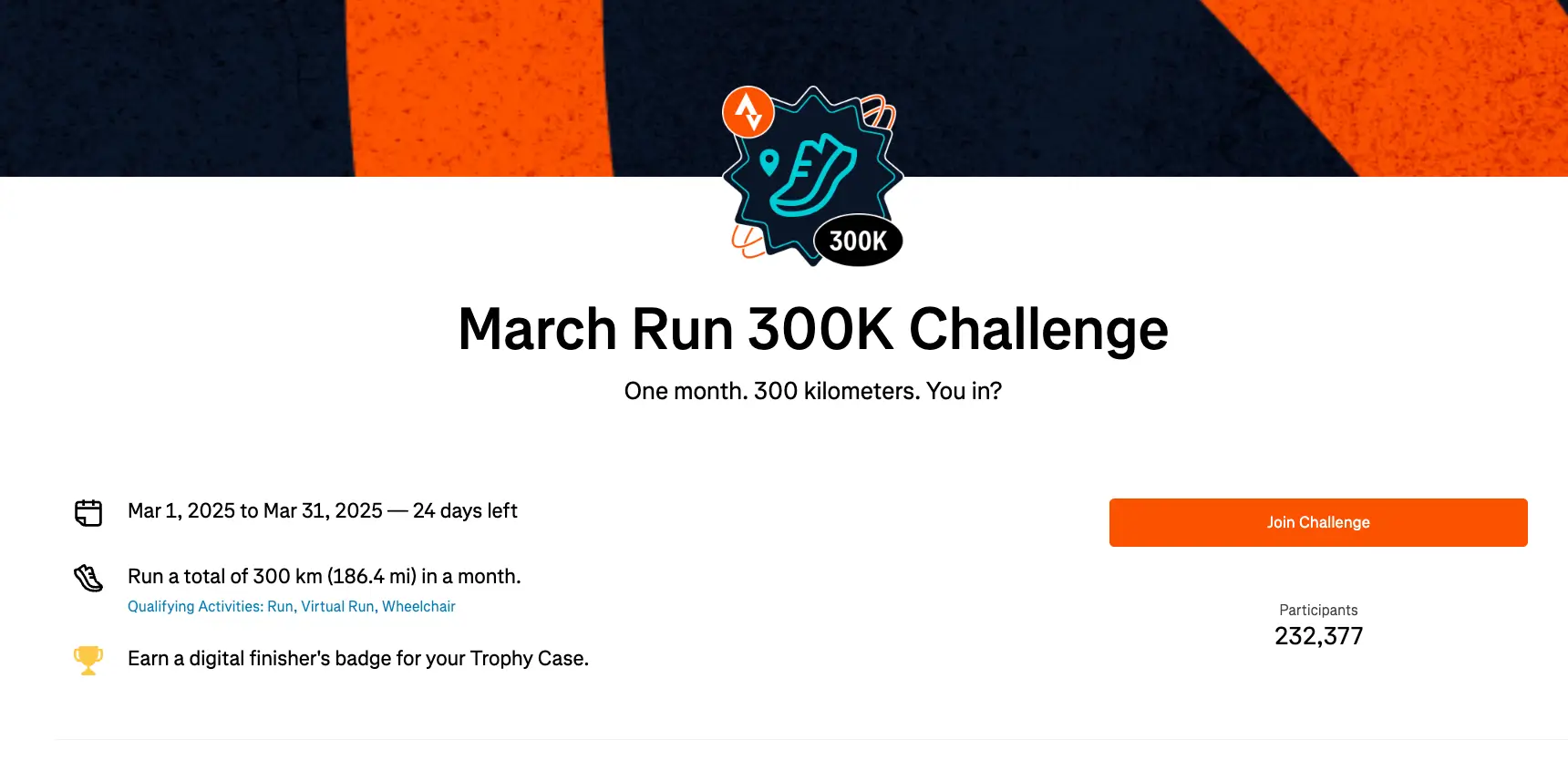
How it works:
Strava runs challenges with a clear target and deadline, such as completing a set distance or training goal within a specific month. Users join the challenge and get a digital finisher’s badge once they meet the requirement.
Key takeaway for your badge program:
Strava shows that gamification badges work well when they are linked to short-term campaigns or seasonal goals.
For your own badges gamification system, this is a strong model for monthly challenges, event participation, reading goals, wellness campaigns, or any activity where people need a clear finish line and a visible reward.
Editable badges gamification example:
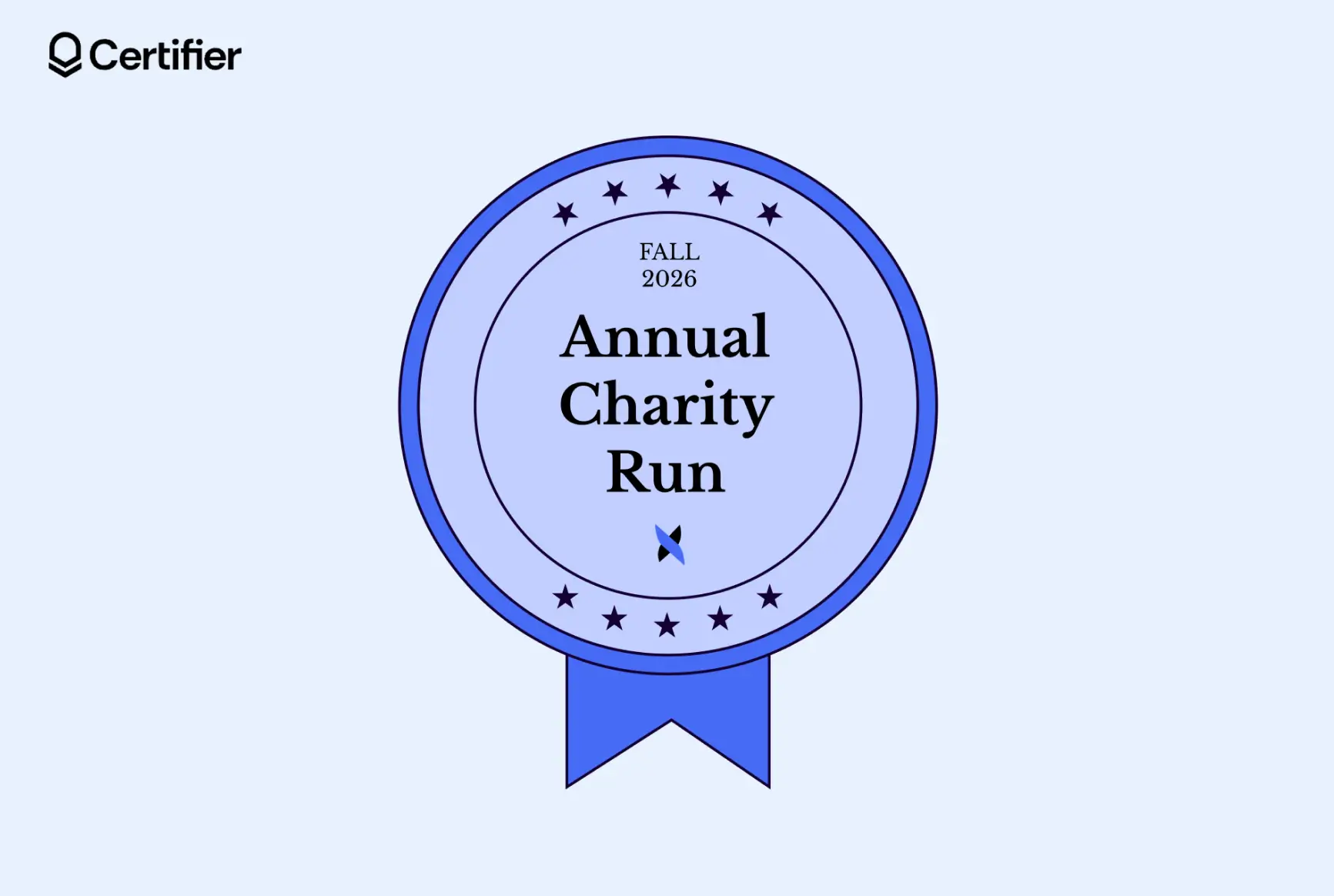
Celebrates shared experiences outside of daily tasks, building a sense of belonging to company culture
The time-sensitive nature of an annual event creates a sense of urgency and drives participation
Acts as a shareable credential that highlights both the individual’s contribution and the organization's commitment to social responsibility
Google Maps Local Guides is a contributor program where users share reviews on Google Maps and earn points, levels and badges for their contributions.
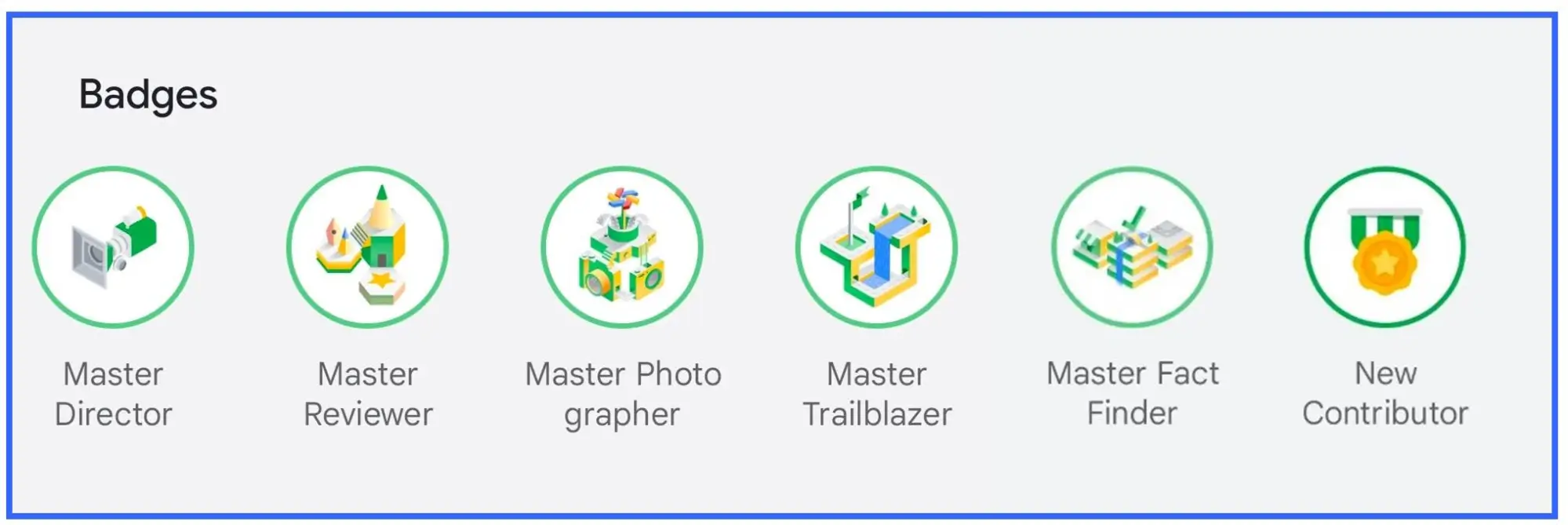
How it works:
Users contribute useful content to Google Maps, such as reviews, ratings, photos, answers and place edits. If that content is published, they earn points. As their points grow, they move up through levels and unlock virtual badges.
Key takeaway for your badge program:
Google Maps Local Guides shows that gamification badges work well when credentials recognize useful public contributions, not just task completion.
It is a strong model for any system built around reviews, shared tips, peer answers, community updates, or crowd-sourced knowledge.
If you want to create gamification badges that work, make sure you follow these trends.
Branded badge families. More teams use badge sets that look connected. The same colors and style appear across all badge levels. Certifier supports this with customizable templates.
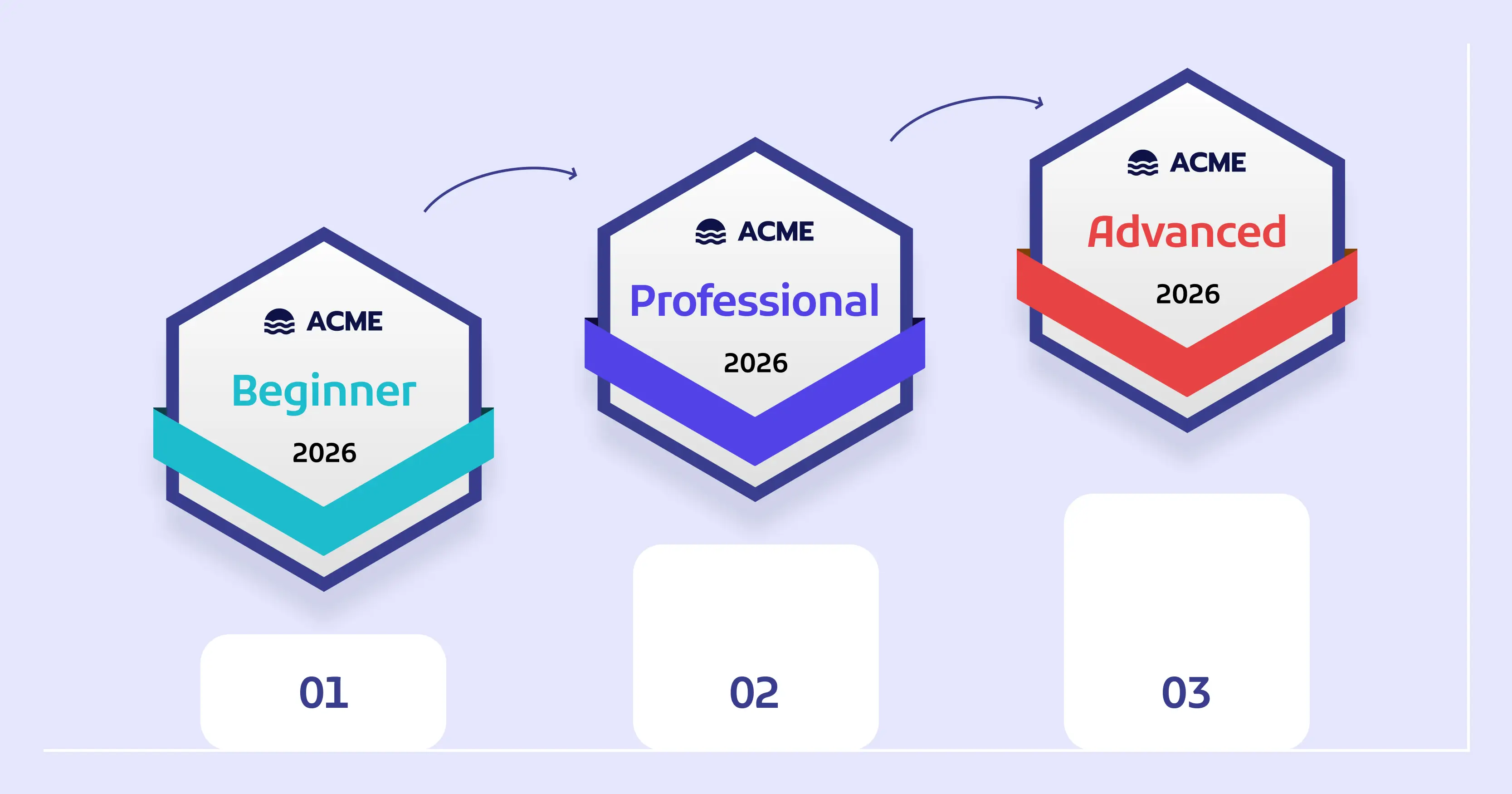
Stackable badge paths. Badges are often built as a sequence. One badge leads to the next. This works well for onboarding, training and skill tracks. Certifier supports stackable credentials thanks to the Pathways feature.
Verified badge design. A gamification badges should include trusted data about the achievement. Make sure the badges follows the Open Badges 3.0 standard and include badge verification features: ID number, issuer’s info or QR code that leads to verification page.
Shareable gamification badges. More badges are made for sharing on LinkedIn and other platforms. Clean titles and clear branding matter here. Add your logo–with every share your brand will get more recognition.
The gamification badges examples from giants like Salesforce and IBM are incredible, serving as a great source of inspiration on how to reward your team.
If you already use these platforms, great for you. Now you know what gamification capabilities they offer. However, if they don’t belong to your tool stack, we offer you an alternative.
If you want to introduce badges gamification without the overhead of a heavy ecosystem, Certifier is the perfect middle ground. It is designed for casual users who want to reward learning objectives and professional growth.
Certifier a credential management platform where you can create, issue, distribute and manage badges and certificates.
Create and Send Digital BadgesTake your digital badging to the next level with Certifier.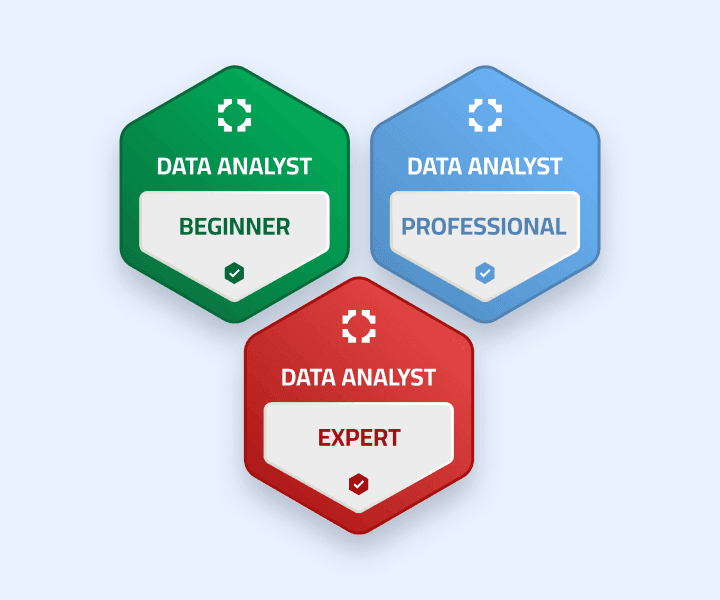
Key benefits and features of Certifier:

LMS integration. Certifier connects with learning tools, HR systems and other apps through native integrations, API, spreadsheets, Zapier and Make. You can trigger badges after a course completion or another action instead of issuing them one by one.
Learning pathways. You can create badge levels or milestone sequences, such as beginner, intermediate and advanced, so people move through a clear path.
Verification features and Open Badges 3.0. The platform follows the Open Badges 3.0 standard, so it can include verified data about the issuer, recipient, criteria and achievement. That makes the badge more trustworthy and easier to validate.
Issuer’s Portal. This is the admin side of Certifier. It gives issuers one place to manage badges, monitor activity, review engagement and keep your badge program organized.
Recipient credential digital wallet. Recipients get a personal space to store and share their badges. They do not need to search old emails or ask for the credential again every time they want to use it.
User engagement tracking. Certifier lets you track opens, clicks, and other interactions with issued credentials. It’s easier to see which badges get attention and which parts of your badge program perform well.
Lightweight setup. Certifier is a strong option for both big volume programs or teams of casual users.
Ready to turn these badges gamification examples into reality? Here is how to get started in minutes:
Choose a template: Go to the Certifier library and select a badge design that matches your brand (or upload your own custom icon).
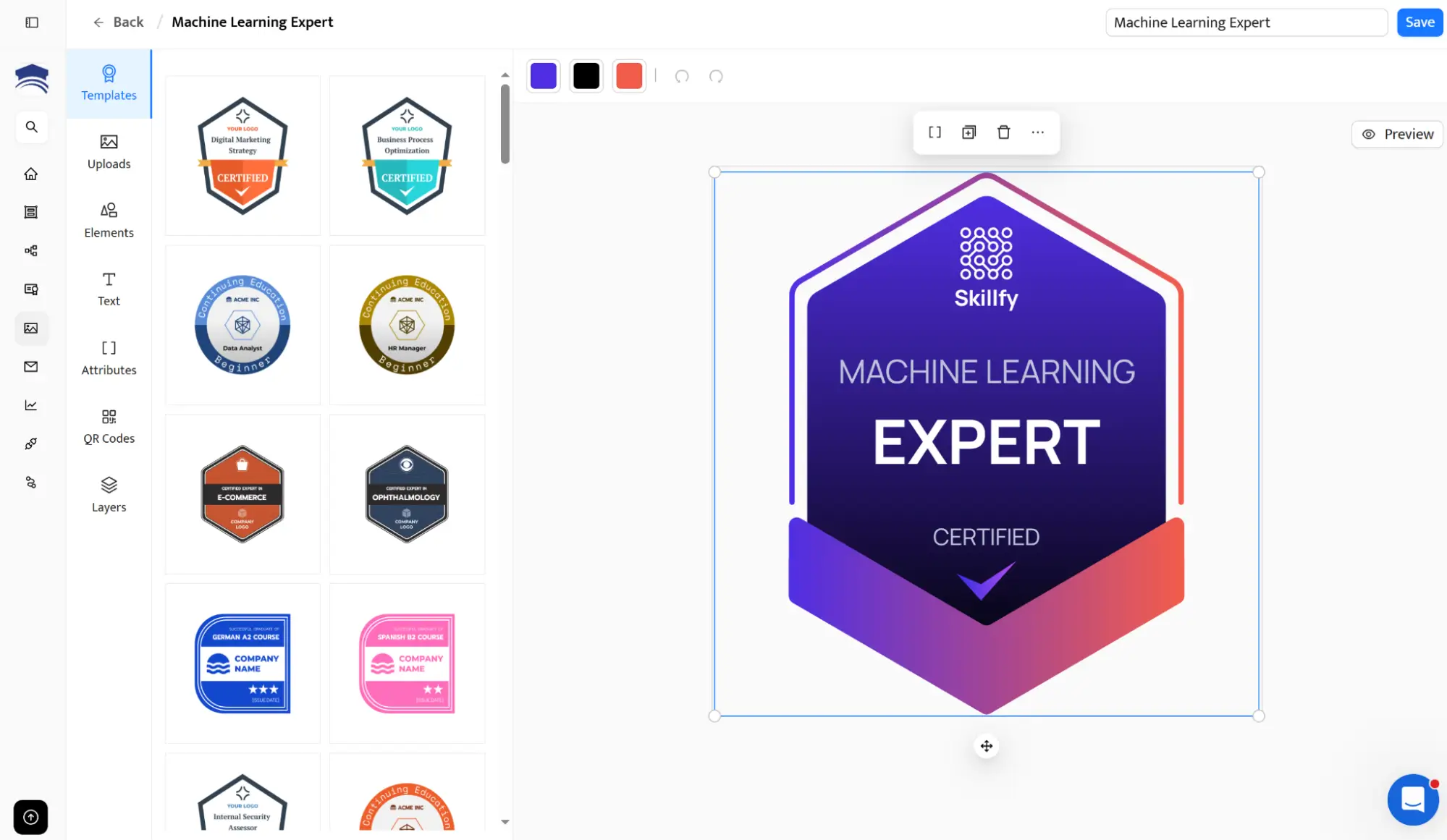
Define the achievement: Add the badge name and a clear description of the learning objectives or behaviors required to earn it.
Enter recipients data: Use a spreadsheet with recipients’ info, enter data manually or connect an LMS to Certifier to automate the process. With the last solution, a gamification badge is issued automatically when the criteria are met.
Launch and track: Optionally, send the badge via email. The email links to a credential digital wallet, where recipients can access their gamification badge.
For a detailed step-by-step visual walkthrough on how to create gamification badges, check out our video:
The gamification badges examples from platforms like Salesforce, IBM, Moodle, or Duolingo show how powerful badges can be. But you do not need huge HR platforms to start using badges in your own team.
Certifier is the agile alternative. It lets you create, issue distribute and manage badges and certificates in one place. It’s a top choice for teams that want to reward learning objectives and professional growth without adding a heavy new system.
Try Certifier for free and start building a more engaged and motivated workforce today.
Have questions about gamification badges? Read answers to the most common questions on badges gamification examples.

- SaaS Growth
- Digital Credentials
- APIs
- Product Marketing
- Company Operations
CEO and Co-Founder
Sergey is CEO and Co-Founder of Certifier, a Forbes 30 Under 30 honoree building digital credential infrastructure for 2,000+ organizations worldwide and shaping the future of credentialing.