Credential analytics
Track your certificates, badges and programs
Track opens, downloads, shares, and email delivery. See how recipients engage with your certificates and badges on LinkedIn and who may need a reminder or resend of their credential email.


2,000+ organizations and institutions use Certifier





ElevenLabs
ElevenLabs powers its conversational AI partner certification program with Certifier.
View credentials





The Economist
The Economist uses Certifier to award 2,000+ certificates for courses in AI and critical thinking.
View credentials

LinkedIn Analytics
See who shared on LinkedIn
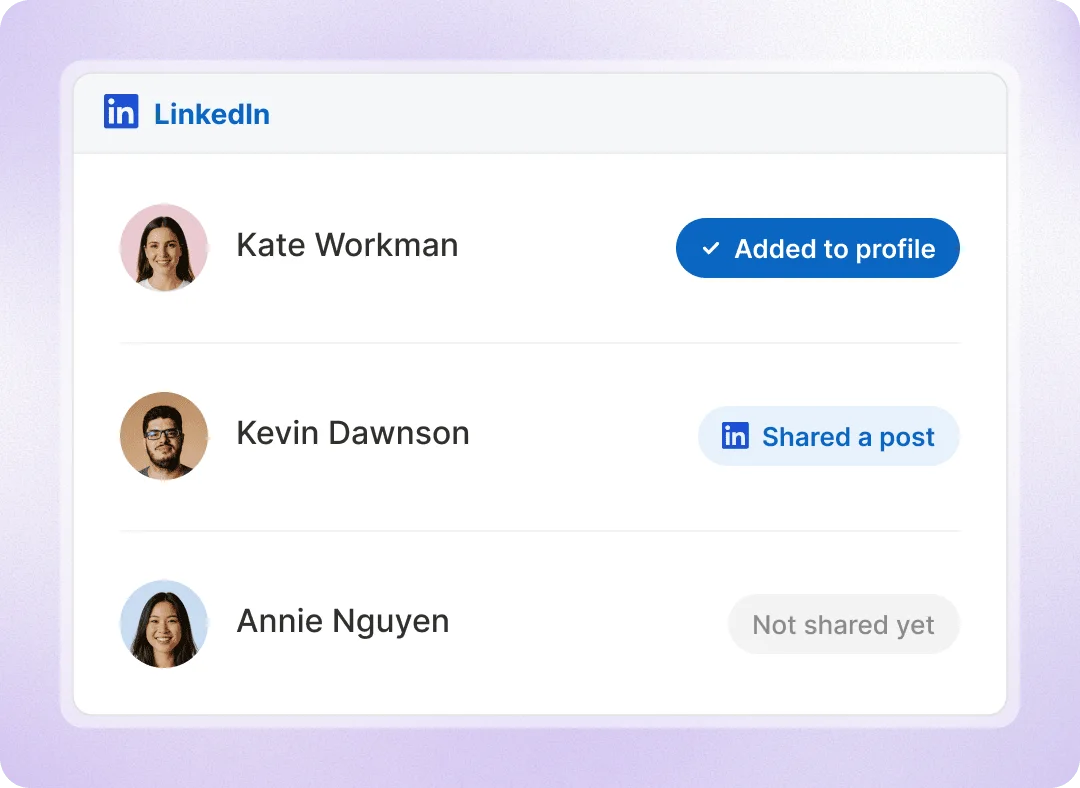
See how many recipients post your certificates and badges on LinkedIn or add them to their profile. Filter Analytics by course, event, or date to review a whole program, then check individual credential records.
Track clicks to post on LinkedIn
See who Add to Licenses and Certifications
Find recipients who haven’t shared on LinkedIn yet
Recipient engagement
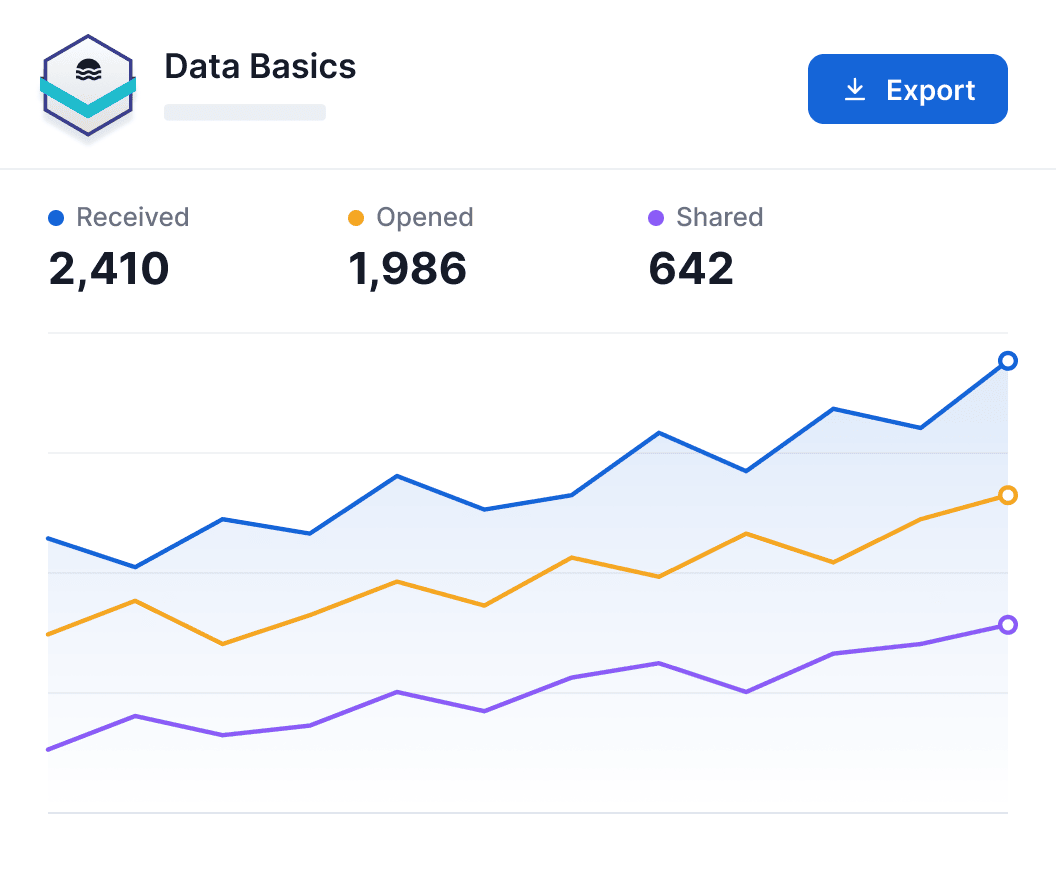
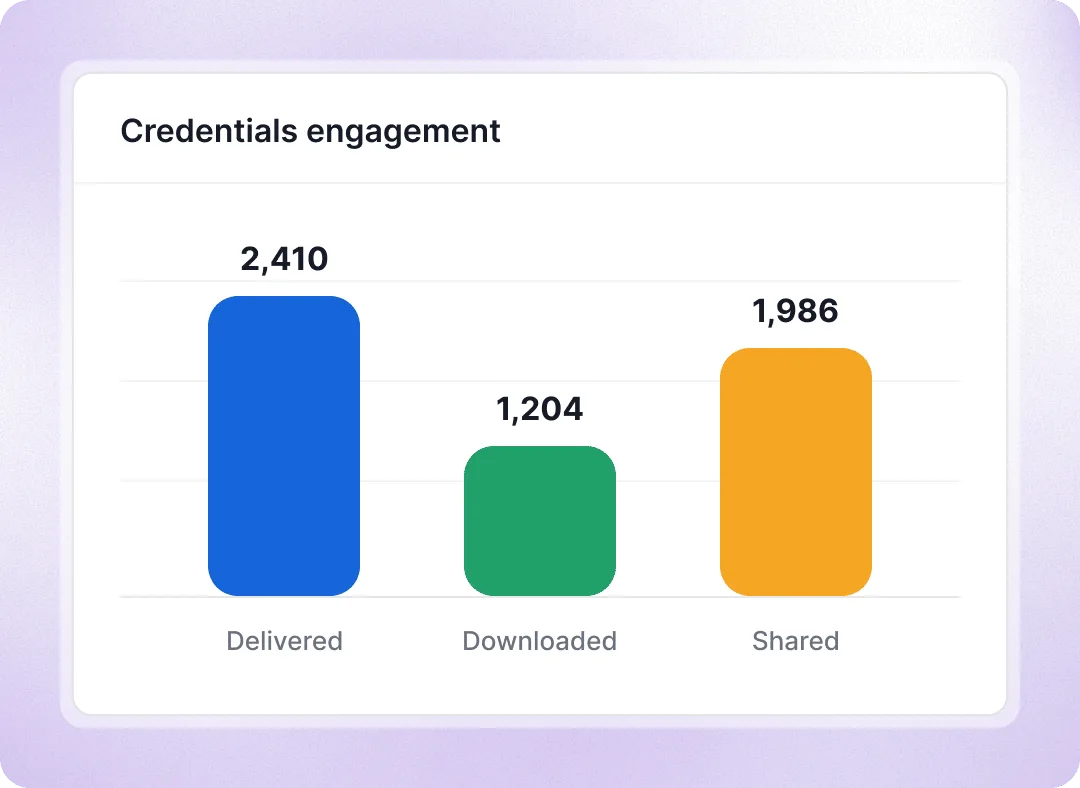
See who received, opened, downloaded, and shared
See how many credentials you’ve issued, how many were opened, and what people did next. Track email deliverability and see the actions behind all recipients interaction.
Bounced emails, so you know who didn’t get it
PDF downloads and copied credential links
Sharing activity on Facebook and X
Break engagement down by action
Pathways tracking
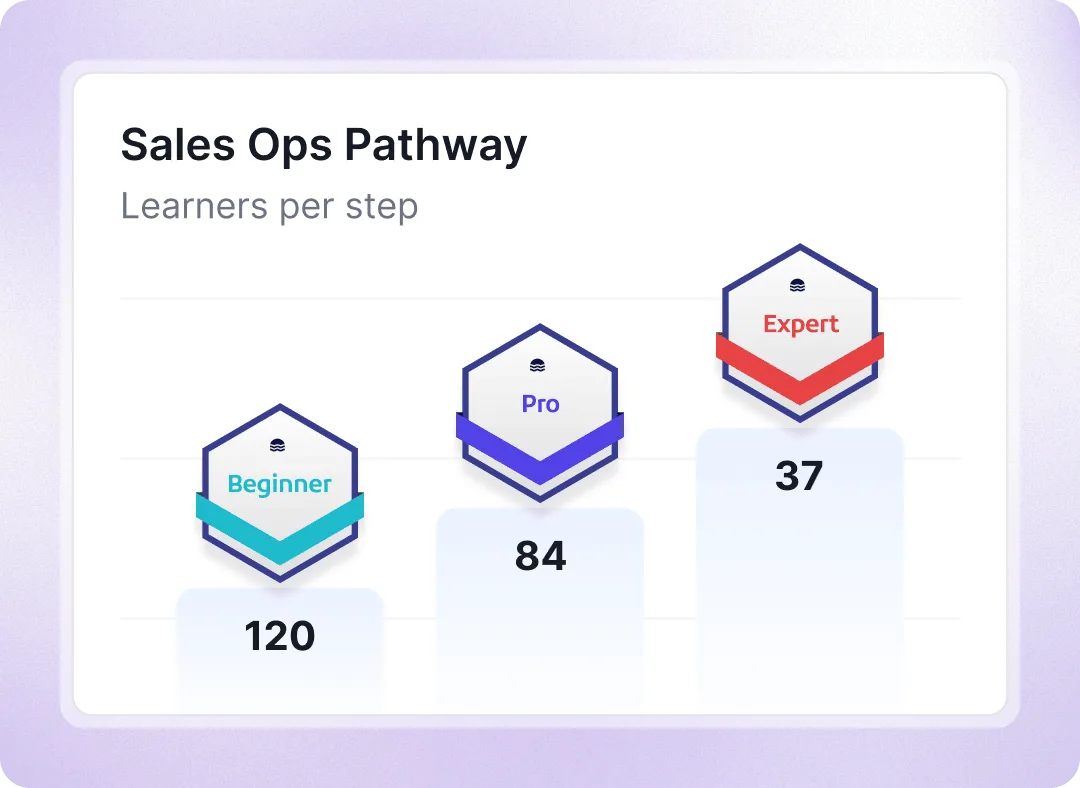
See where learners drop off in your certification pathway
Pathways connect many credentials into a learning journey. Track progress through credentials earned, then see how many recipients completed the full pathway and where progress drops off. See enrollments, recipients in progress, completions, and the completion rate for a pathway.
Email followups
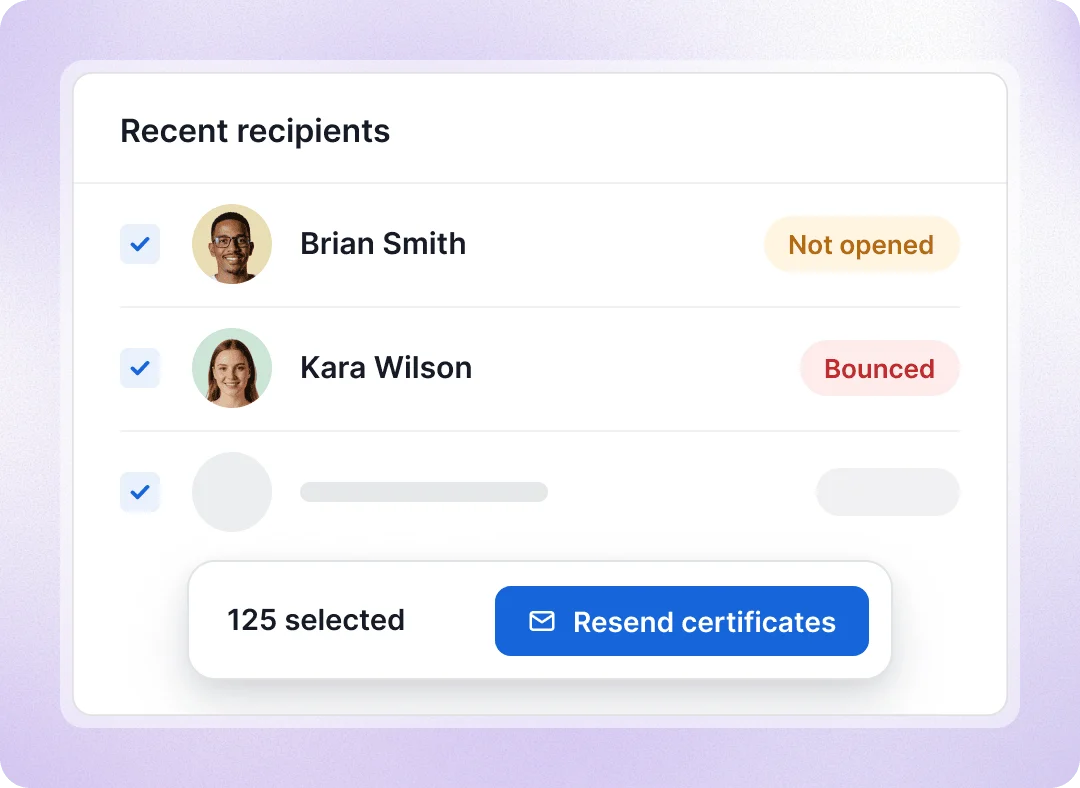
Resend certificates that recipients haven’t opened
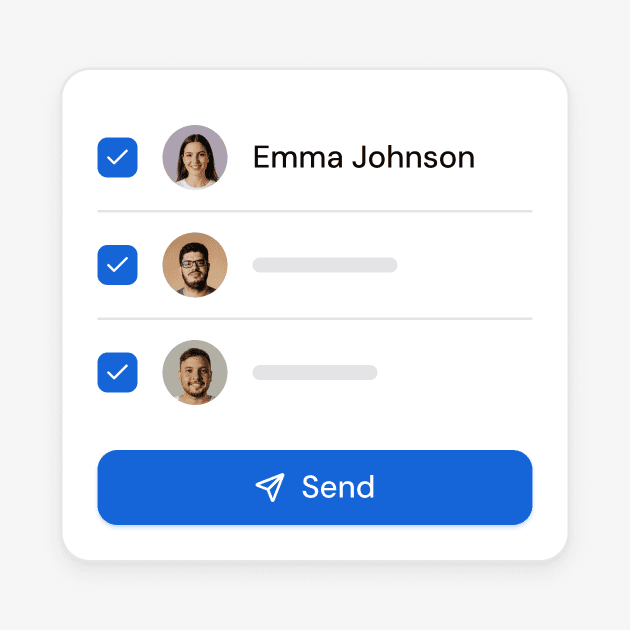
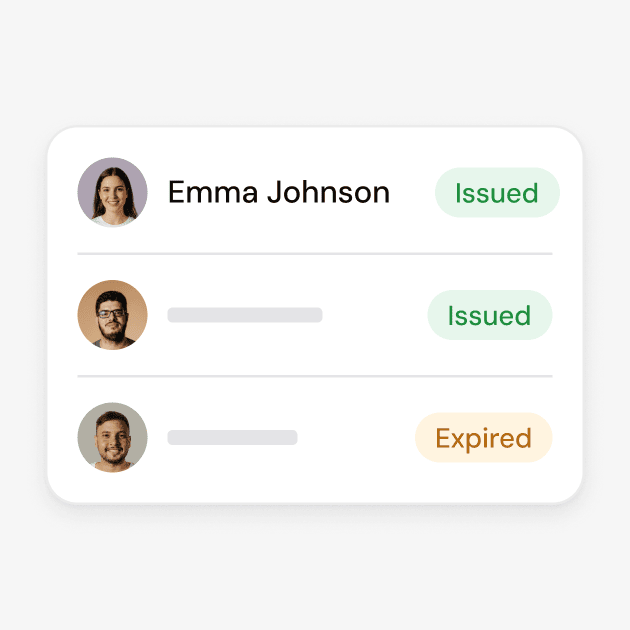
Use analytics to see who didn’t get your email, why it bounced, and which recipients haven’t opened or downloaded their credentials. Filter for unopened credentials, then select the recipients you want to contact.
Check any email bounce reason
Review activity with dates and times
Resend to selected recipients in bulk
Export evidence
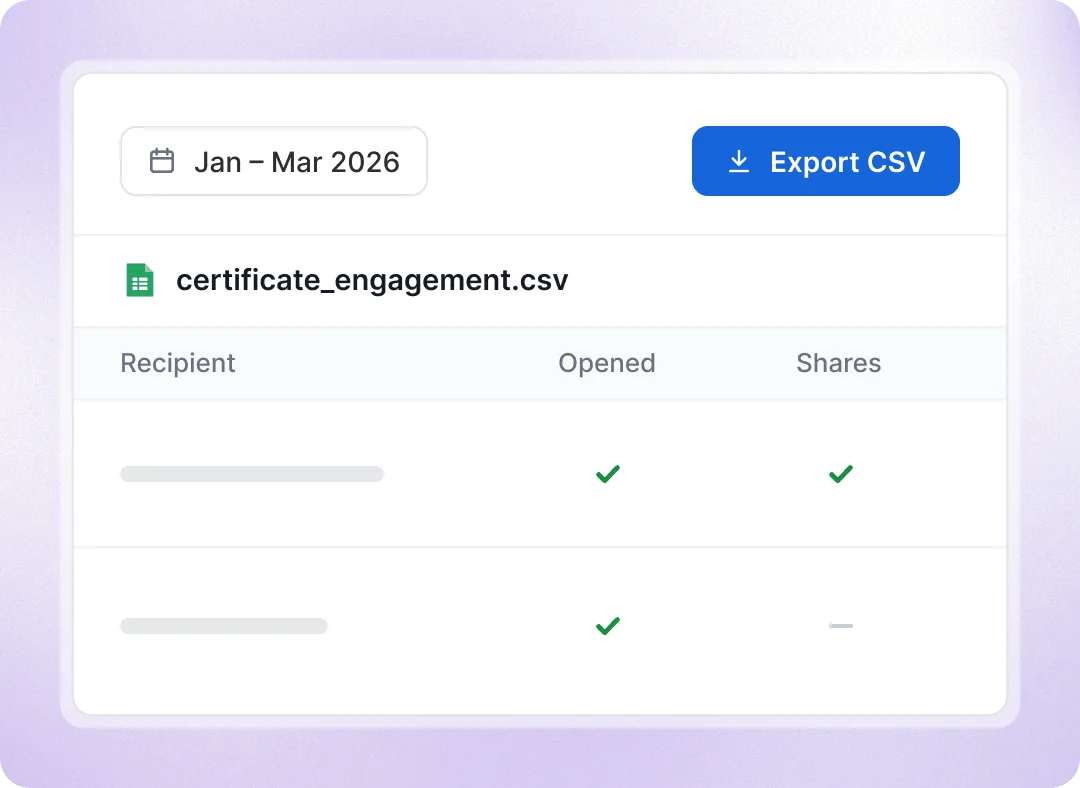
Export your credential evidence to a spreadsheet
Download what you see in Analytics as a CSV for Excel, Power BI or your own dashboards. Engagement, Marketing Insights and Pathways exports keep the filters you’ve applied. Export delivered, bounced, opened, viewed, shared and downloaded metrics.
Turn credential data into reports and insights
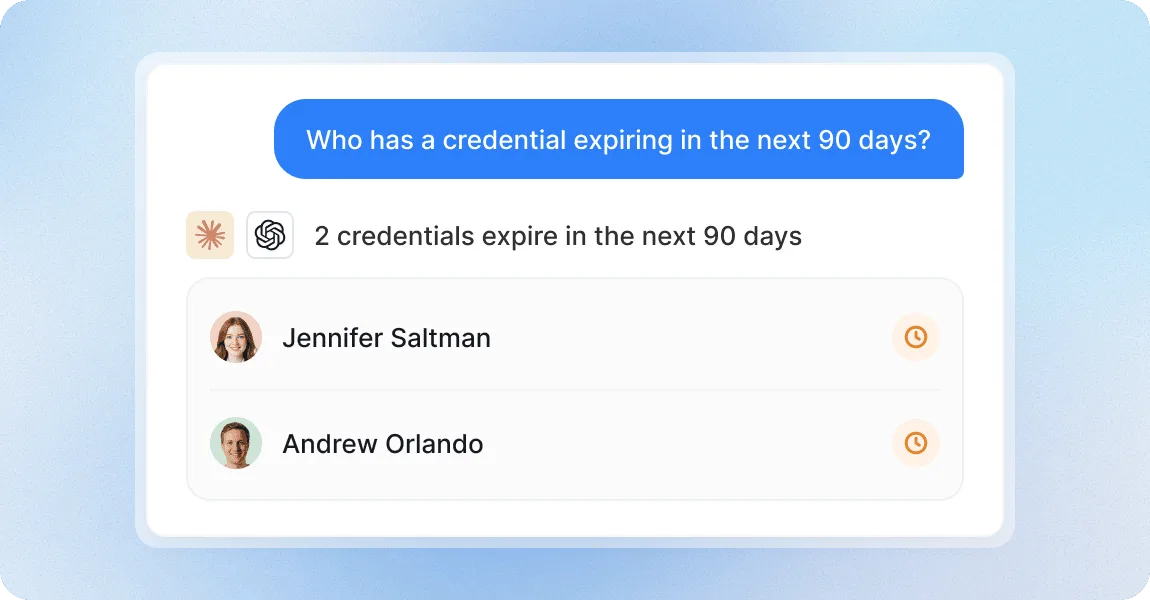
Ask your ChatGPT or Claude to create any certification report
Connect ChatGPT, Claude, or other LLMs to ask questions like “Whose credentials have expired?” and create reports using your Certifier account data.
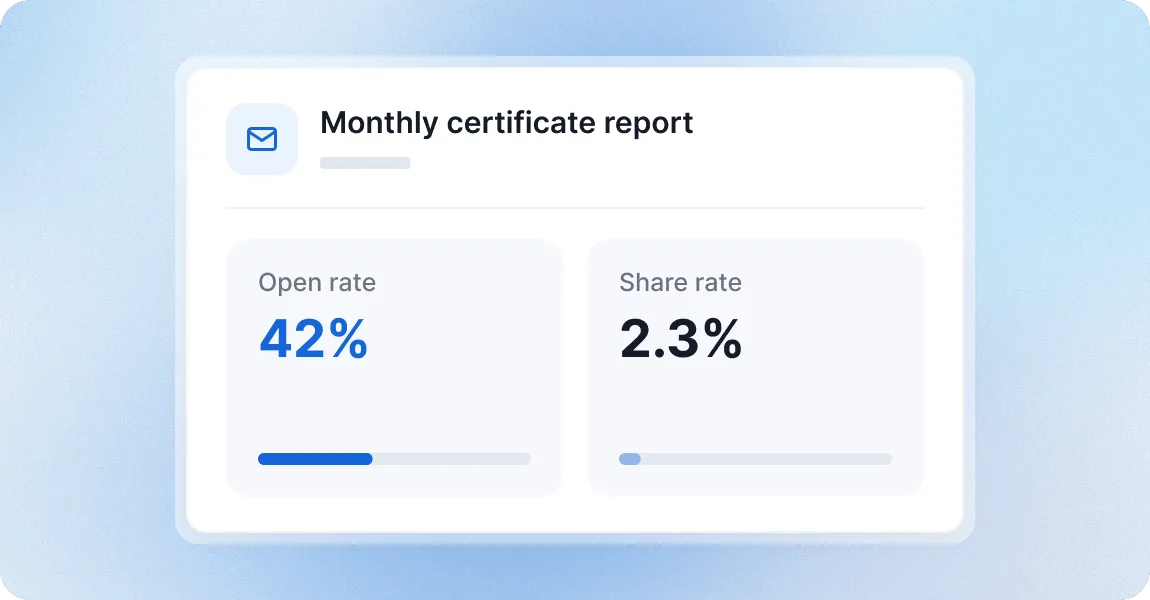
Get your open and share rates by email every month
Get a monthly email summary of credentials issued, open and share rates, views beyond recipients, and expired credentials.
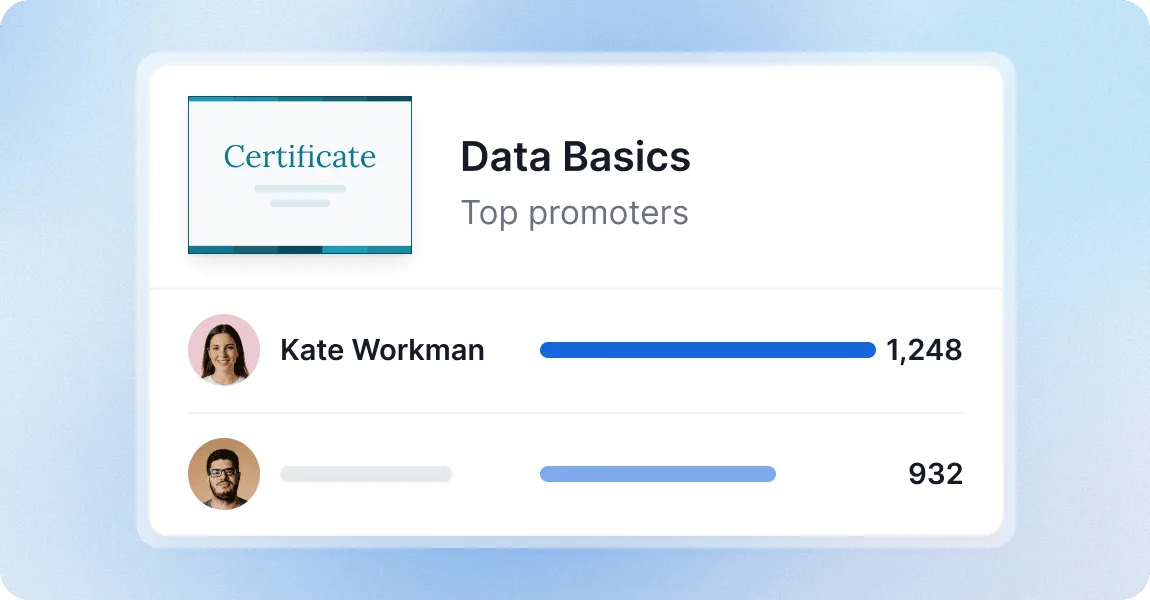
Find who promotes your certification program the most
Top Promoters shows whose credentials got the most views from other people, and where they shared them. Find potential brand ambassadors to reward them.
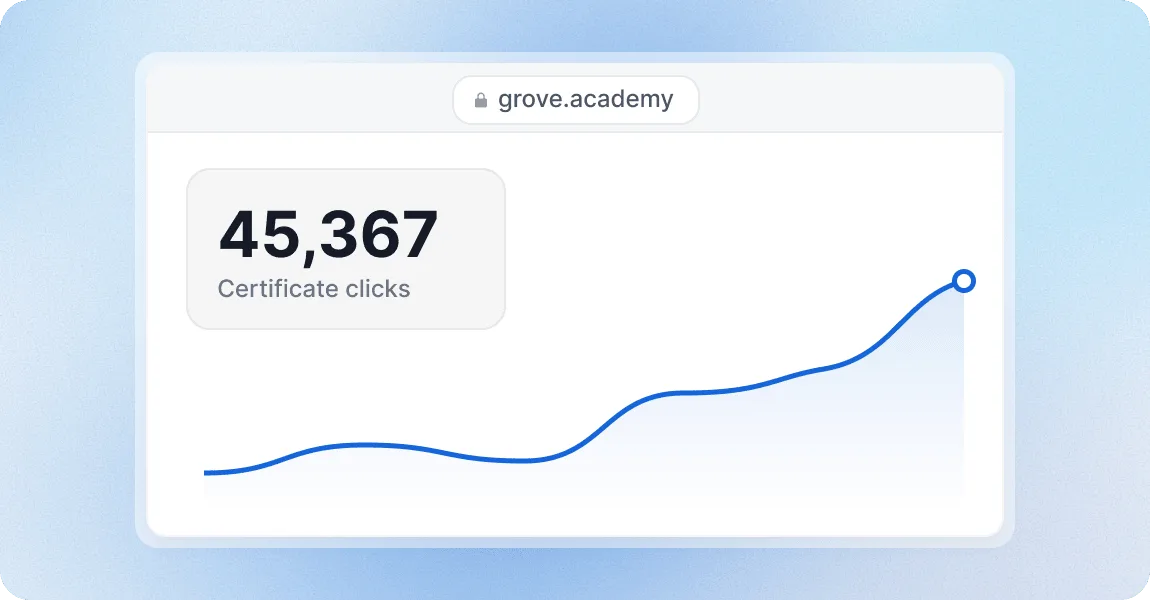
See the traffic your certificates and badges send to your website
Marketing Insights shows how many people viewed, clicked, and verified your credentials so your marketing team can measure brand awareness after sharing.
Track credentials with a platform teams trust
G2 recognized Certifier as 2026 Leader in digital certificate and badge management for all teams.
Best for Enterprise
Best for Mid-Market
Best for Small Businesses