Email delivery

Send bulk credentials from your email address

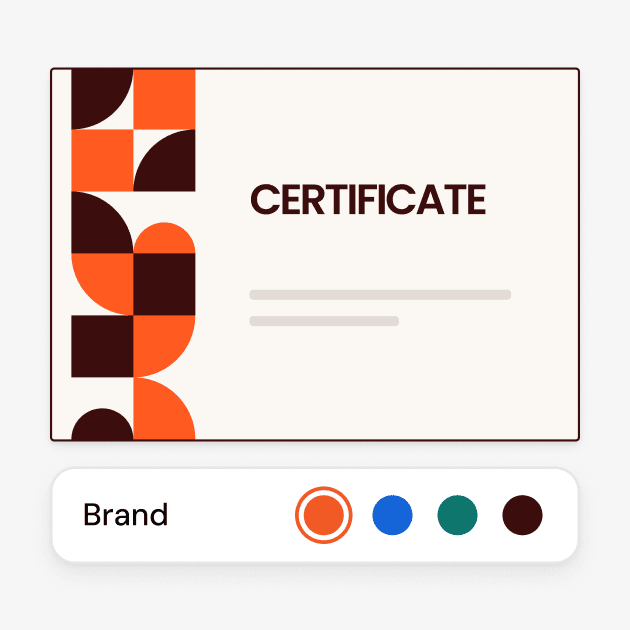
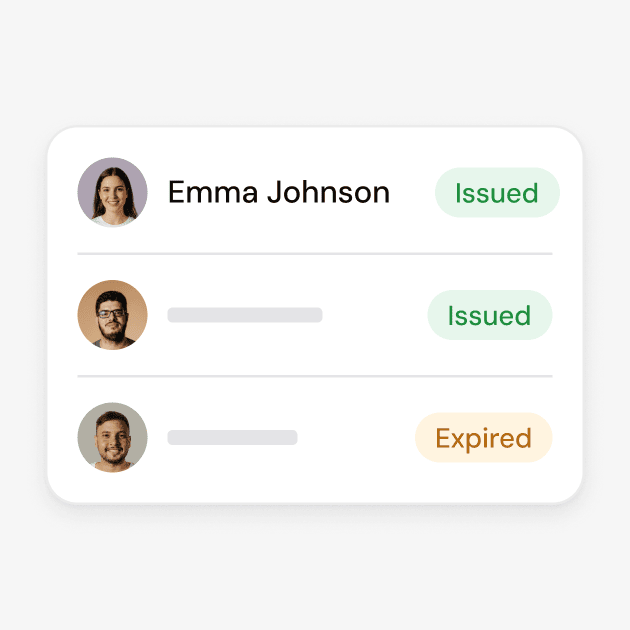
Send certificates and badges in bulk using a spreadsheet, connected systems, or forms. Personalize each email, track delivery and opens, resend credentials in one click, and automate reminders for recipients.

Connect tools
Send bulk credentials from your email address

2,000+ organizations and institutions use Certifier

ElevenLabs

ElevenLabs powers its conversational AI partner certification program with Certifier.

View credentials arrow right

The Economist

The Economist uses Certifier to award 2,000+ certificates for courses in AI and critical thinking.

View credentials arrow right


Sender details

Help keep certificate emails out of spam

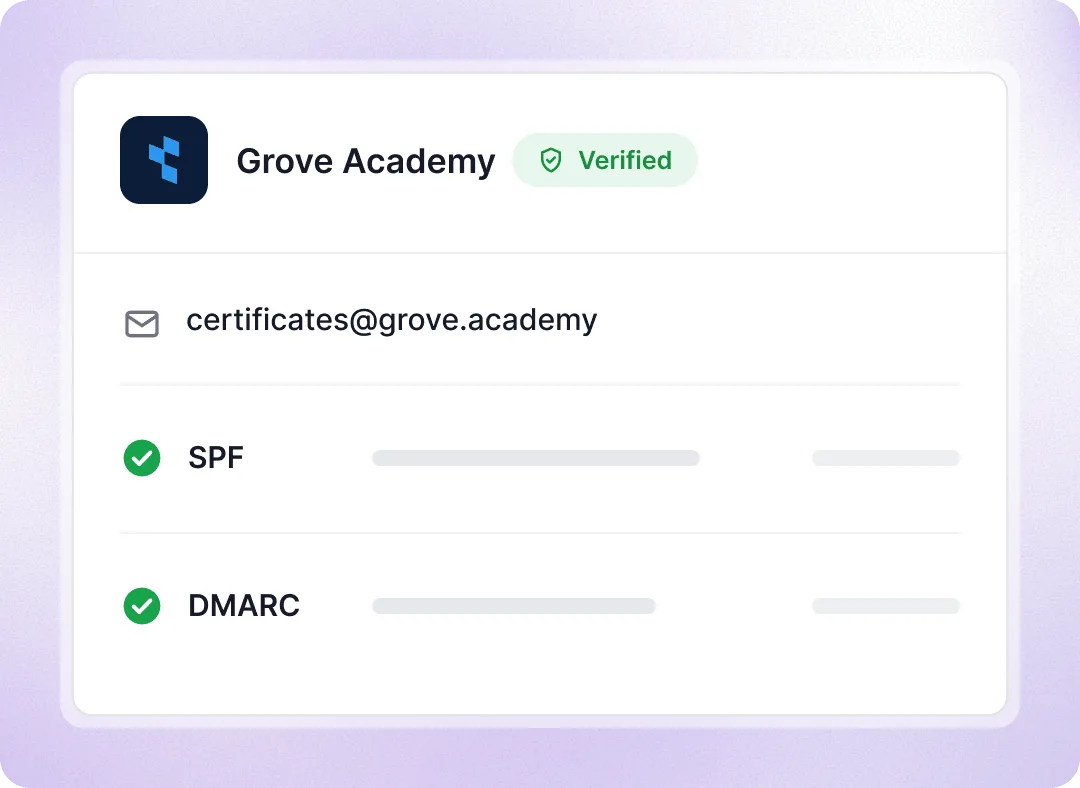
Send certificate emails from your own domain, so recipients recognize your organization as the sender. Set up SPF and DMARC with guided DNS settings to improve deliverability and reduce spam risks, even for large batches.

  • Set a reply-to address to contact your team

  • CC or BCC managers on every email

  • Use different sender addresses for each program
Help keep certificate emails out of spam

Email templates

Customize the email with your logo and brand colors

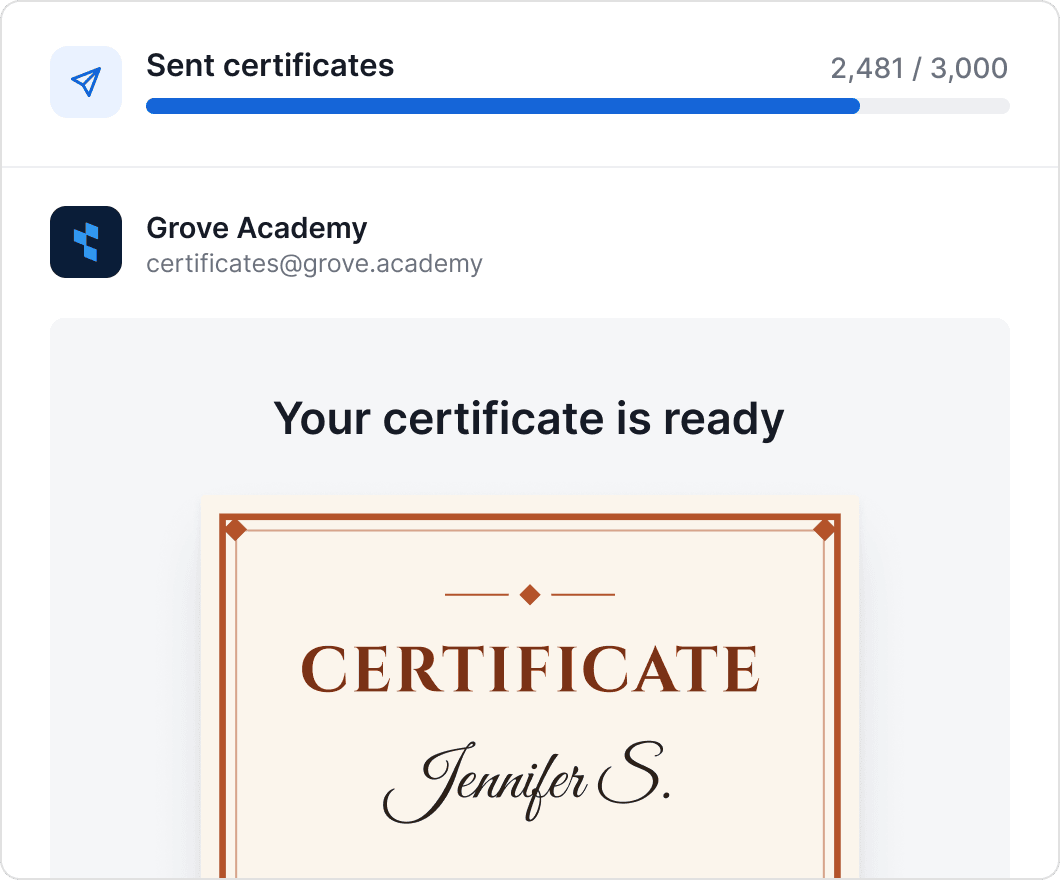
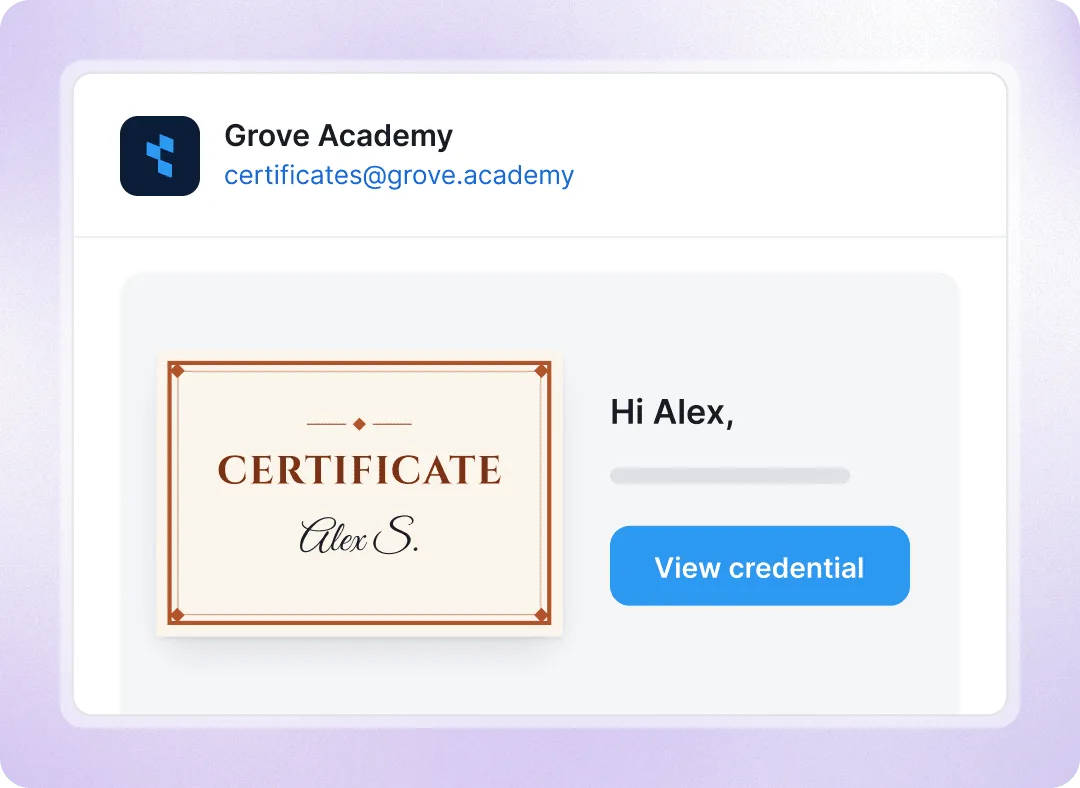
Build the email in a visual editor: subject line, text, logo, colors and buttons. Insert the recipient’s name, or a custom field such as CPD hours. Keep one default for every program, or give a course, a conference badge or a Spanish-language version its own template.
Customize the email with your logo and brand colors

Delivery tracking

See who received and opened the email, then resend in one click

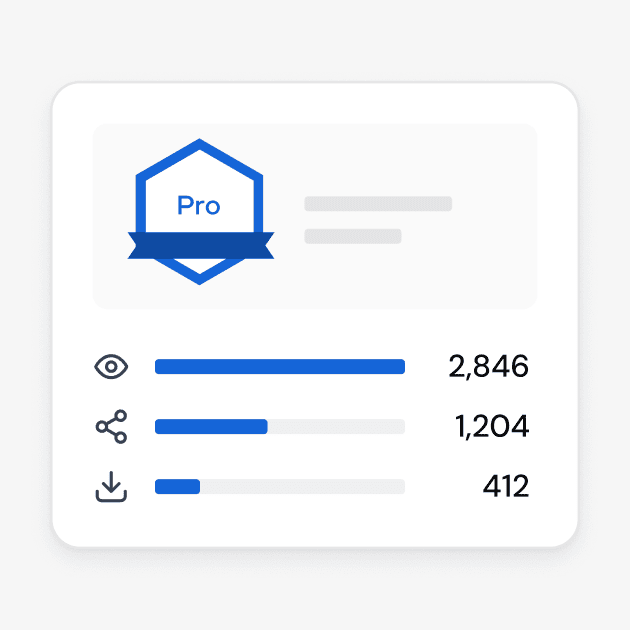
Track whether certificate emails are delivered, opened, or bounced, including bounce reasons. Filter recipients by email status, correct addresses, and resend individually or in bulk. Resends don't count toward your limit.

  • View email history for every issued credential

  • Find unopened certificates and resend them in bulk

  • Export delivery, bounce, and open statuses
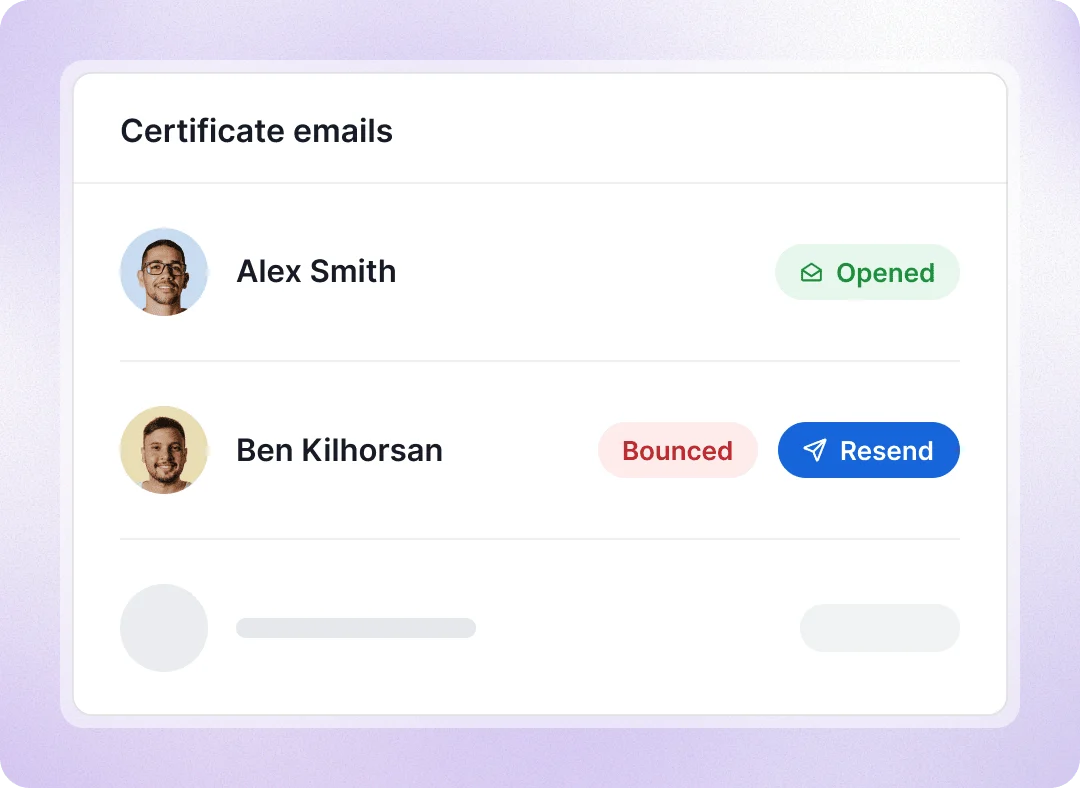
See who received and opened the email, then resend in one click

Email Automations

Send automatic credential reminders and follow-ups

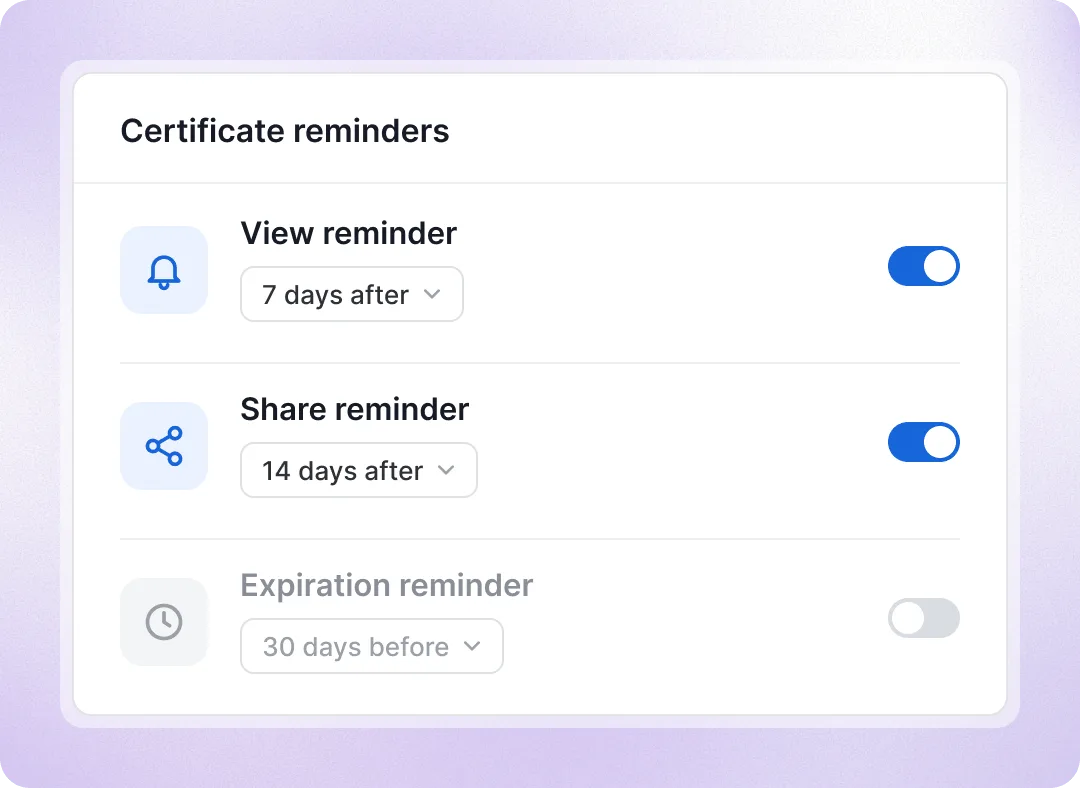
Automatically remind recipients to view or share their certificates and badges, and notify them when credentials are expiring or have expired. Use built-in workflows or set up custom email sequences with our team.

  • Set reminder timing for each program

  • Customize reminder email content

  • Track sent emails and delivery status

Send automatic credential reminders and follow-ups

Choose when and how to send credentials
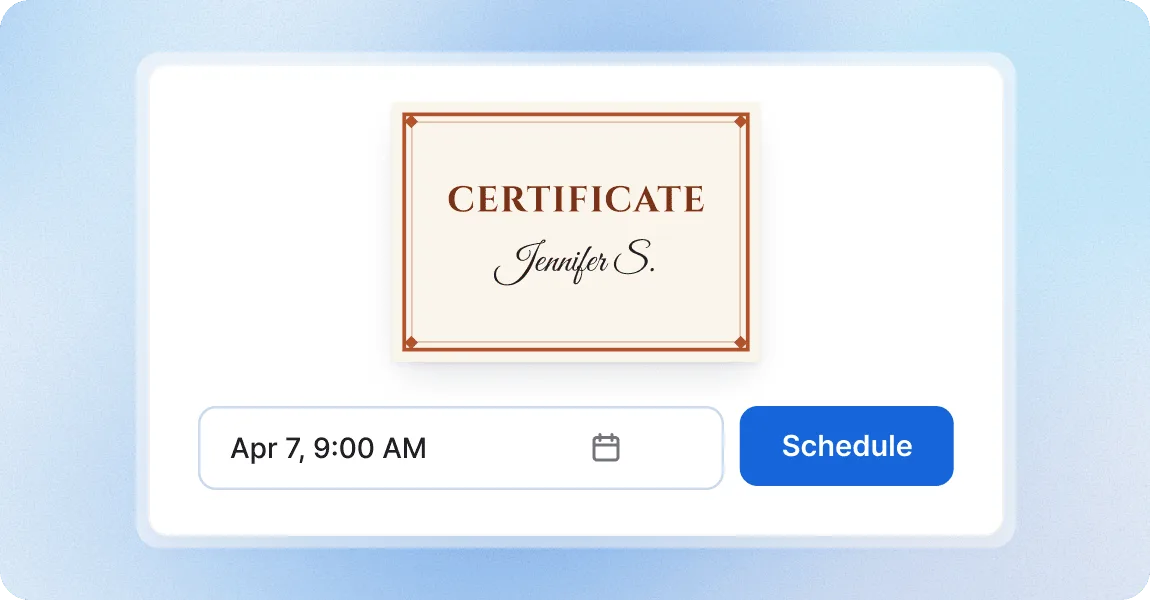
Schedule when your certificates go out

Schedule when your certificates go out

Let different members of your team prepare credentials and schedule each batch for the right day and time in your time zone. Scheduled credentials have their own status in your list, so everyone can see what’s waiting to go out.
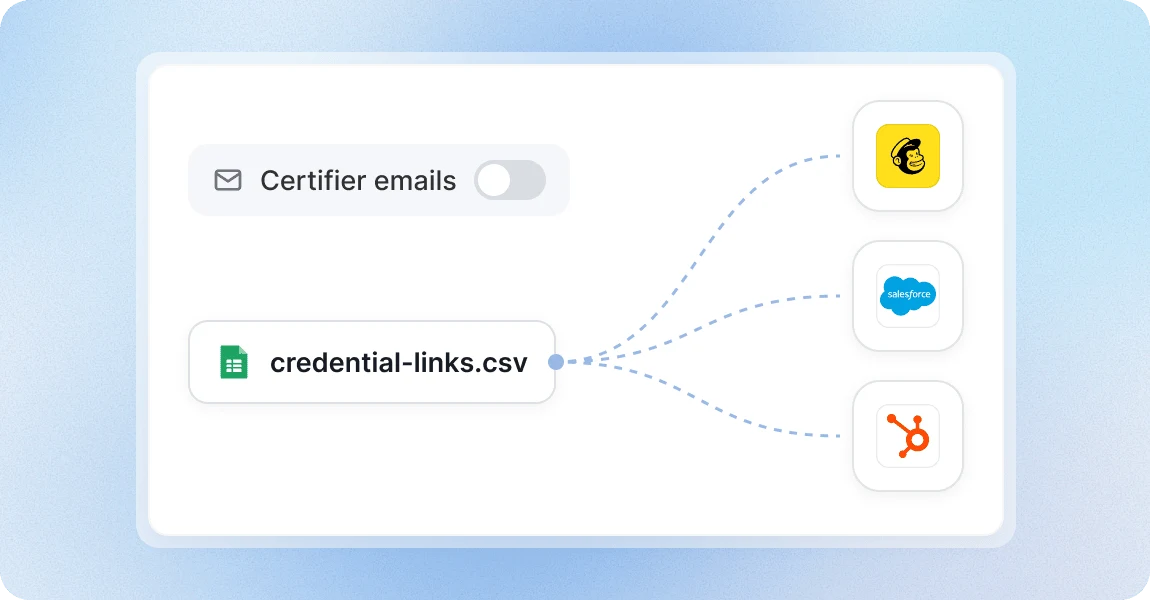
Use your own email system

Use your own email system

Send certificates and badges through Certifier or your own email system, including Mailchimp, Salesforce, HubSpot, and others. You can also export certificates in bulk to share via WhatsApp or send to trainers and managers.

Send credentials with a platform teams trust

G2 recognized Certifier as 2026 Leader in digital certificate and badge management for all teams.

  • Best for Enterprise

  • Best for Mid-Market

  • Best for Small Businesses

Your questions about sending certificates and badges

Professional, Advanced and Enterprise let you personalize email content, branding and sender details. You can send credential emails on every plan, including Free. Starter uses no-reply@certifier.io and Certifier’s system template, with delivery tracking, resending and issuing without email included. Professional adds one custom sender with reply-to, CC and BCC, scheduling and Email Automations settings. Advanced adds multiple senders for different programs or departments.
Not necessarily. We provide step-by-step instructions you can follow if you have access to your domain’s DNS settings, or send to your IT, technical or security team. Your sender address must use a domain you control; verify it using Certifier’s email link. For strict DMARC policies, add the two DNS records (MX and TXT) Certifier provides. Adding them usually takes minutes and leaves your existing mail setup unchanged, though DNS changes can take up to 72 hours to propagate.
We use a link by default to keep bulk emails lightweight, as large attachments can affect deliverability. Recipients open their credential page to download a PDF or PNG, add it to LinkedIn or share it without creating an account. Corrections stay up to date on the page, and you can attach supporting PDFs such as syllabi or policies there. You can also send the certificate as a PDF attachment; contact your Certifier representative and we’ll help you set it up.
Yes. If you prefer to keep all your email communication in one system, send your credential emails from there too. Use HubSpot, Salesforce, Zapier, your LMS or the API to issue credentials, skip Certifier’s delivery email, and pass the credential links to your email tool through CSV export, the API or webhooks. Emails sent outside Certifier aren’t tracked for delivery and opens; credential views and shares still are.
Yes. Turn on duplicate prevention in your credential template’s Advanced Settings. Certifier matches recipients by email address and skips anyone who already holds that credential when you upload a new spreadsheet or trigger an automation. That saves you from checking lists manually and keeps recipients from receiving duplicate emails. Recipients without an email address can’t be matched.
Each credential sends its own email. If a program awards a certificate and a badge together, attach both designs to one credential template: the recipient gets one email and one page, and you use one credential.
Yes. Export the PDFs or credential links and send them to the trainer, manager or other contact who needs the full batch. You can issue the credentials without sending individual emails from Certifier.
No. A credential counts toward your limit when it is issued. Resending the delivery email, automatic reminders, sending a test email to yourself, saving drafts, and scheduling credentials that haven’t gone out yet don’t count toward it.
Yes. Alongside the built-in Email Automations, we can help you set up custom email campaigns and sequences. We keep adding new workflows. Reach out to your contact at Certifier to discuss your process and get help setting up the workflow you need.