Digital wallet cards
Issue certificates to Apple and Google Wallet
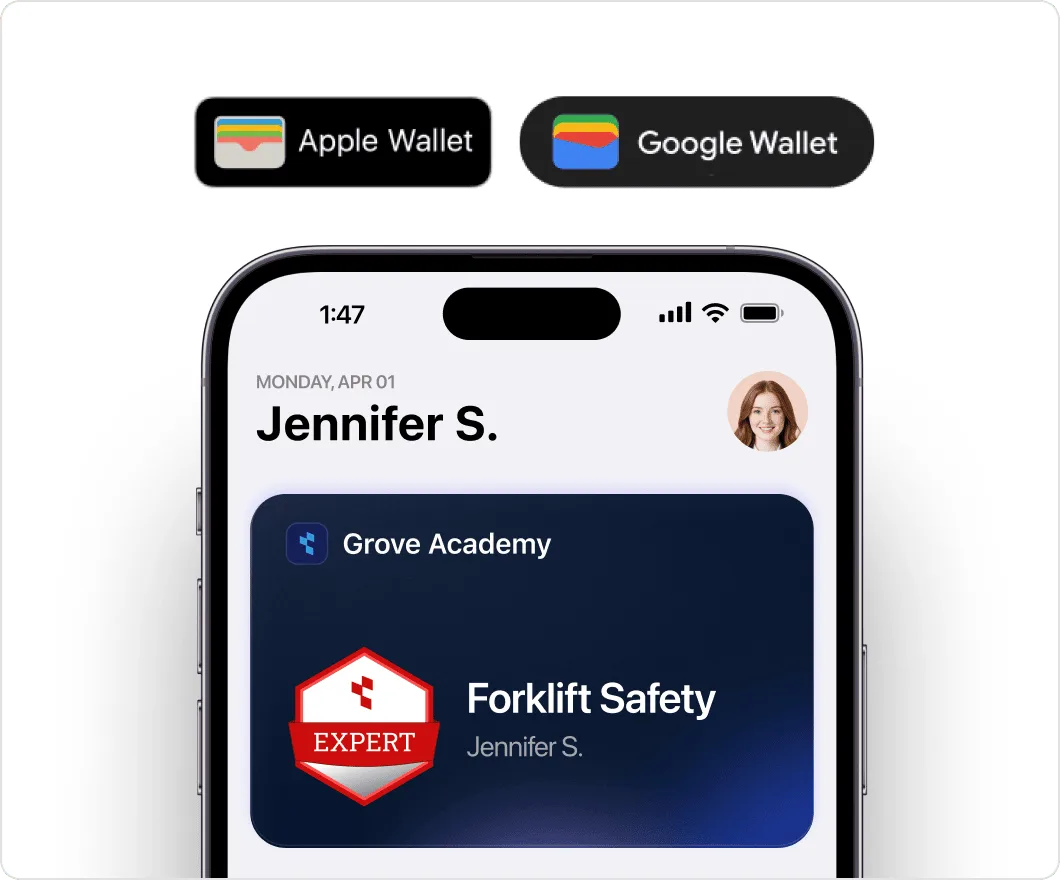
Give recipients a certificate or badge they can pull up on their phone. With a card in Apple Wallet or Google Wallet, they can show proof of their training or membership whenever someone asks.


2,000+ organizations and institutions use Certifier






ElevenLabs
ElevenLabs powers its conversational AI partner certification program with Certifier.
View credentials





The Economist
The Economist uses Certifier to award 2,000+ certificates for courses in AI and critical thinking.
View credentials

QR code verification
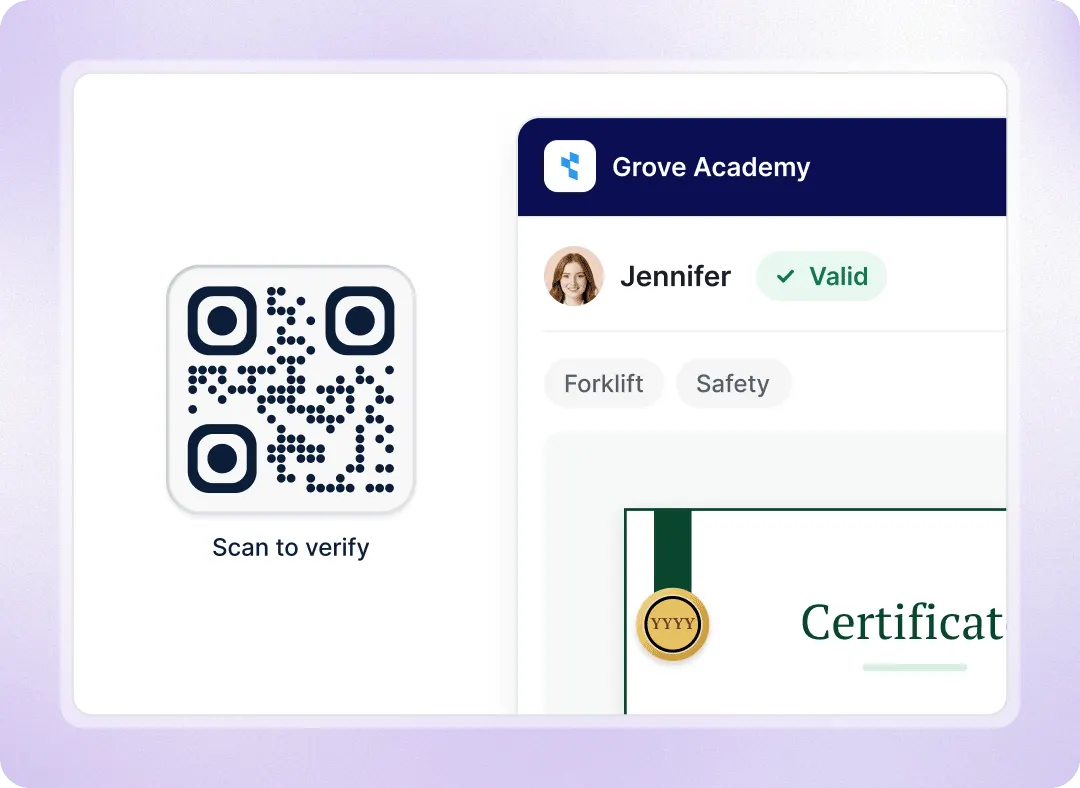
Scan the wallet card to verify the certificate you issued
When an employer, inspector or site supervisor asks whether a certificate is valid, they can scan the QR code on the Apple Wallet or Google Wallet card with their phone camera. No app or account is needed.
Check the recipient and issuer
Confirm the certificate is authentic
See if the certificate has expired
See the skills and earning criteria behind it
Add to Wallet
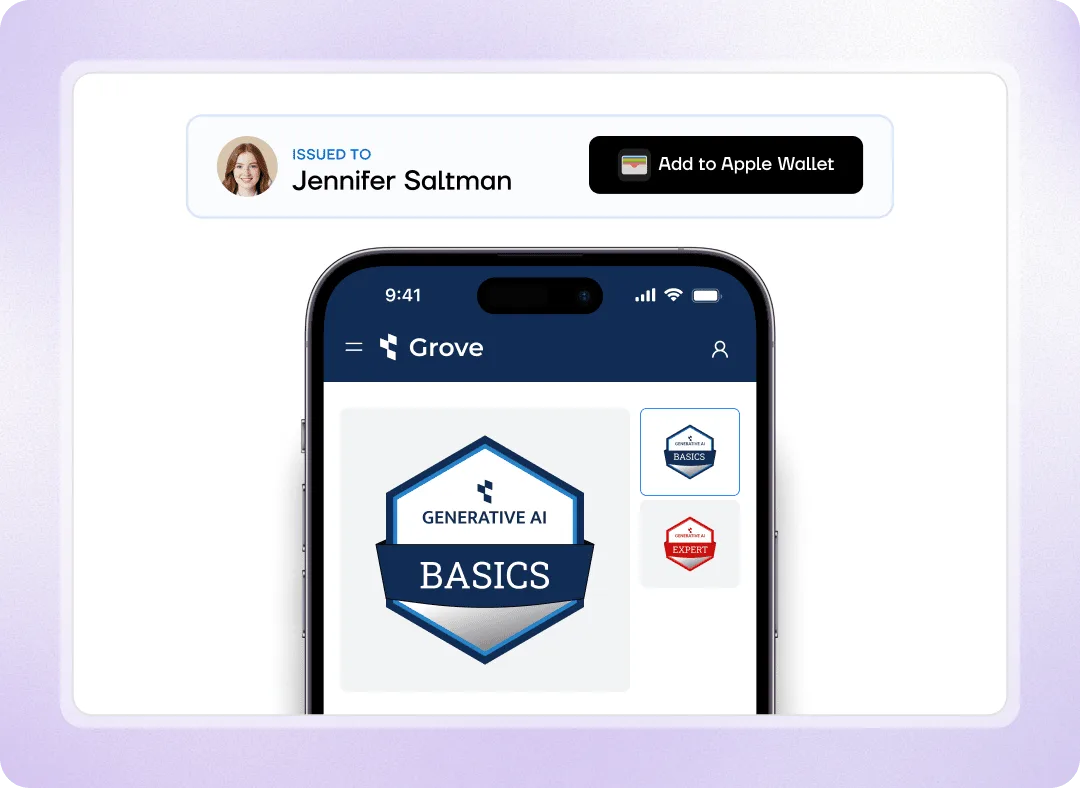
Add the card from the email with one click
Recipients open the credential from their email on a phone and tap Add to Wallet on the credential page. They don’t need to log in or create an account. Once added, the card is ready to open in their wallet app whenever they need it.
Apple Wallet on iOS
Google Wallet on Android
All their credentials in one wallet
Share a certificate from the wallet app
Branded wallet cards
Put your brand on every mobile wallet card
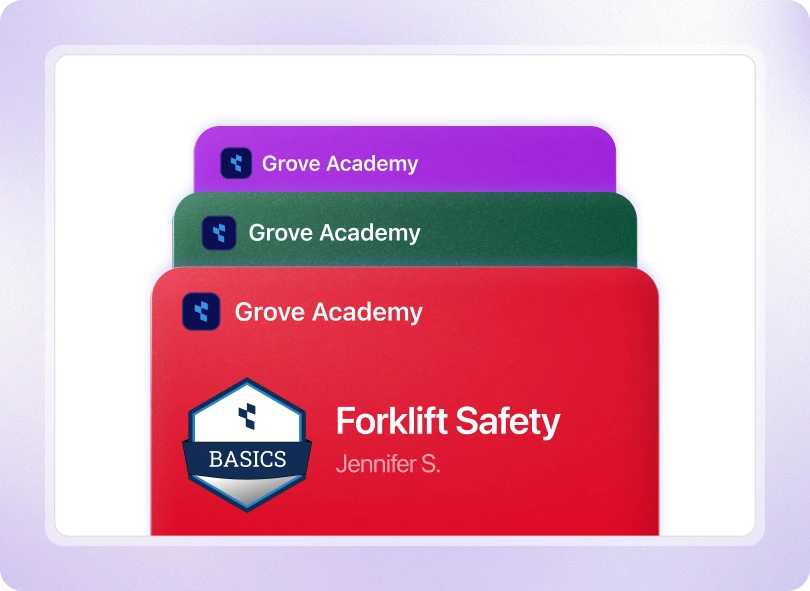
Each card uses the native Apple Wallet or Google Wallet layout with your branding. Its QR code opens your branded credential page, on your custom domain if you use one, so recipients and verifiers see your brand from the card to the check.
Your logo on the card
The credential name
Your primary brand color


Use wallet cards for training, membership and events
Show certificates on a job site
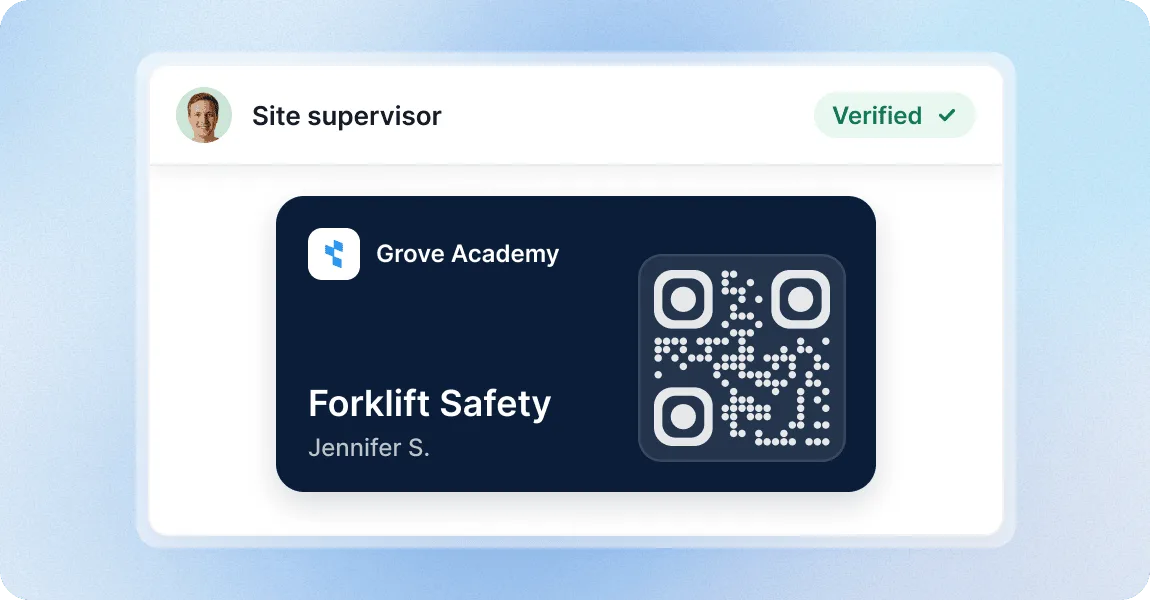
When a supervisor or auditor asks to see a certification, recipient can open the card on their phone and show what training they have completed. The QR code links to the digital credential so the supervisor can verify it.
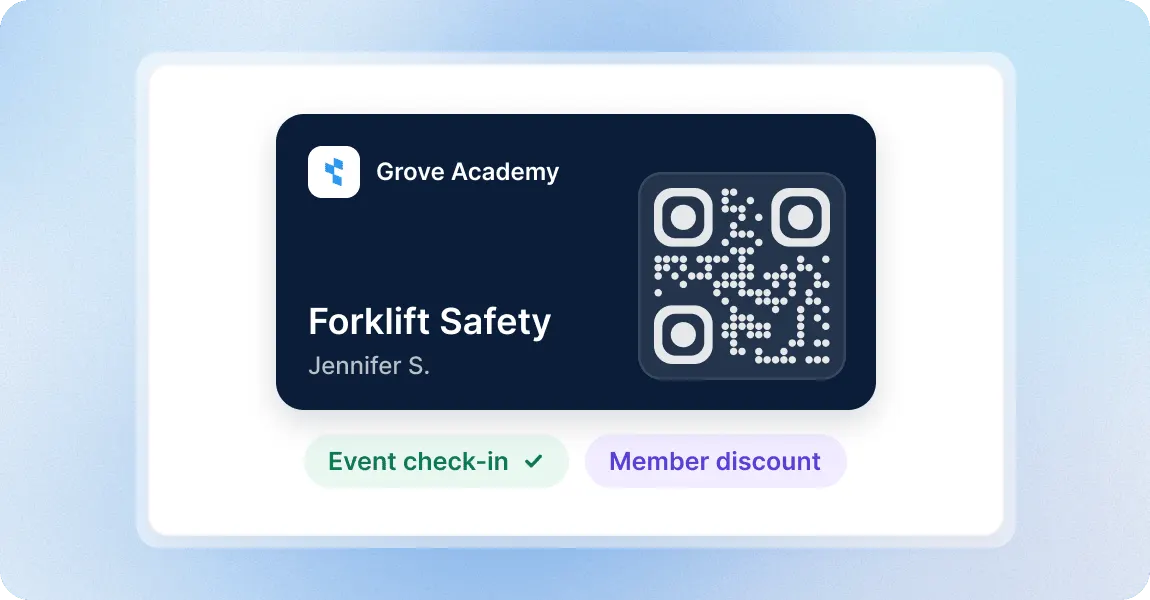
Use a membership card at events
Give members a badge they can keep in their phone’s wallet app. They can pull it up for event staff to view and scan, or show it to your partners to claim member discounts and benefits.
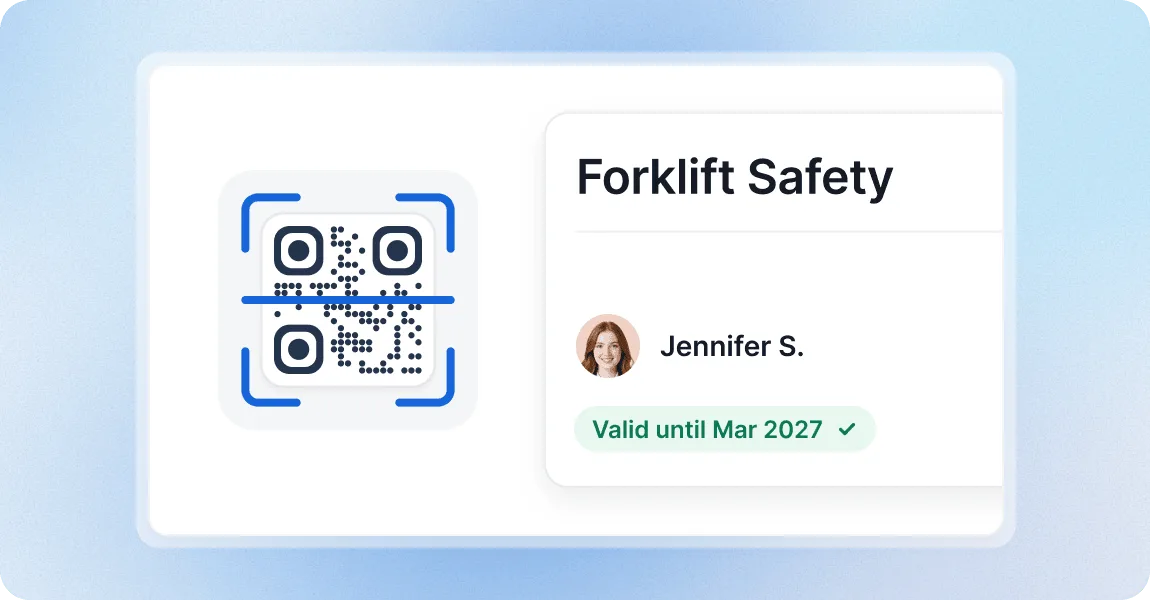
Check training before work starts
Before someone operates equipment or starts a project, a supervisor can scan their wallet card and see the training on the live credential page, including whether it is still valid.
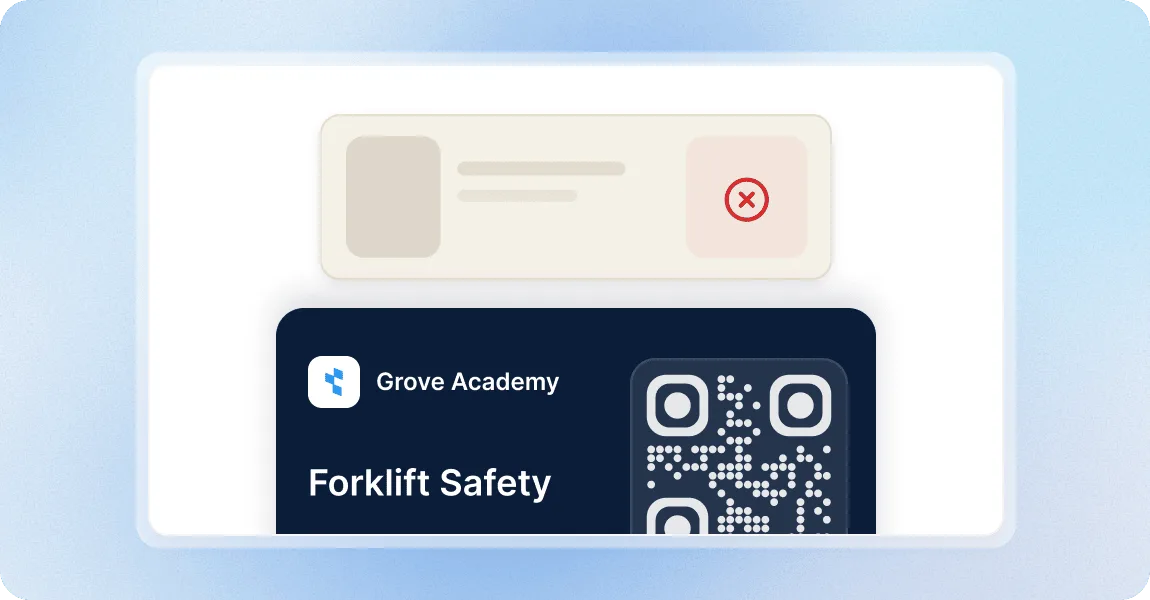
Stop printing physical cards
People always have their phone with them, but they can forget a physical card. A mobile wallet card replaces the printed, laminated wallet cards you hand out for membership and training.
Issue wallet cards with a credential platform teams trust
G2 recognized Certifier as 2026 Leader in digital certificate and badge management for all teams.
Best for Enterprise
Best for Mid-Market
Best for Small Businesses